Find your way back
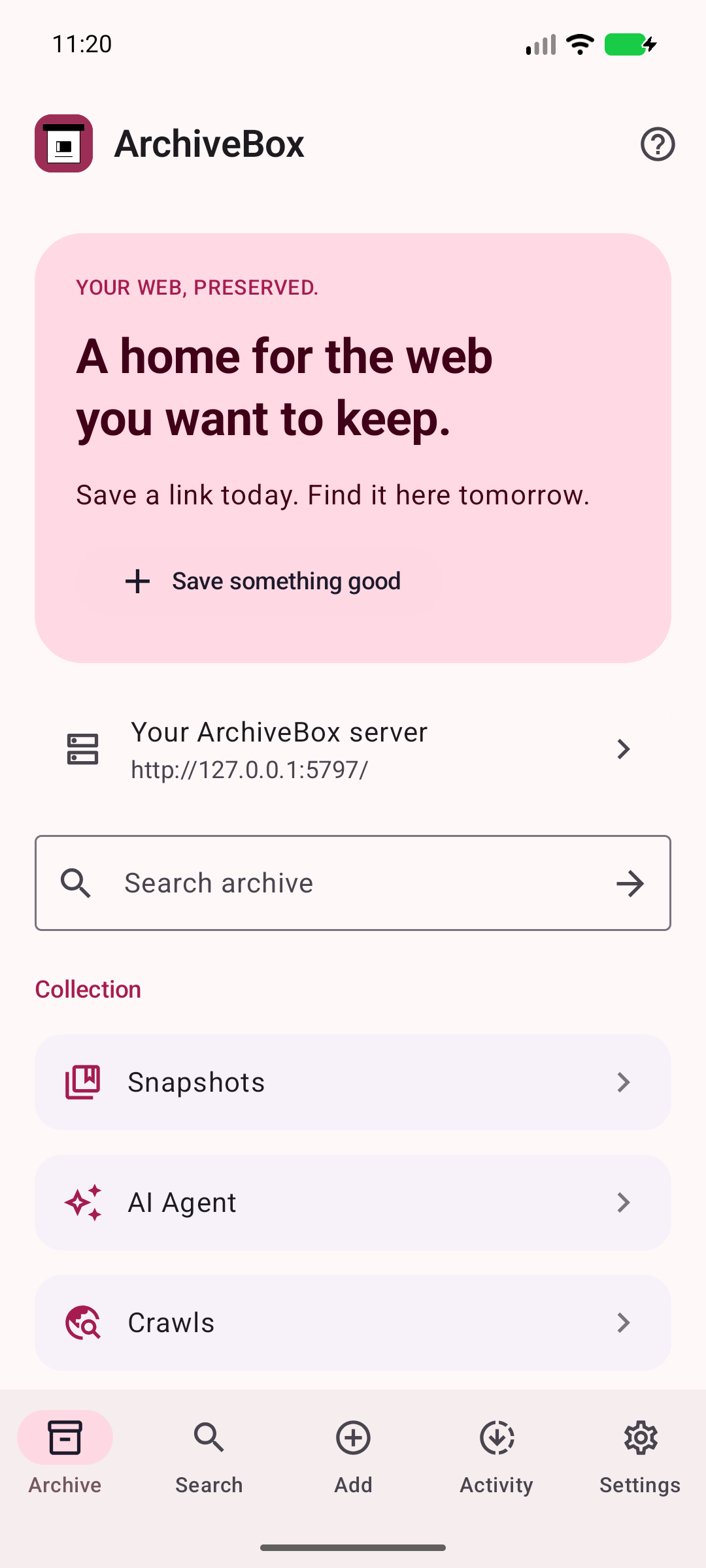
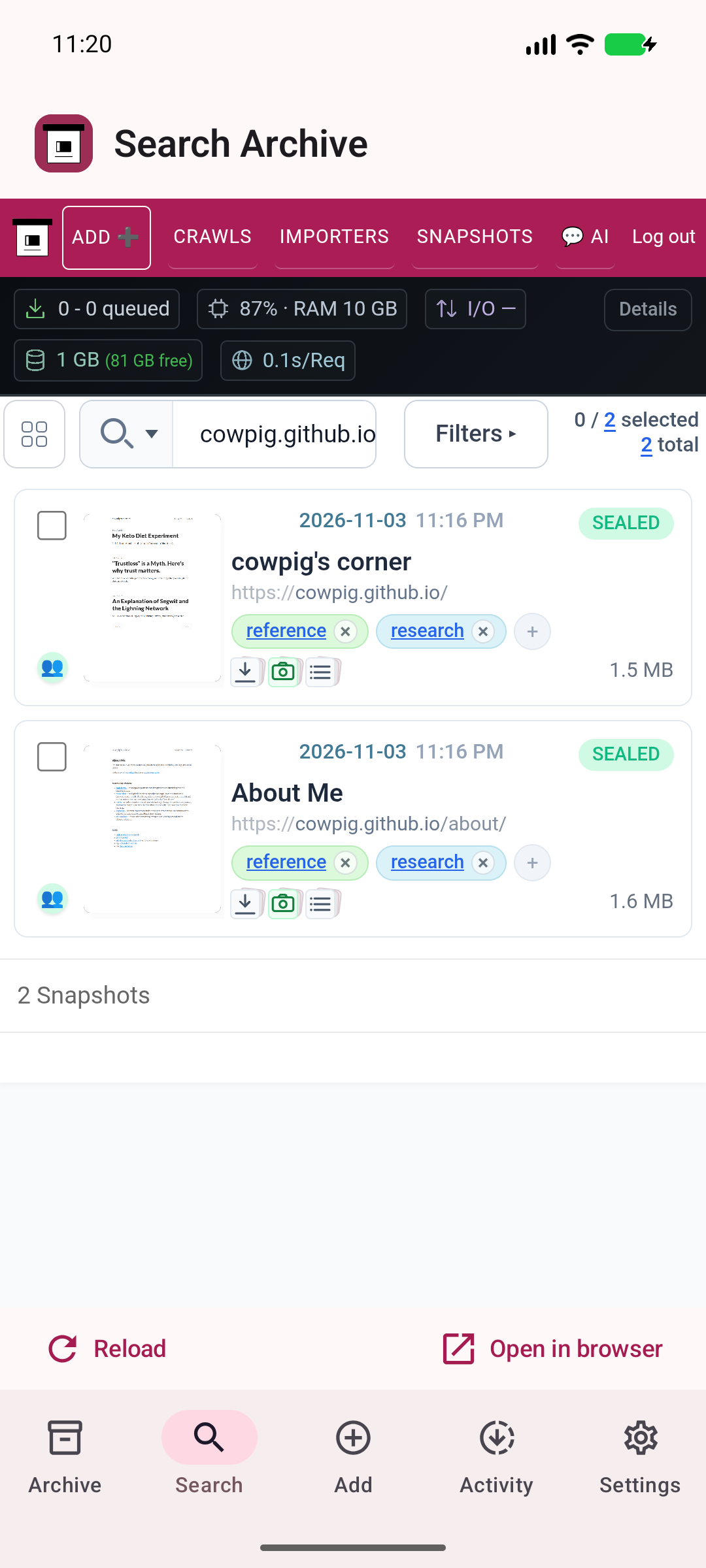
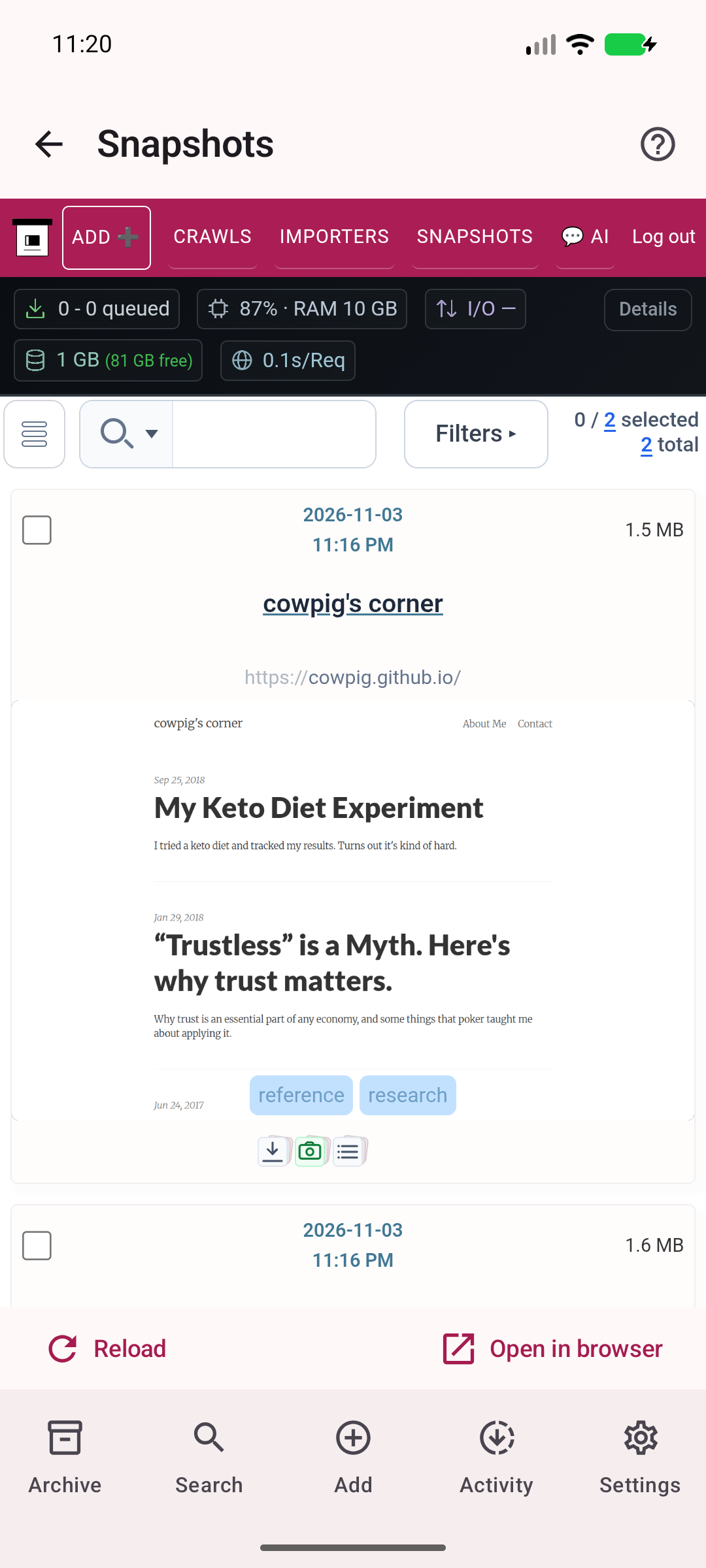
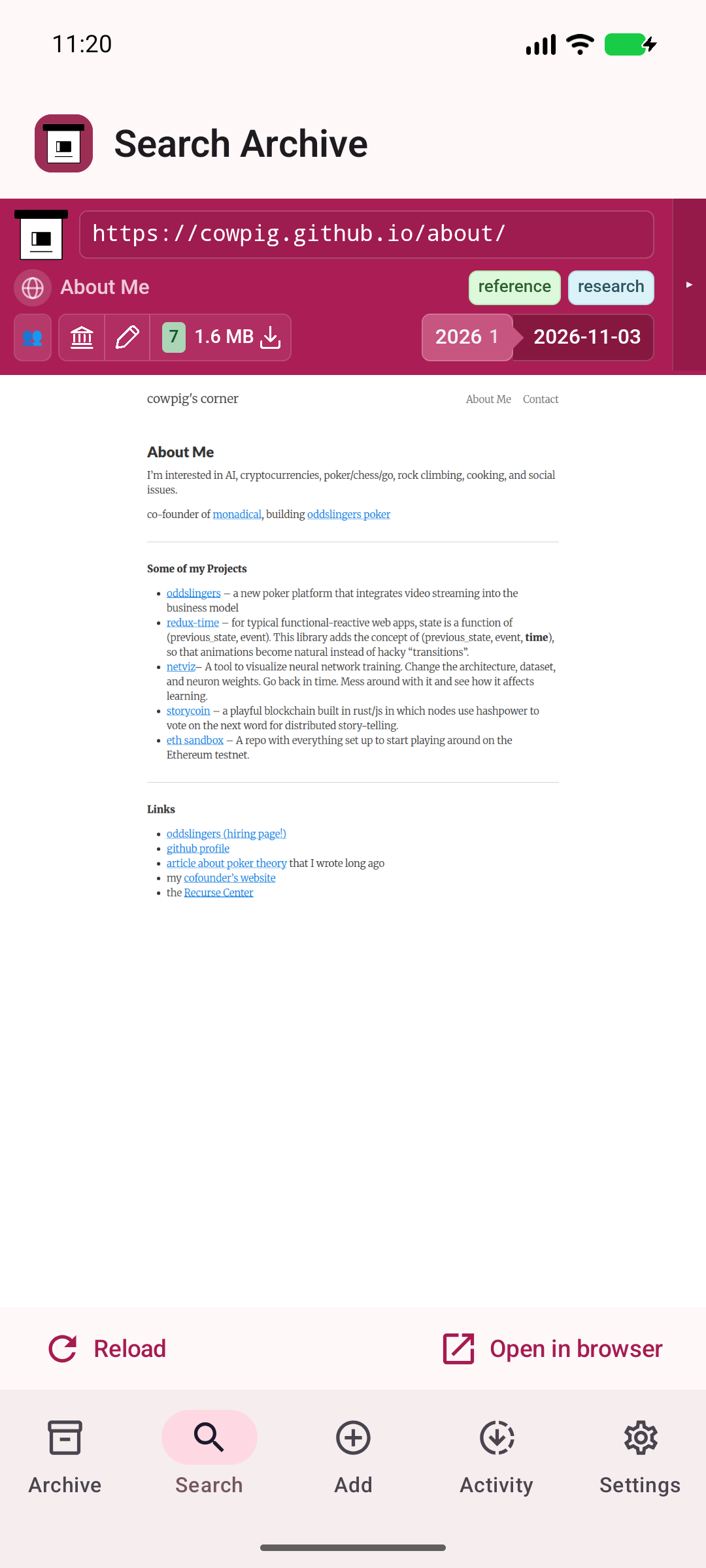
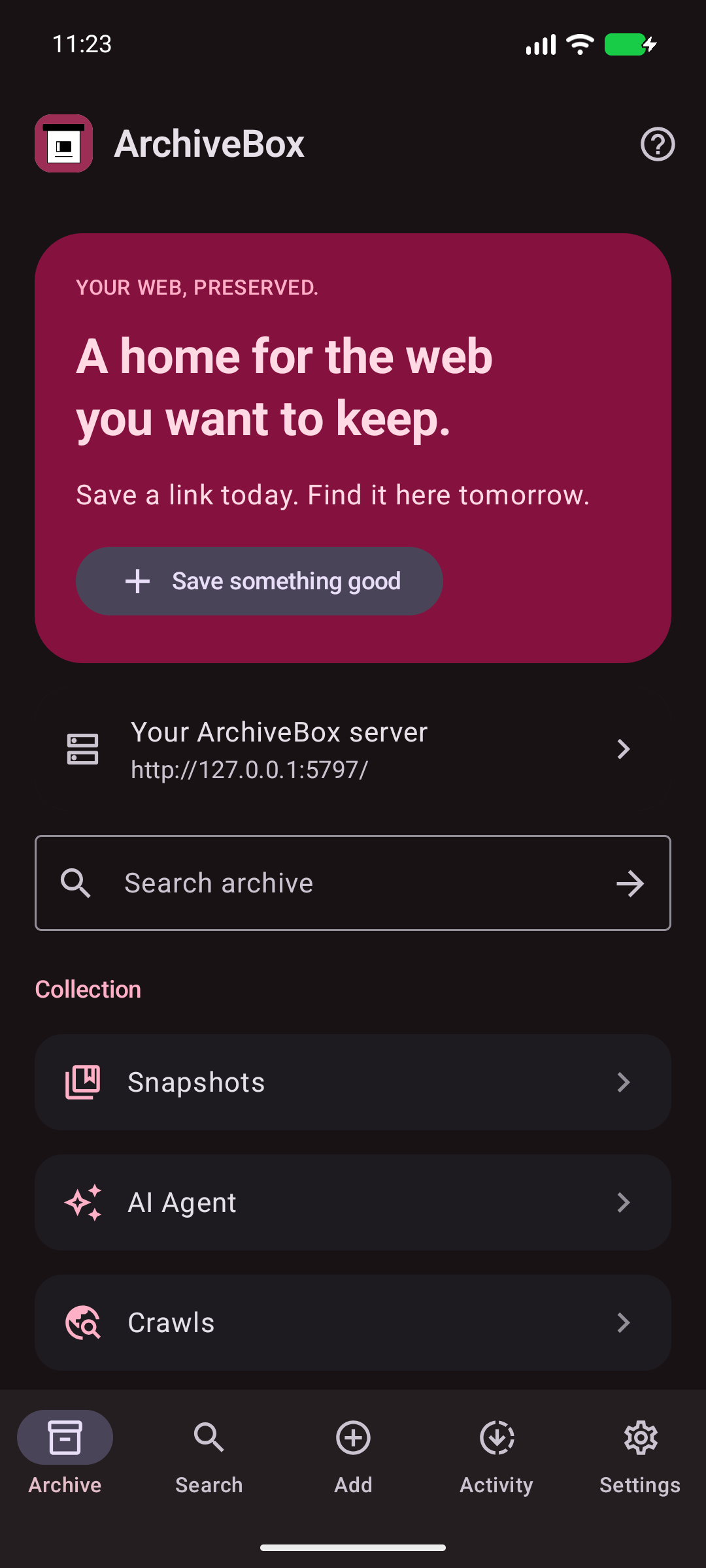
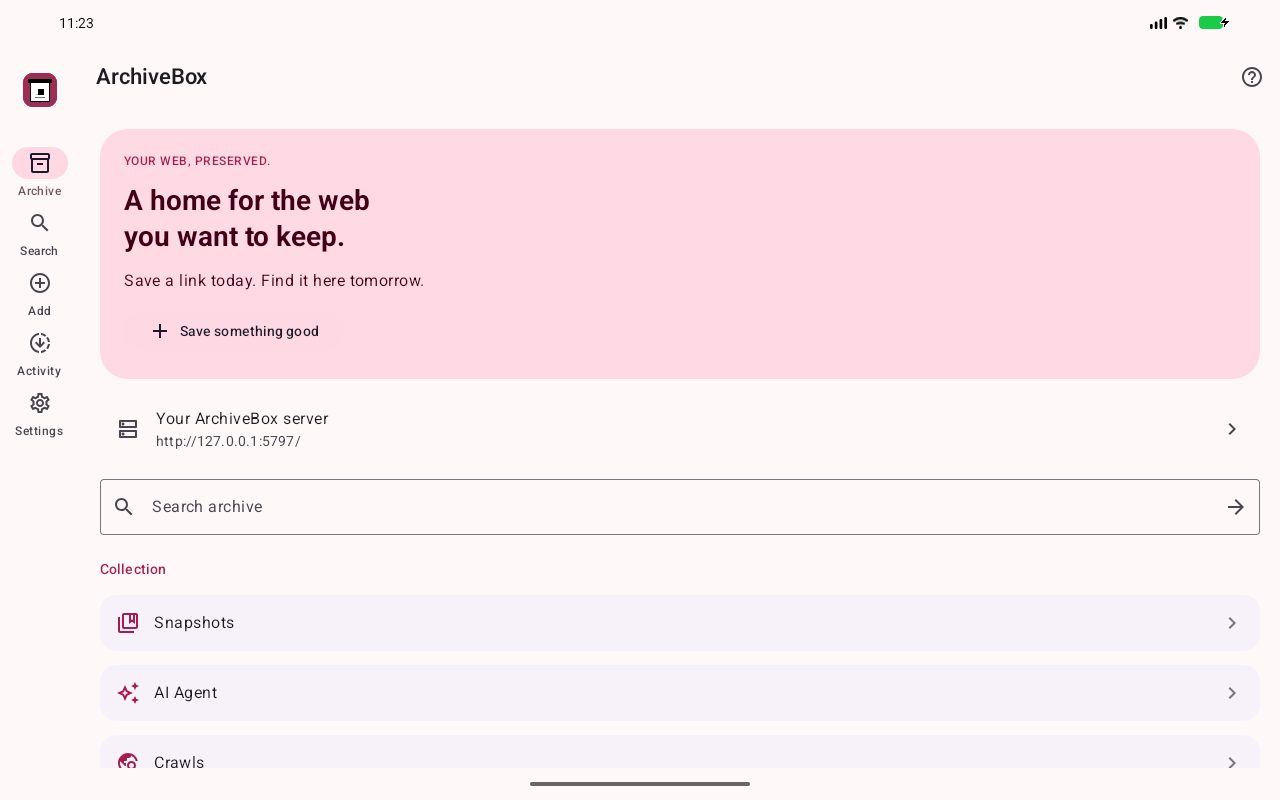
Search your saved pages, browse snapshots, and open the original or archived version when you need it.
YOUR WEB, PRESERVED.
A home for every link worth saving.
Share, search, and revisit your archive.
Now on Android.
Android 9+ · Use any server · Free & open source
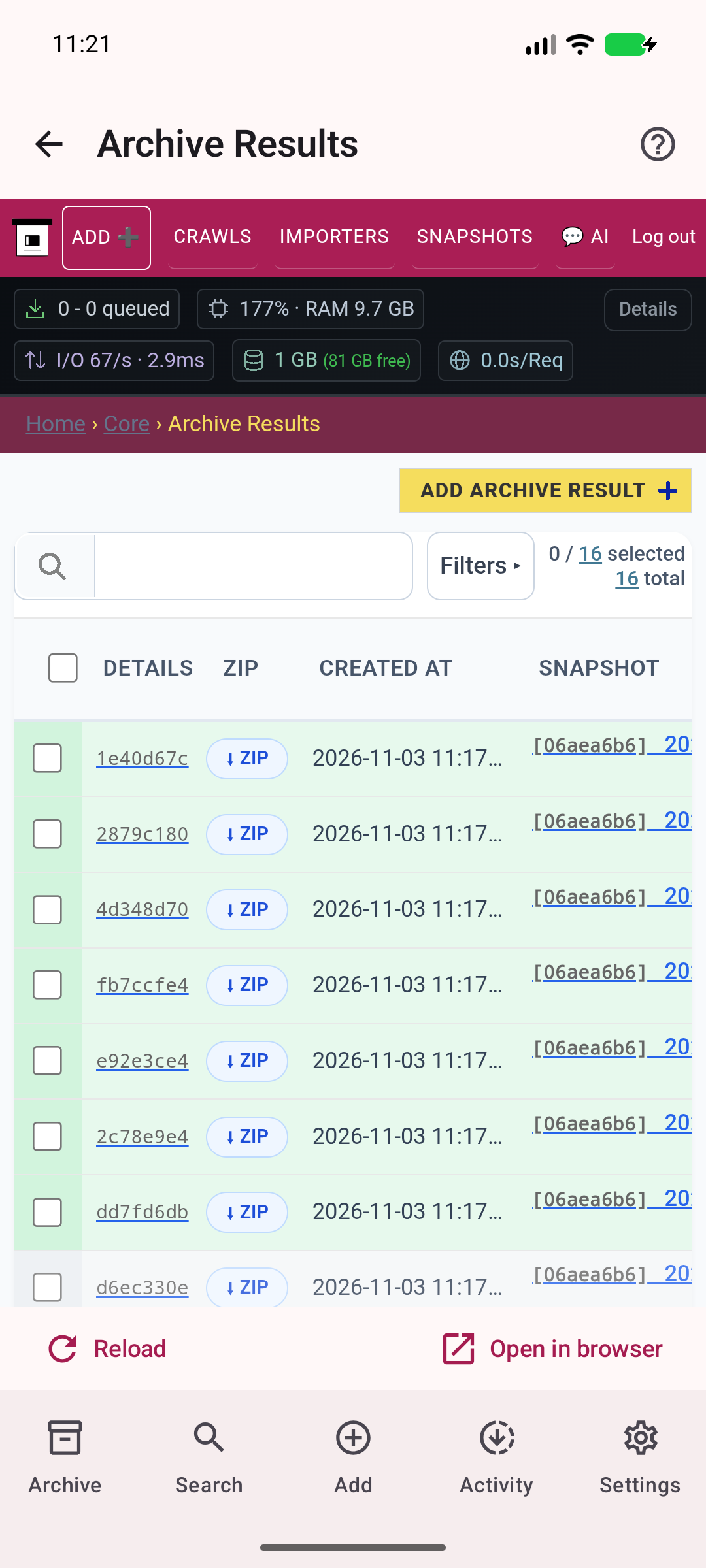
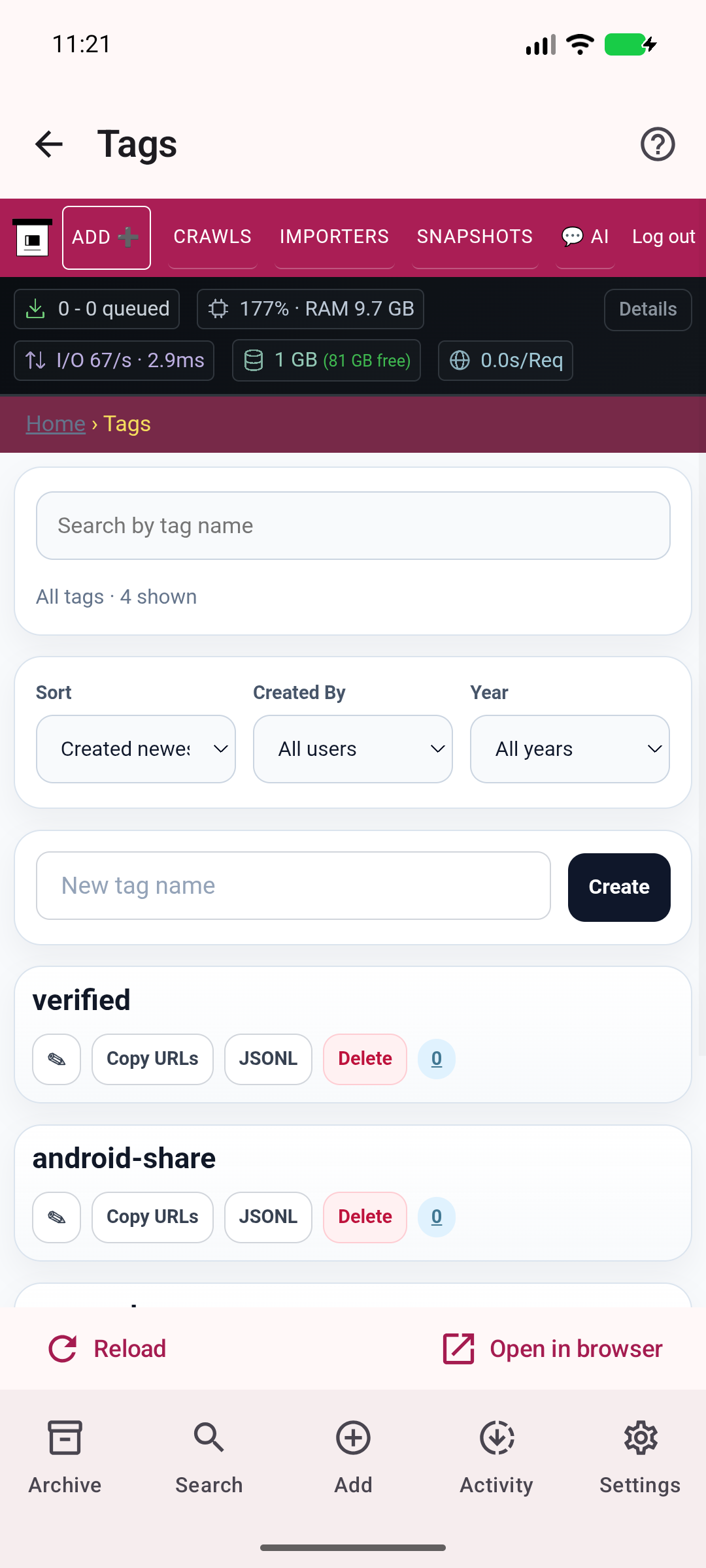
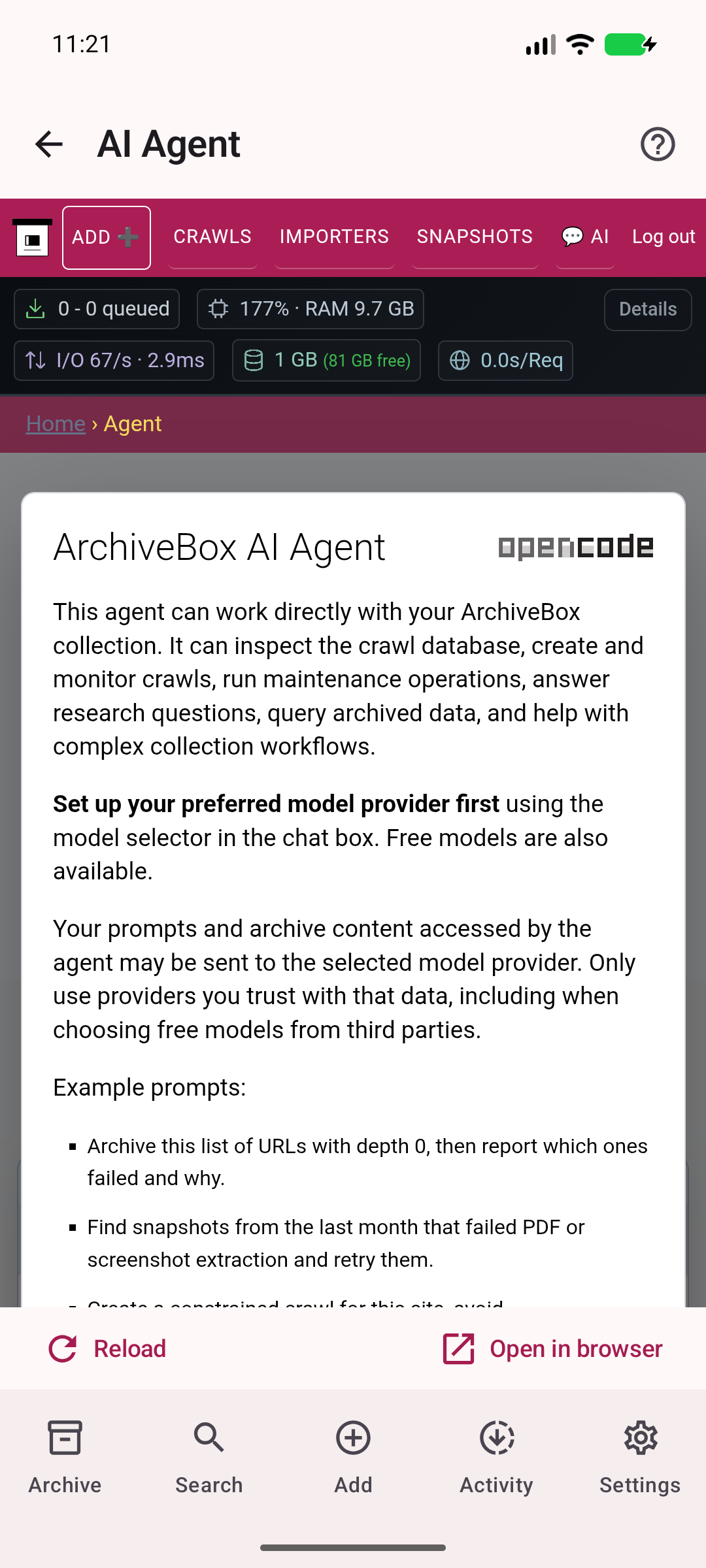
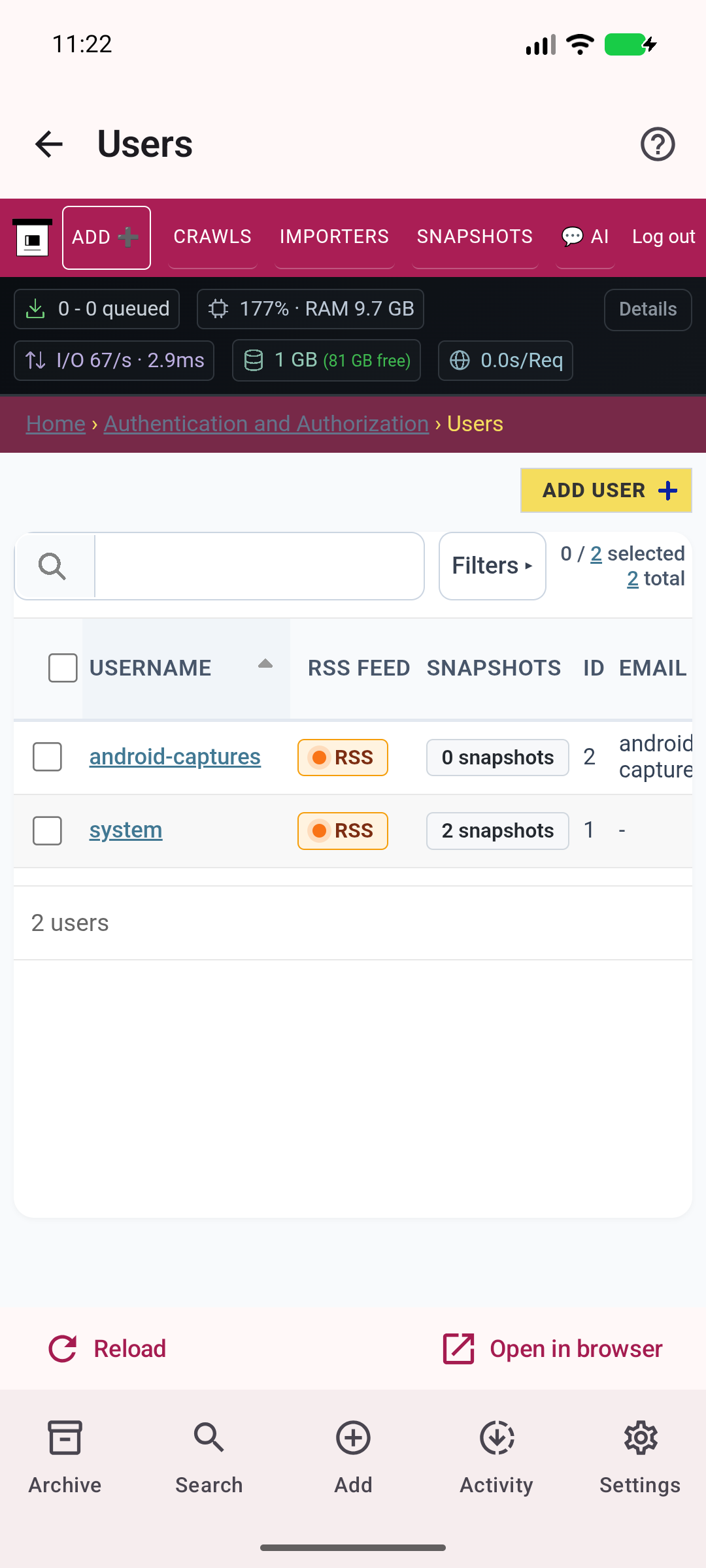
LESS FRICTION. MORE KEEPING.
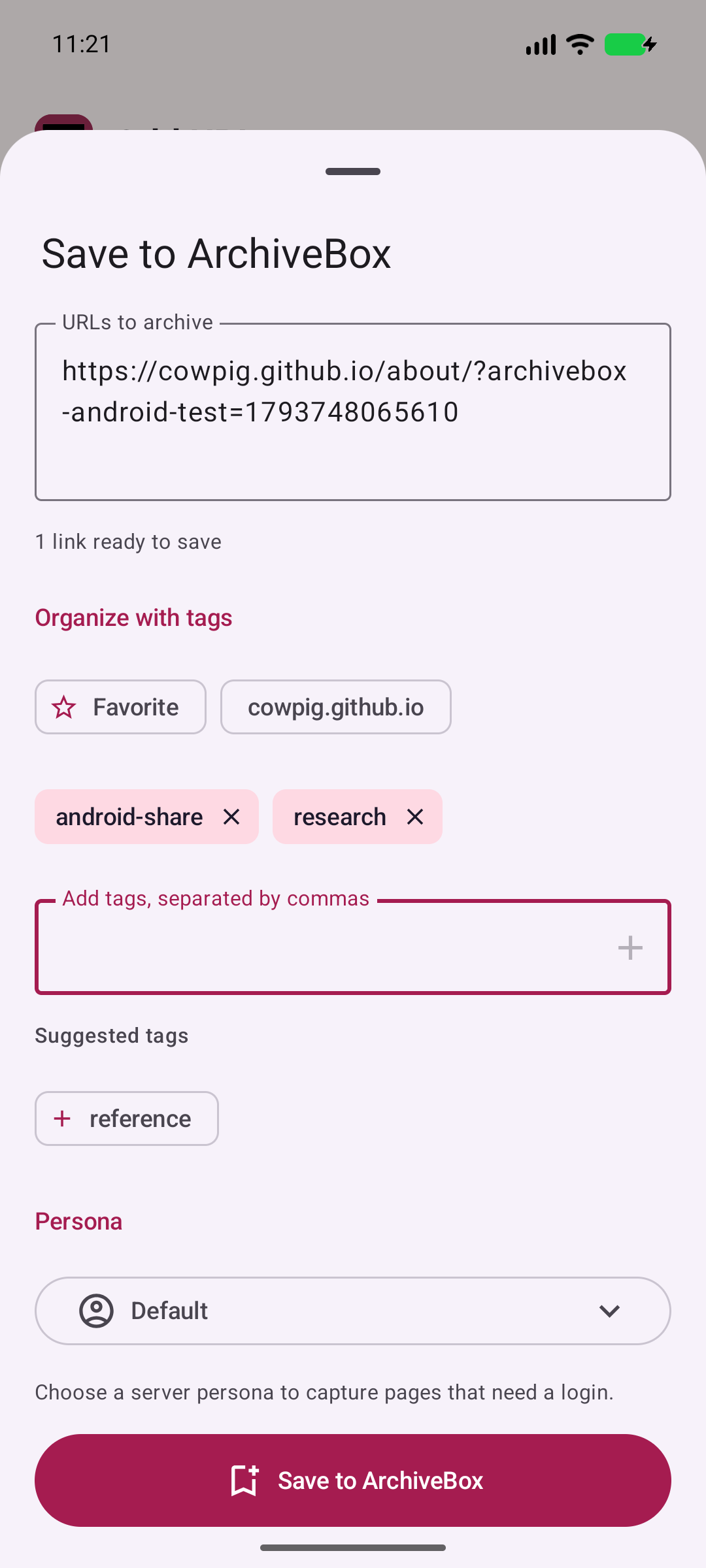
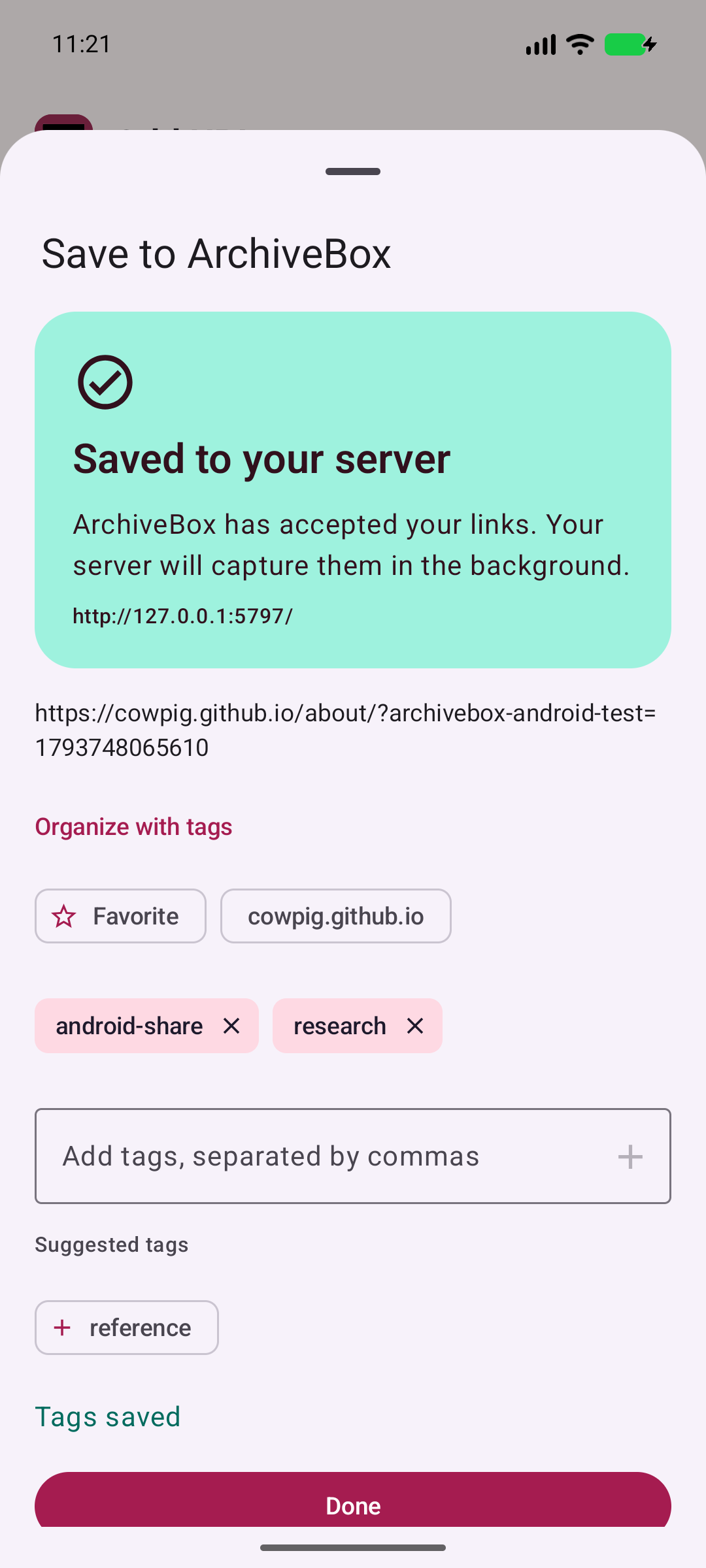
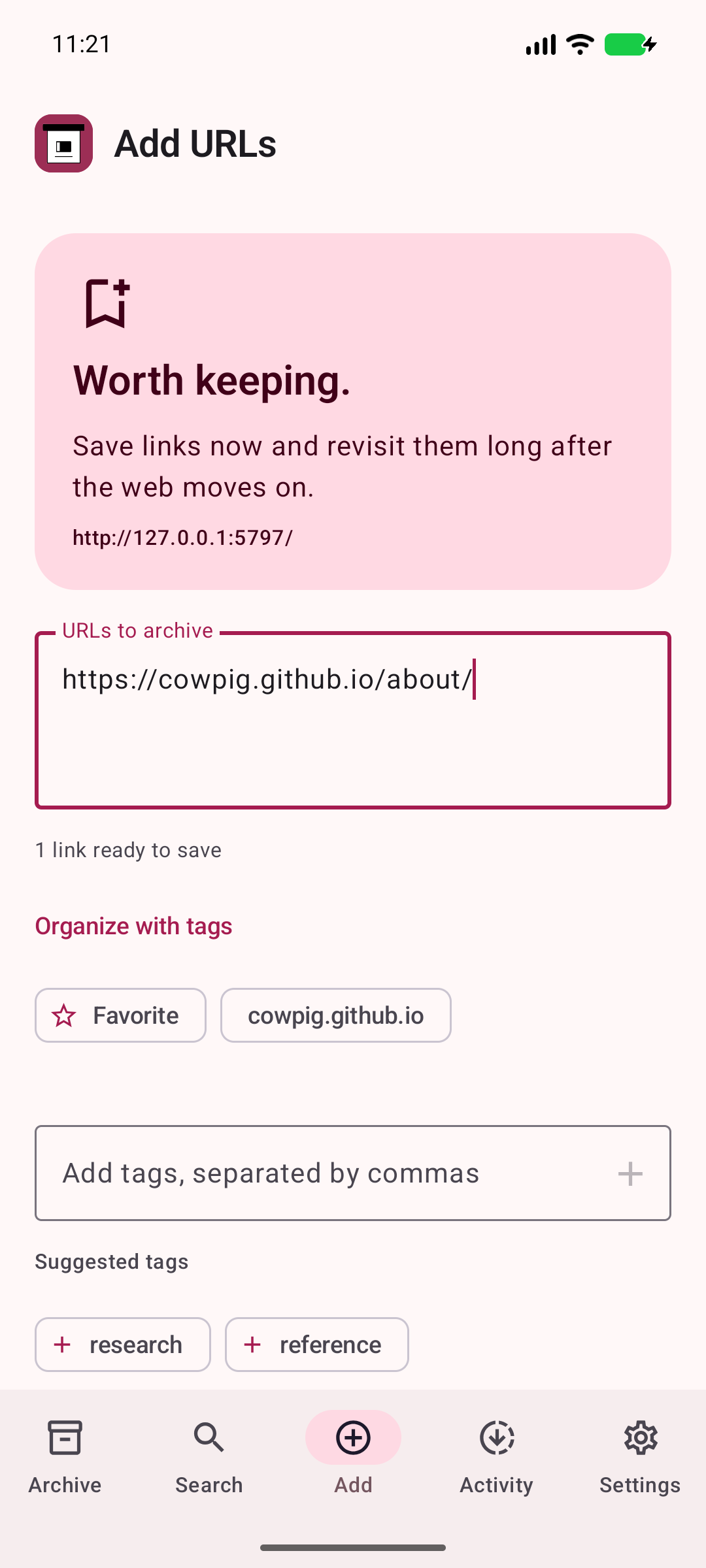
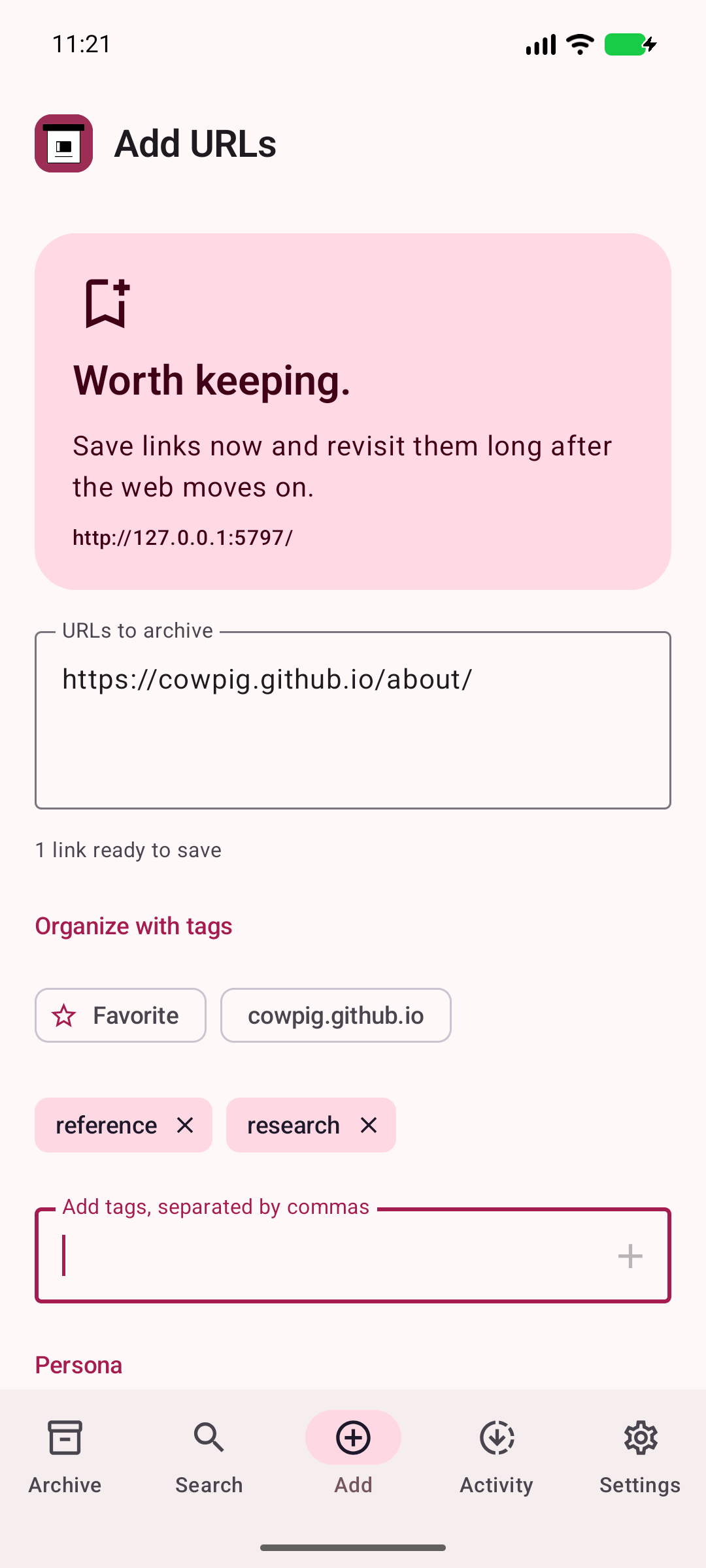
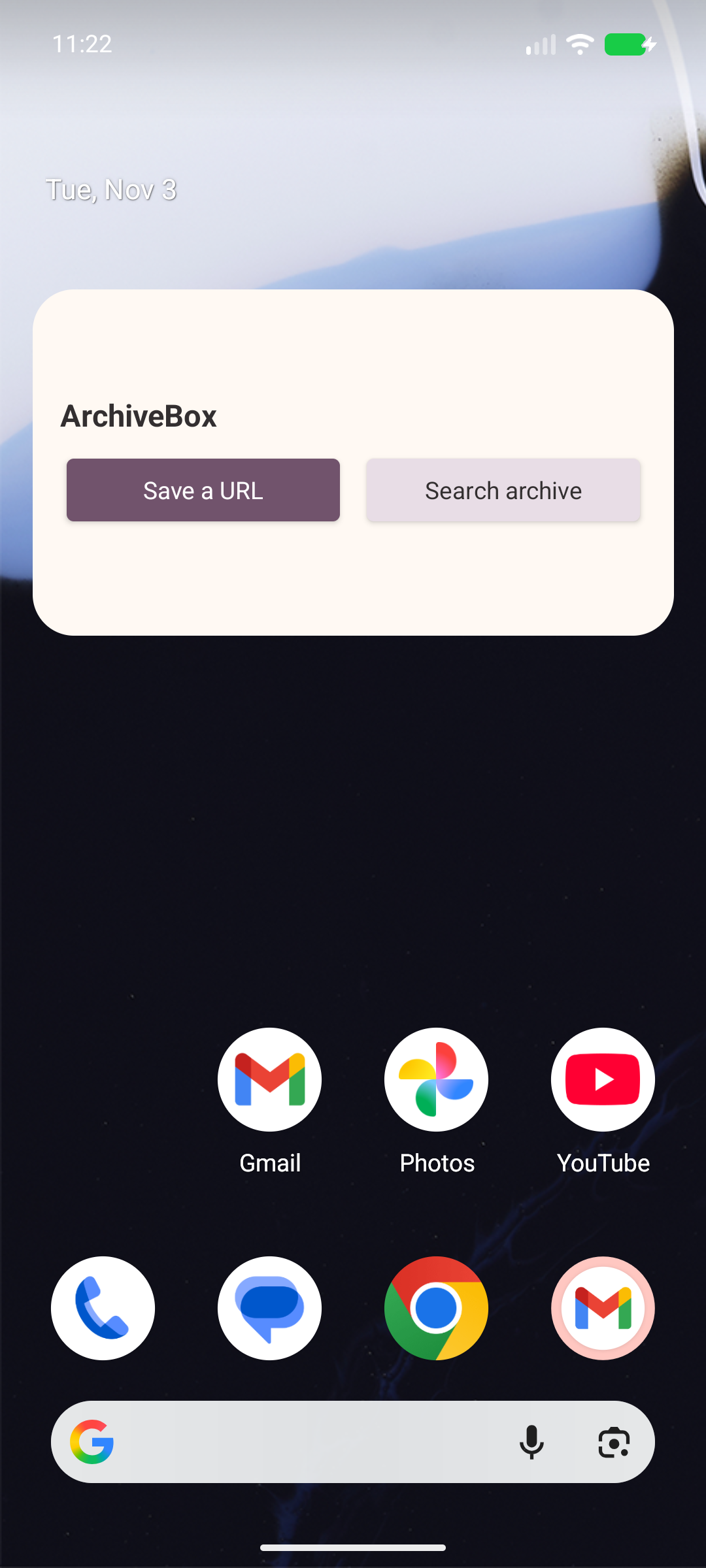
An article for later. A recipe you love. A reference you’ll need again. Send a link to ArchiveBox from Android’s share menu, add a few tags, and carry on.
Tag & organize from your phone while your server does the heavy archiving work.
See the share sheet ↗Search your saved pages, browse snapshots, and open the original or archived version when you need it.
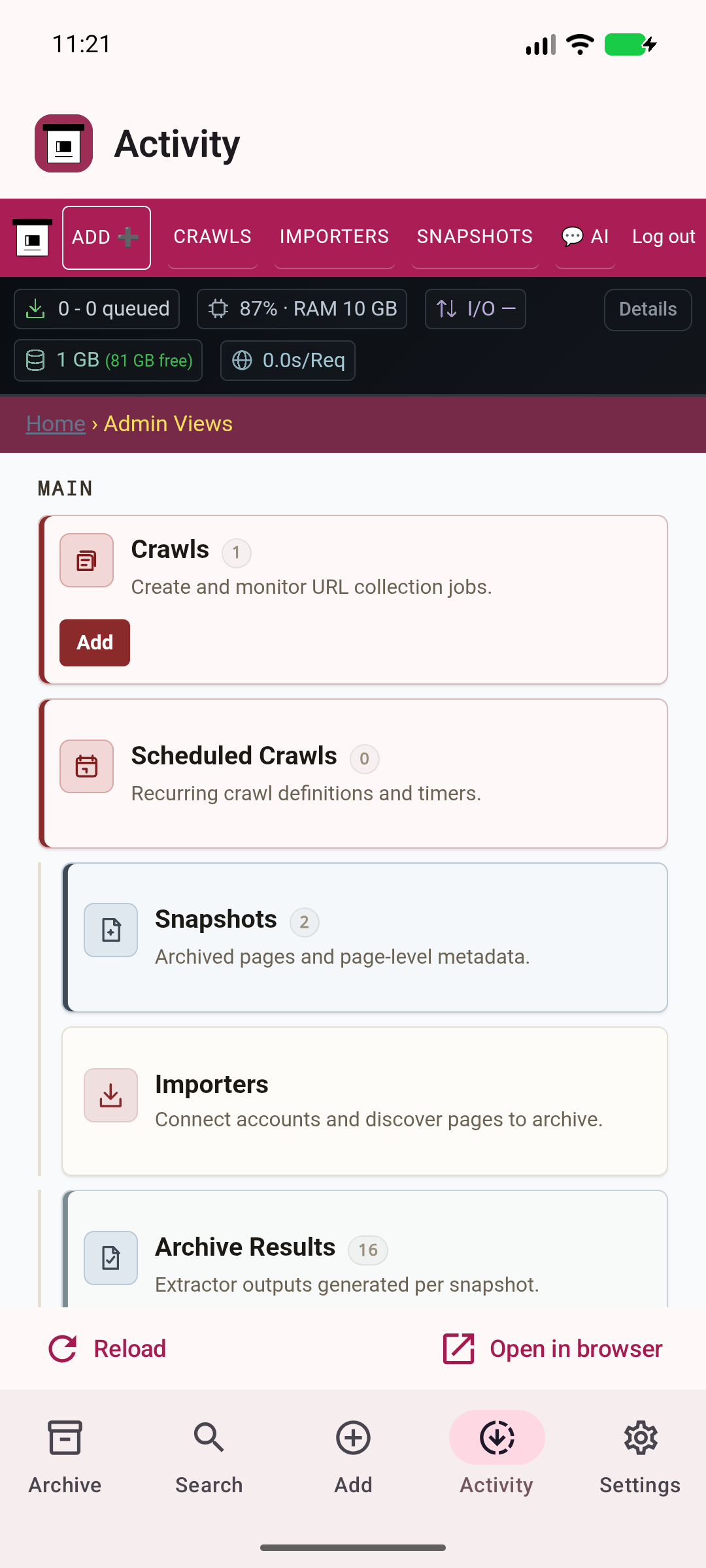
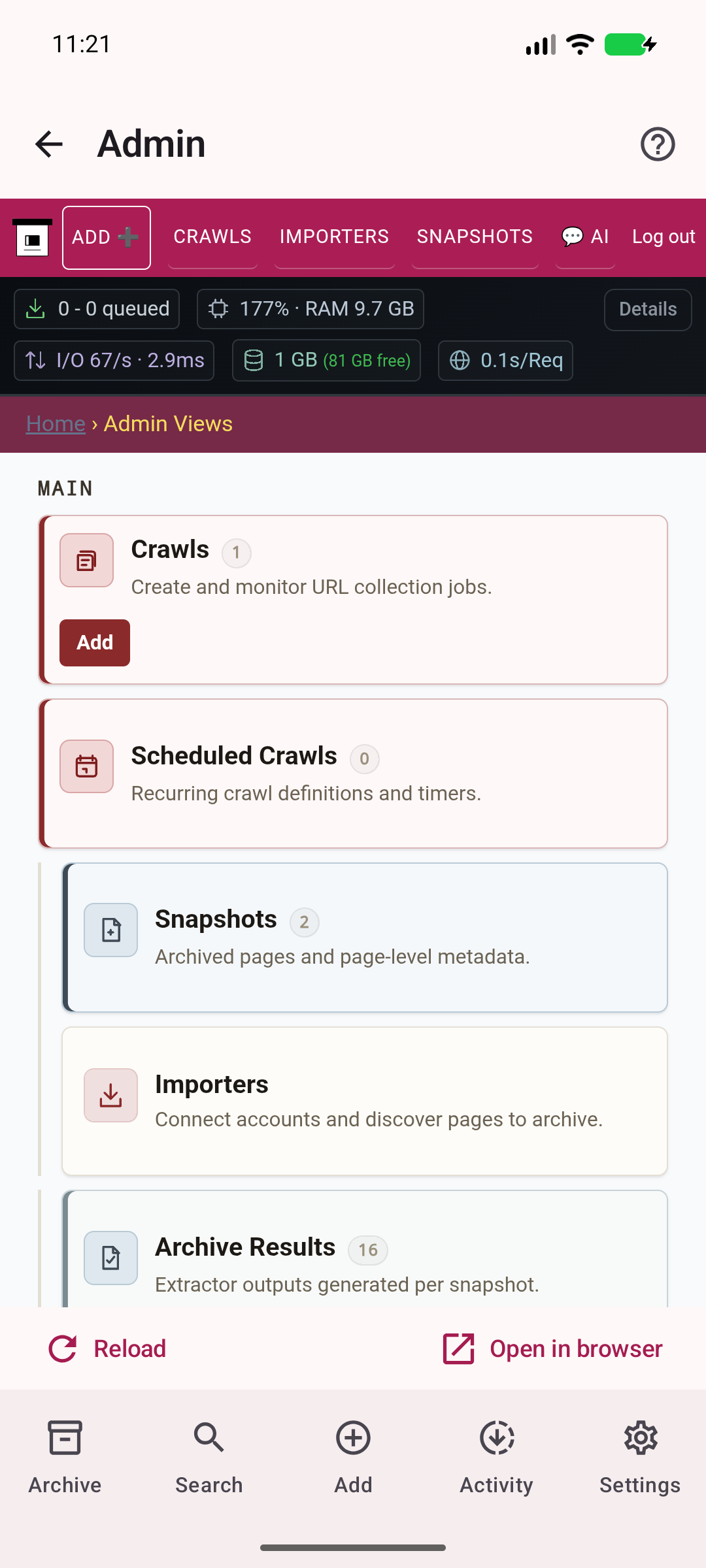
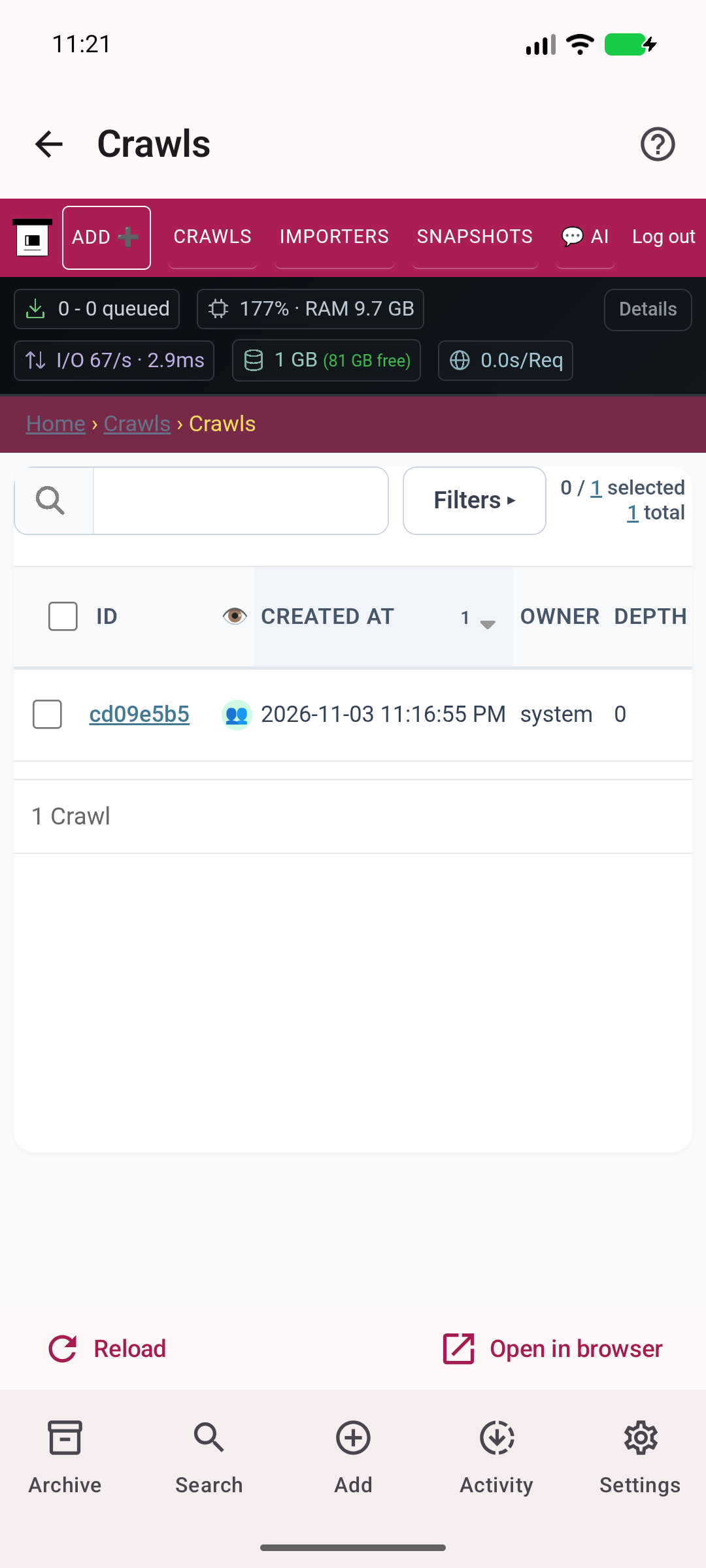
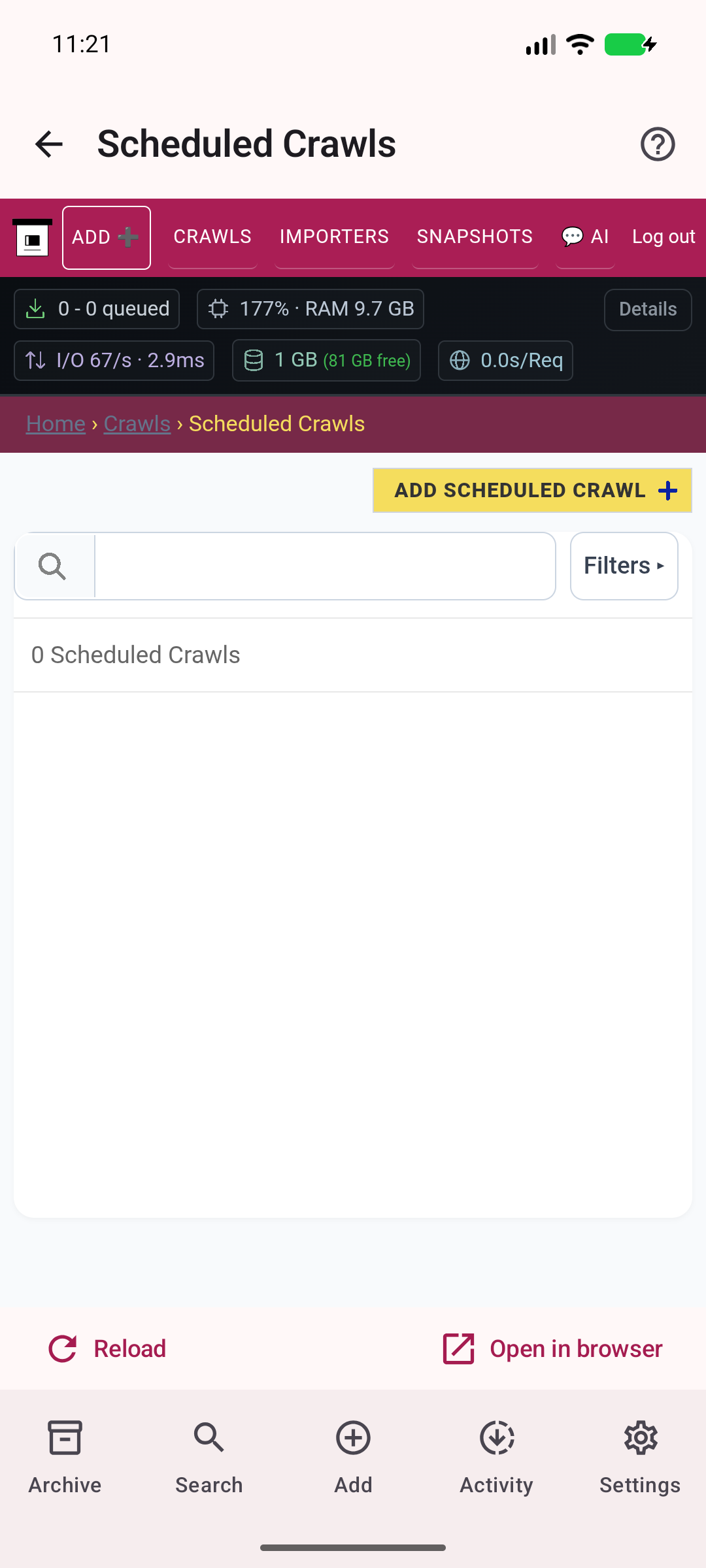
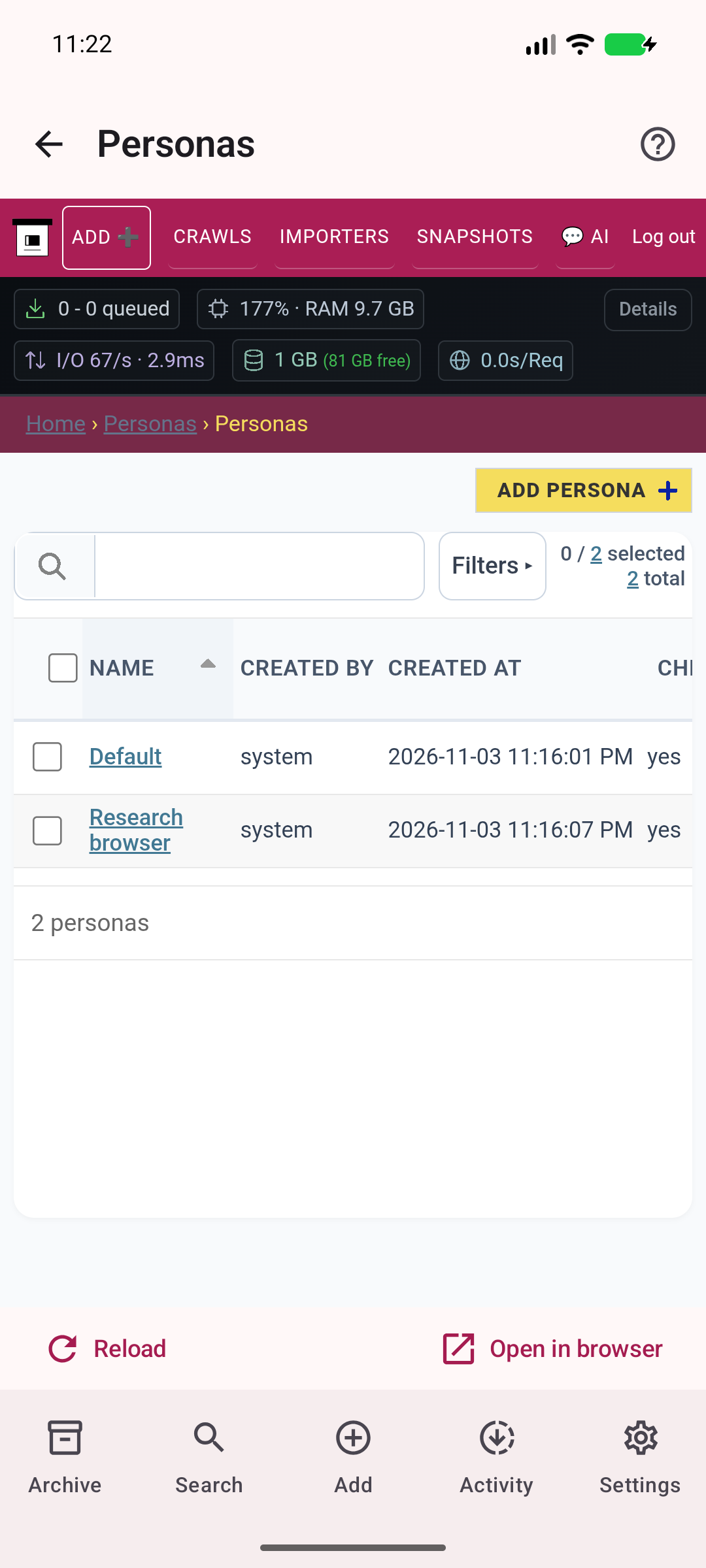
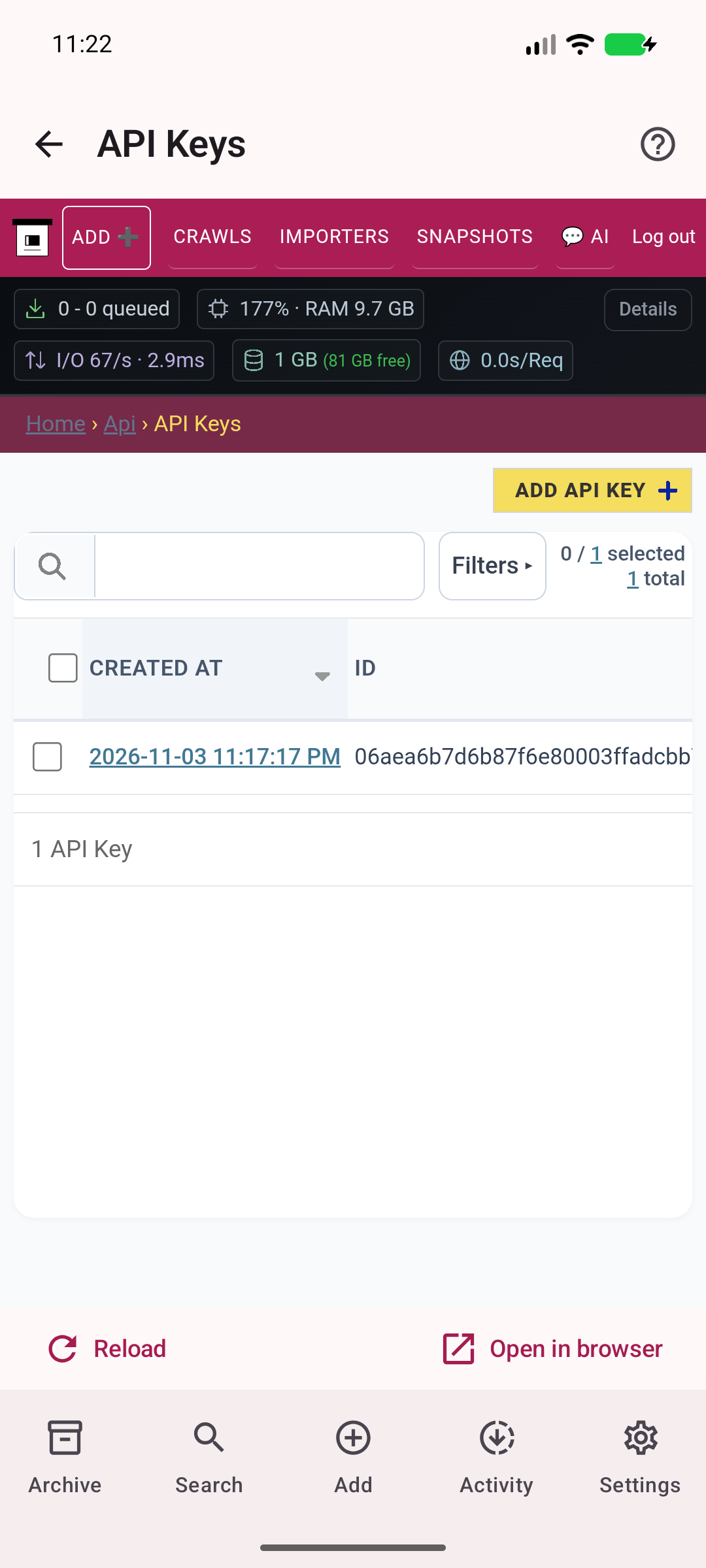
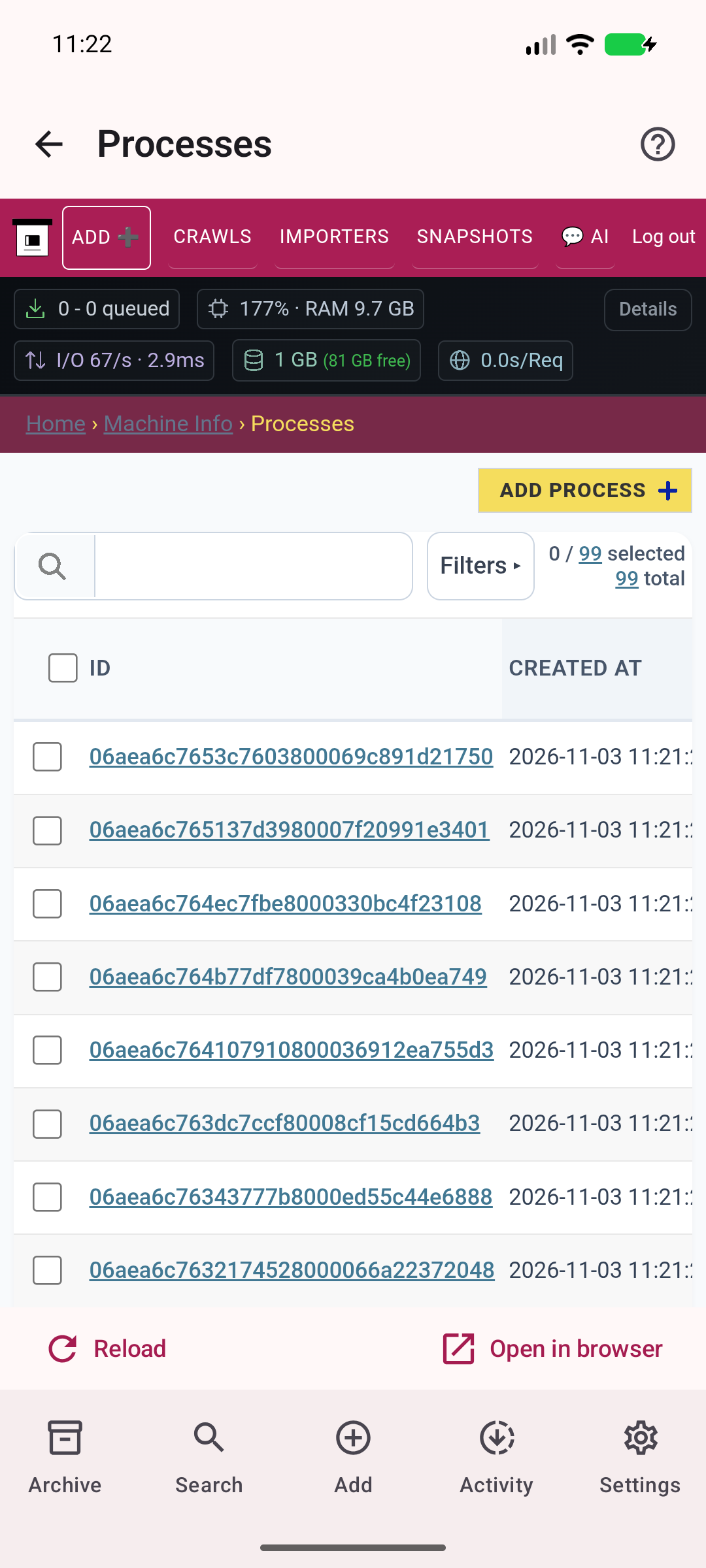
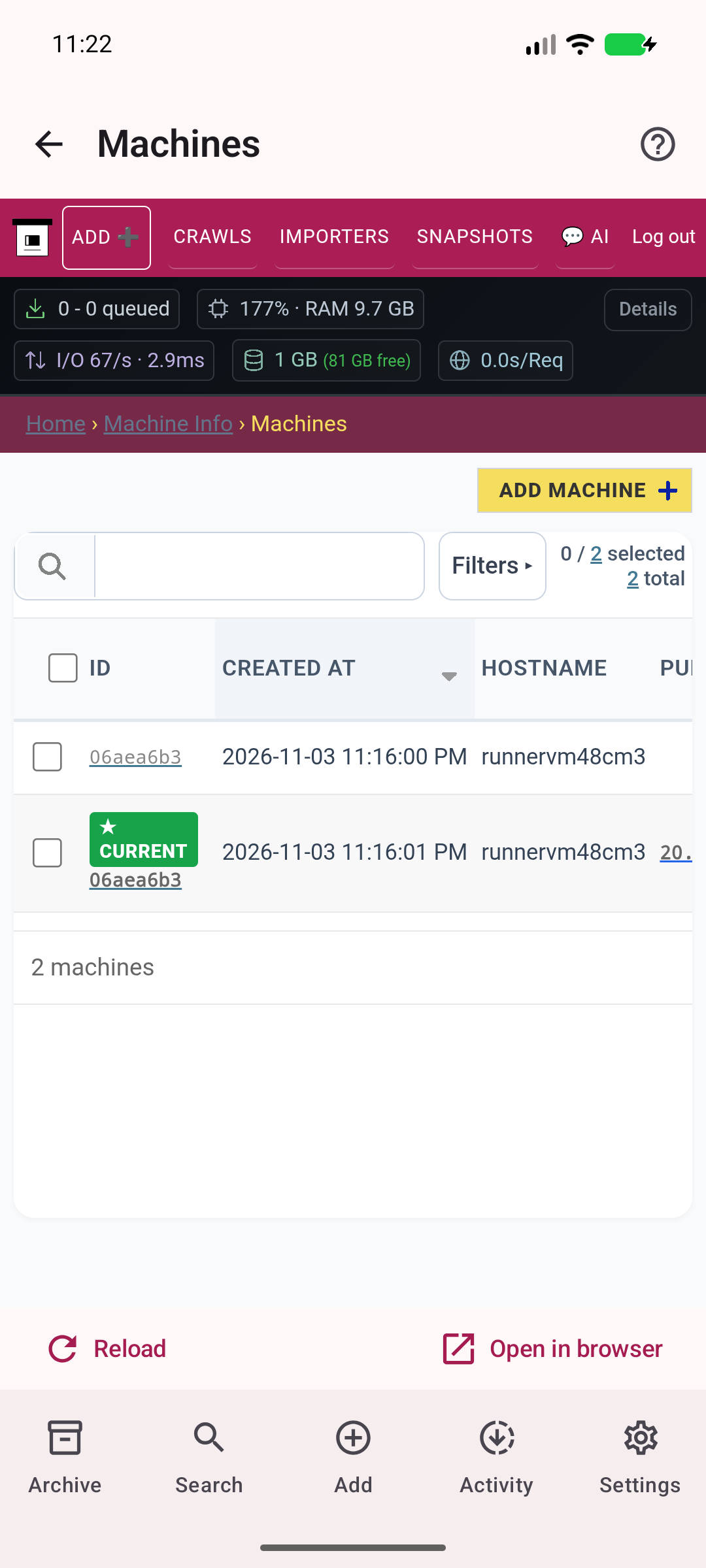
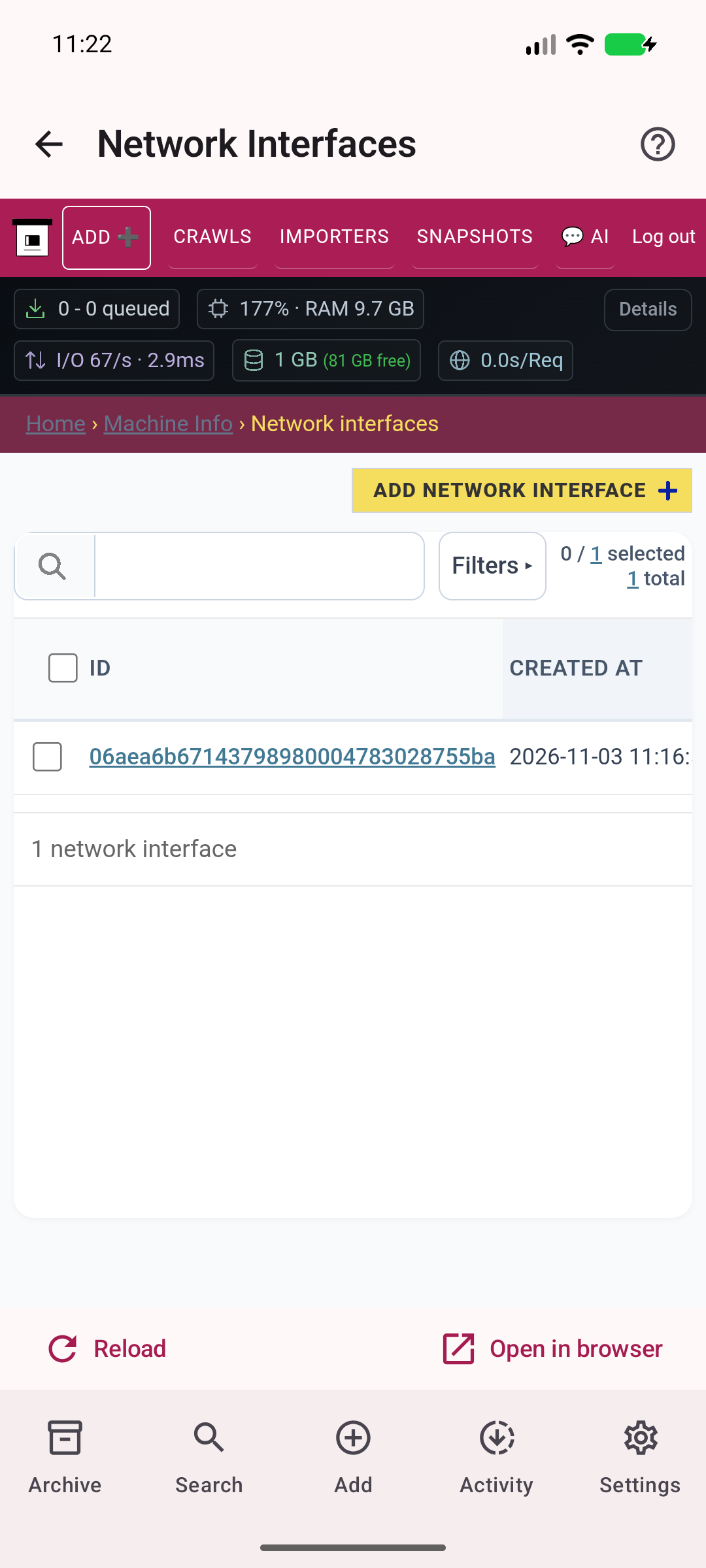
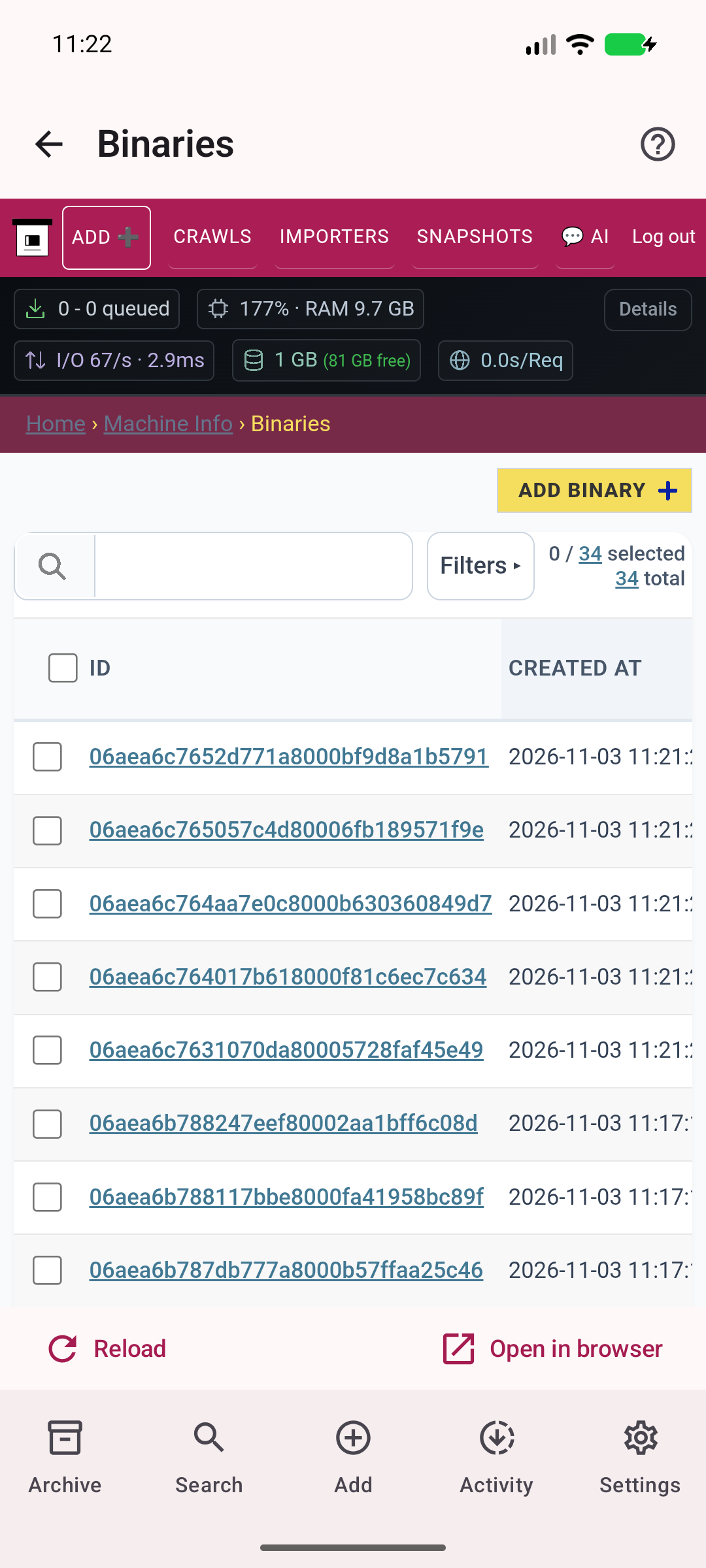
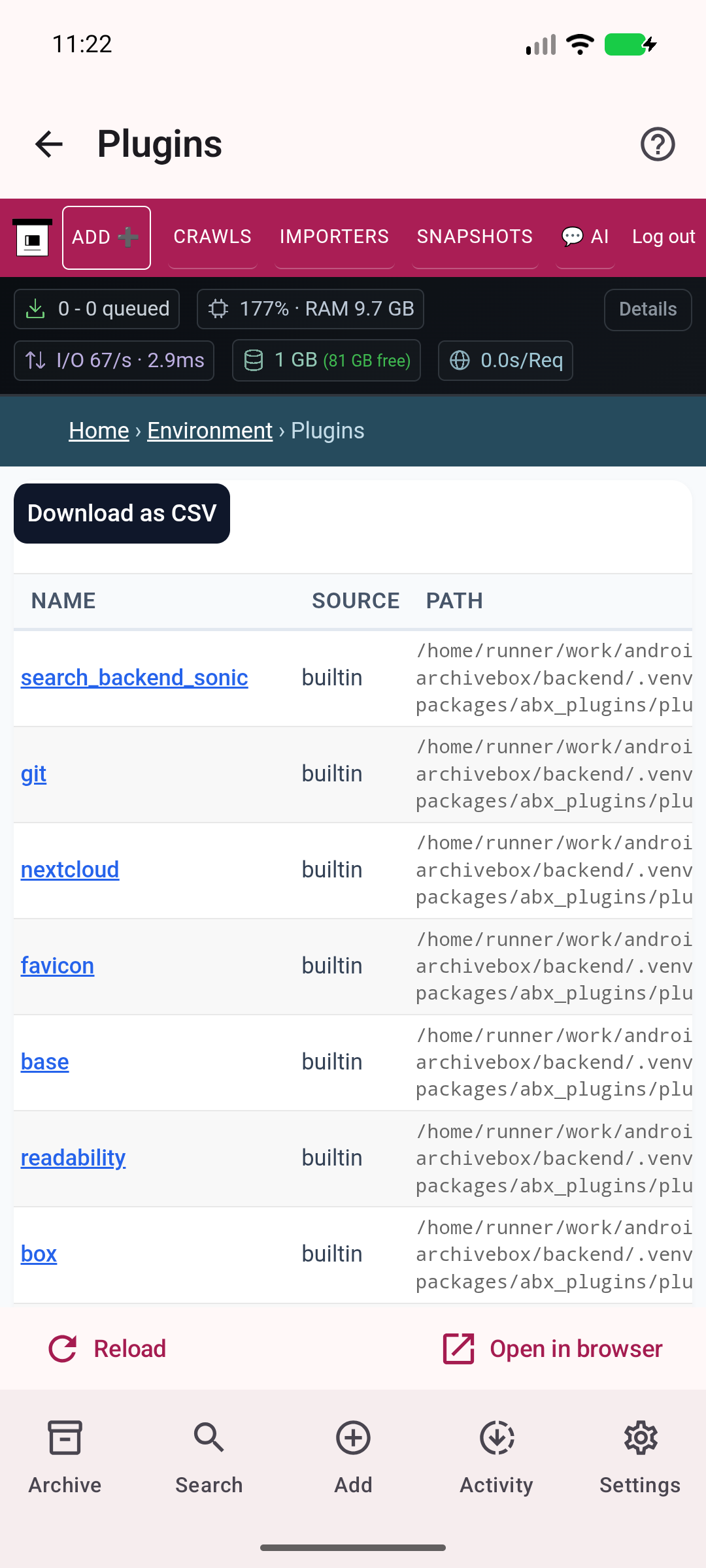
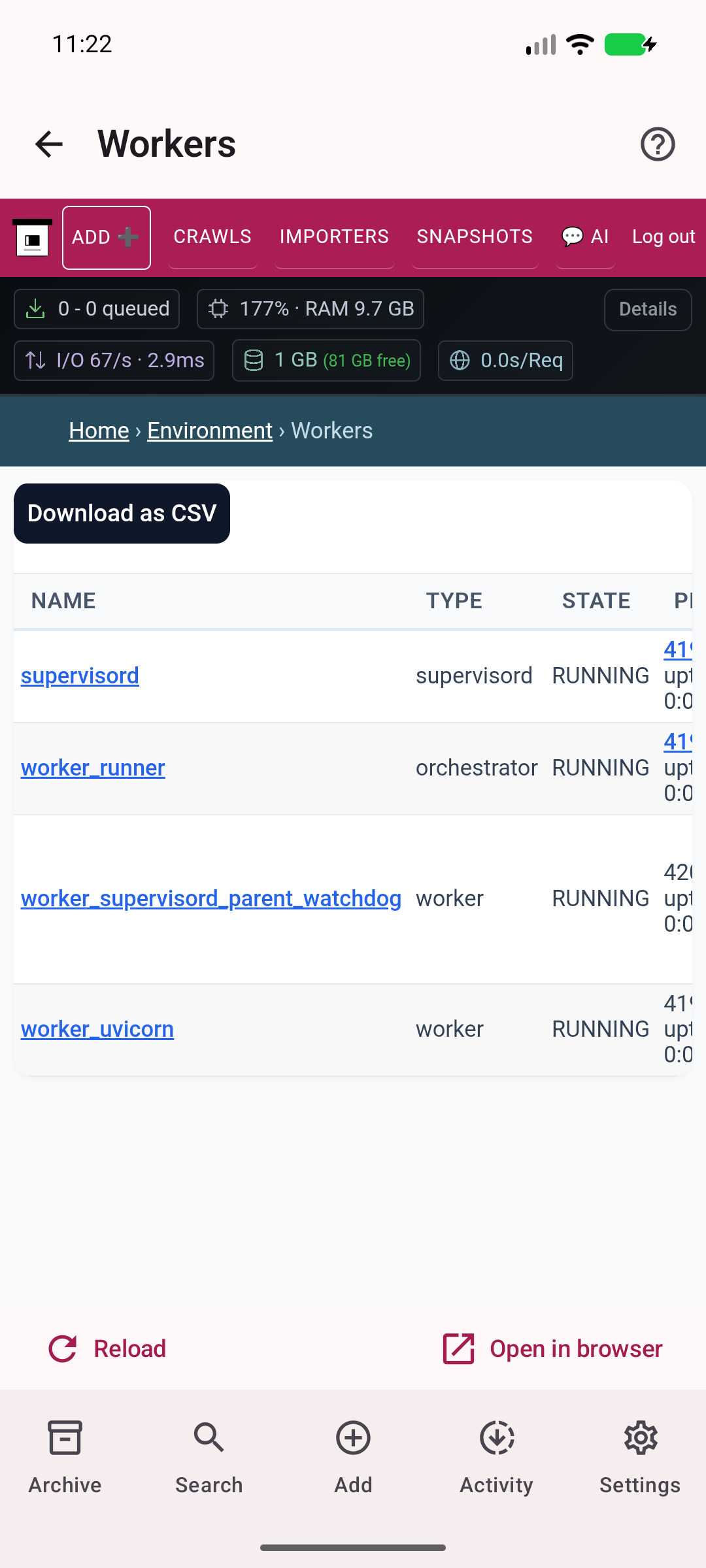
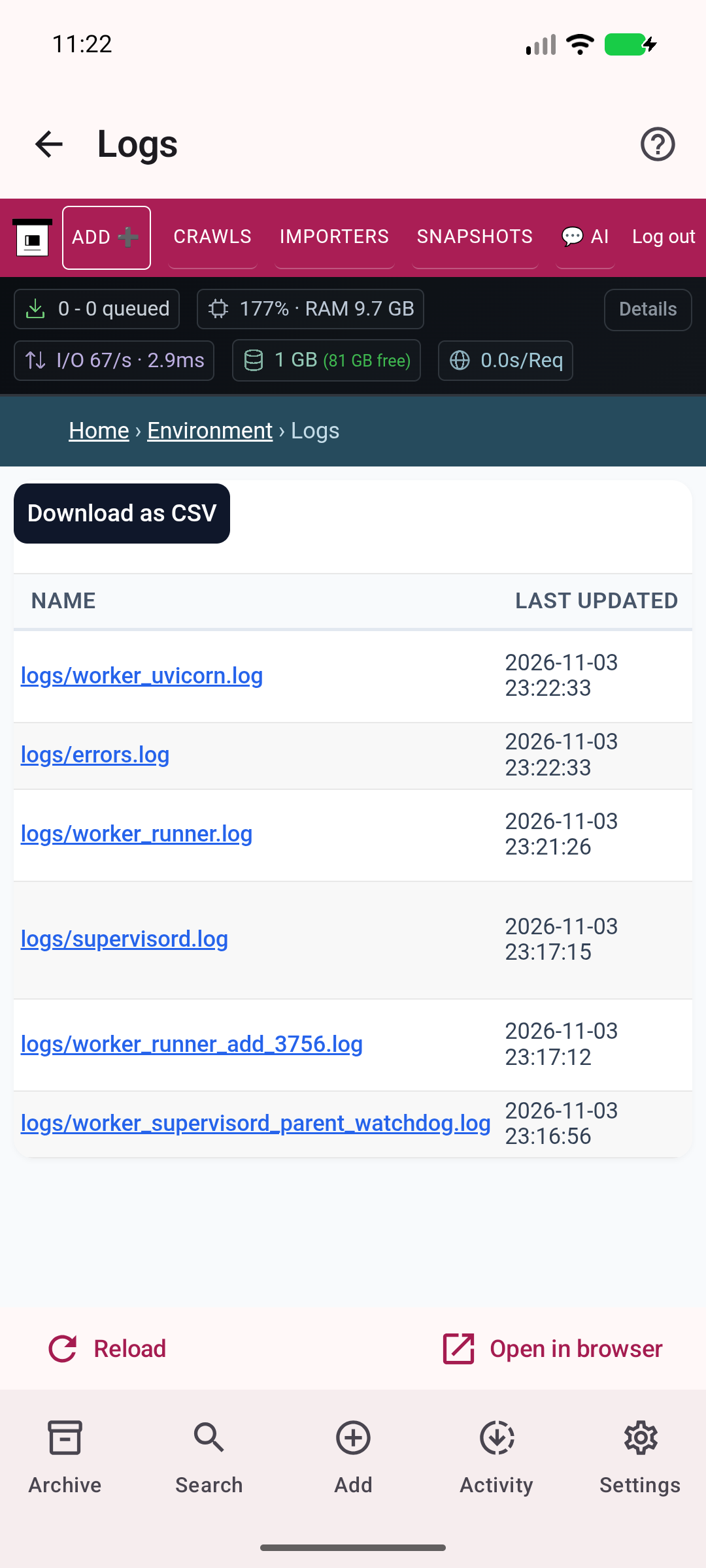
Reach collection and administration pages from one place, with the familiar tools from your ArchiveBox server.
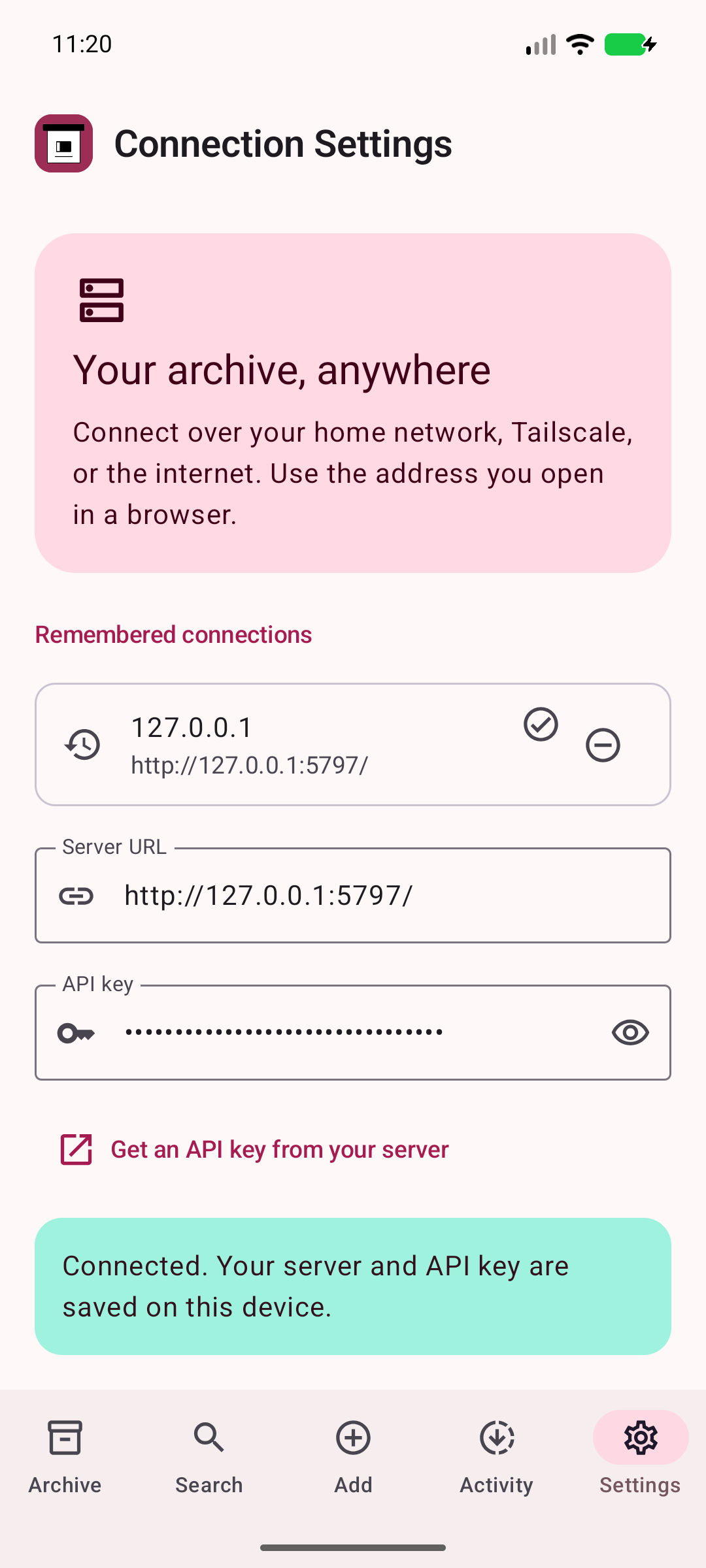
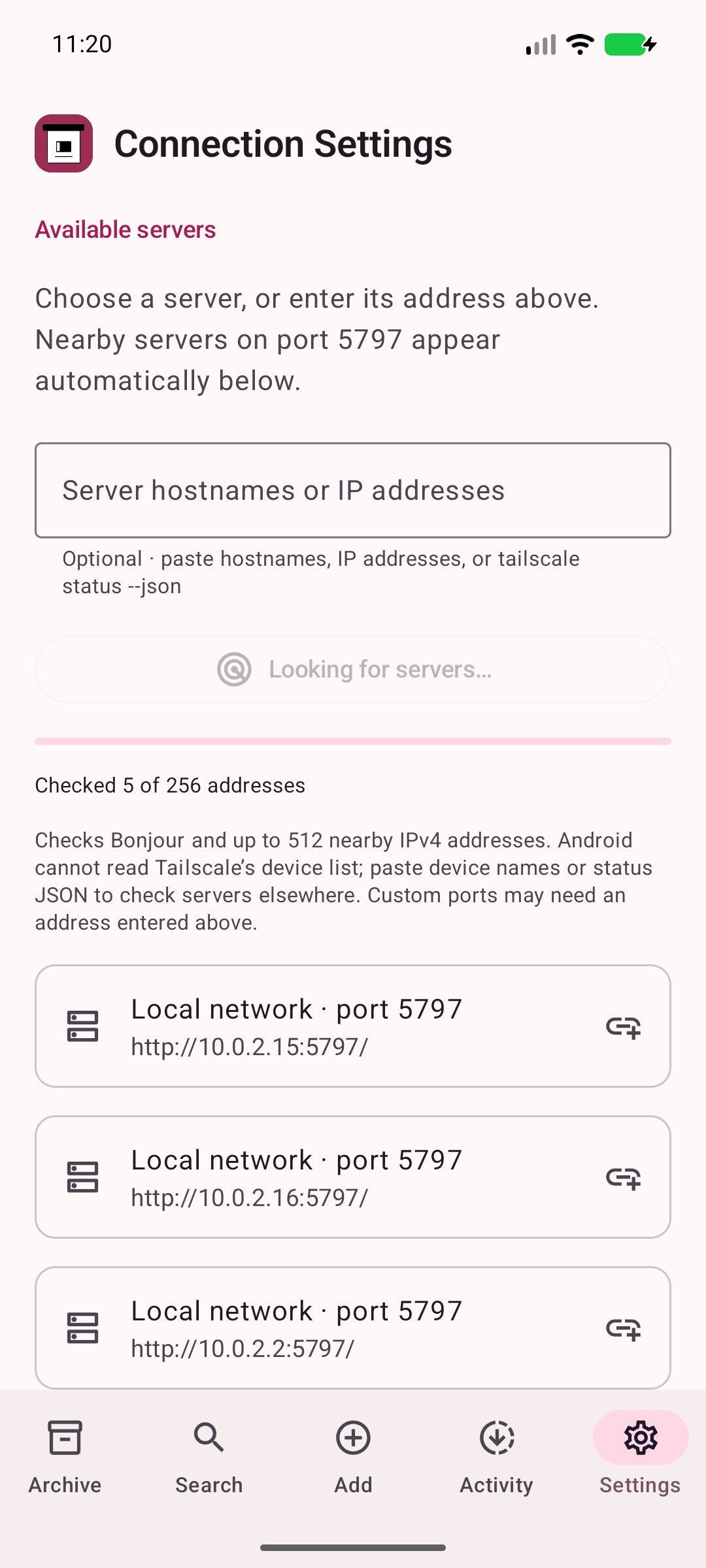
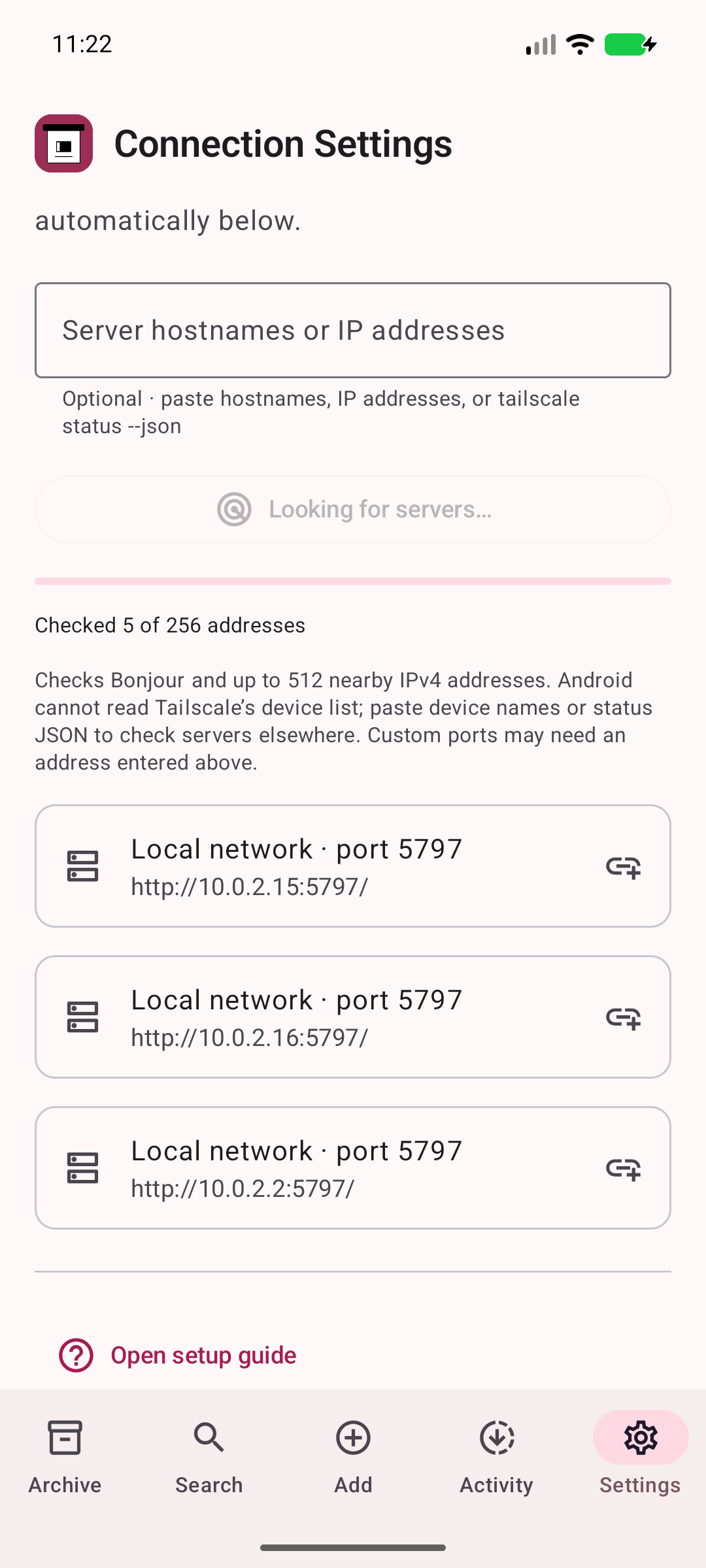
Connect with a server address and API key. Discover nearby servers on port 5797, or check your tailnet server names.
A LITTLE SETUP. A LASTING ARCHIVE.
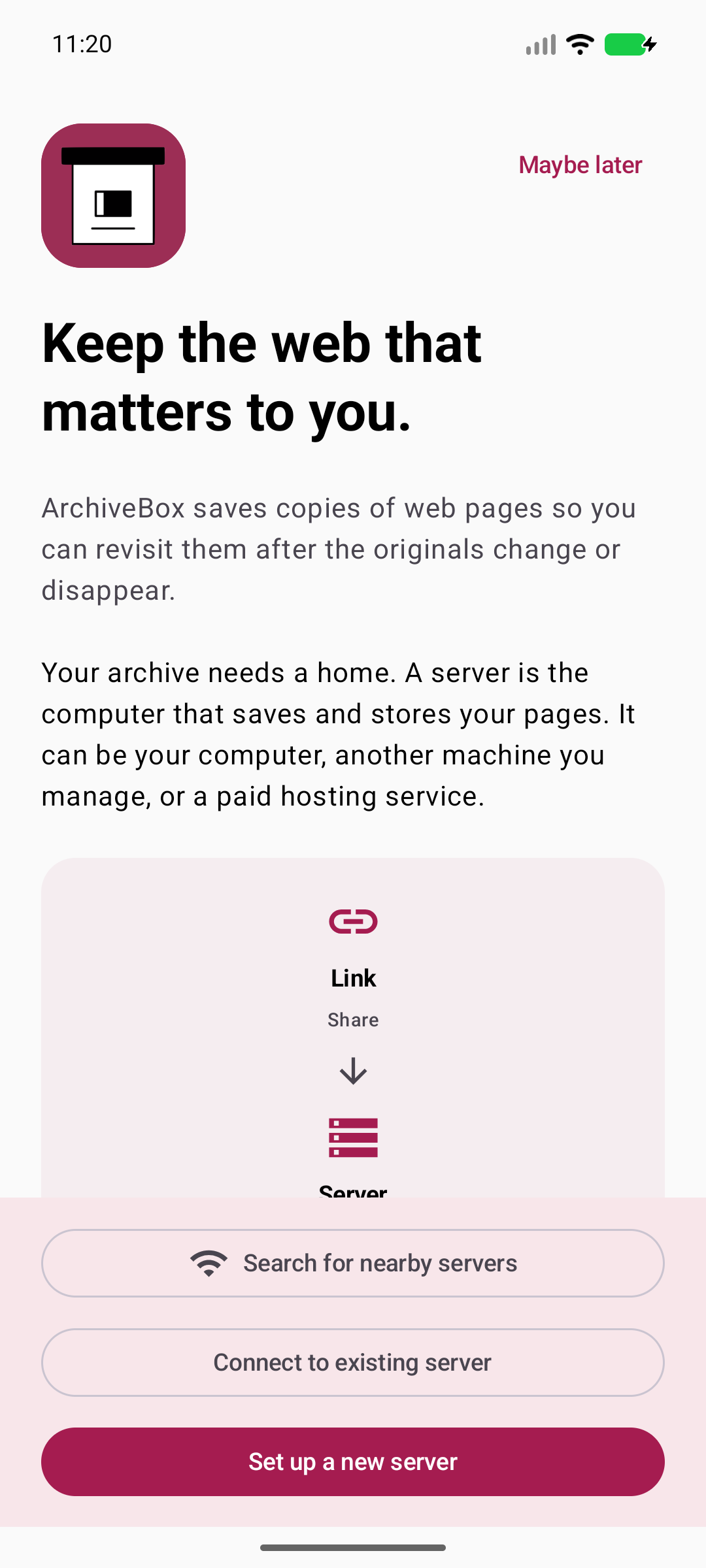
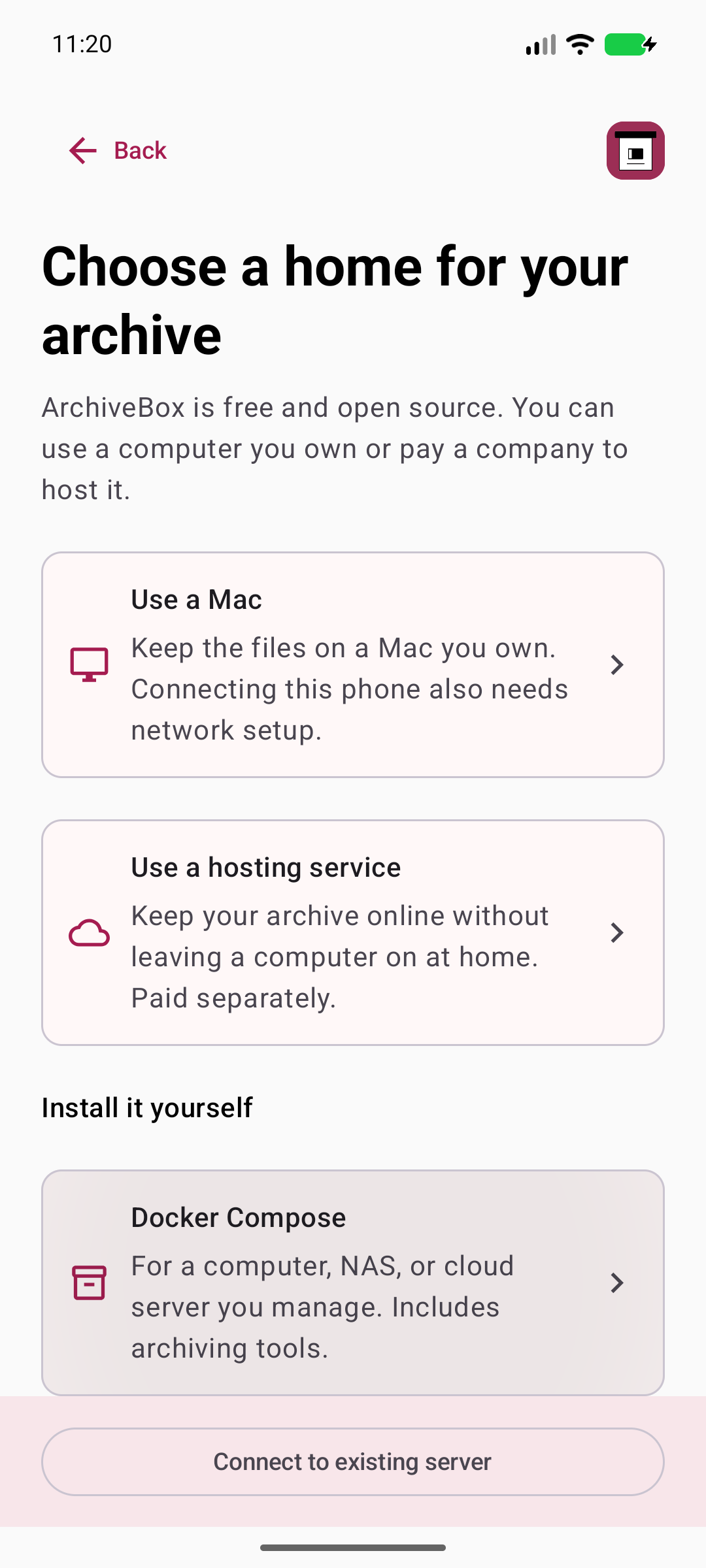
ArchiveBox for Android connects to a server you control. Run ArchiveBox at home, on a computer, or with a hosting provider.
Choose a home for your archive ↗Download the Android APK from GitHub Releases and approve installation from your browser. A Google Play listing is not available yet.
Already set up? Choose I already have a server. Enter your server address and API key in Connection Settings, or use discovery to find a nearby server.
Open any page, tap Share → ArchiveBox, and add your tags. Your server needs to be reachable when you save or browse.
Your ArchiveBox server performs the archiving and stores the files. The Android app sends links, searches your collection, and opens server pages. Keep your server running and reachable.
Yes, when your device is connected to your tailnet and the server is reachable. In Connection Settings, check a server’s MagicDNS name or tailnet IP on port 5797. Enter a server hostname or IP address, or paste Tailscale status JSON to check your known peers.
Currently while in BETA, the app is installable from Github as an APK. We hope to have a Google Play version available in the near future.
Shared URLs and searches go to your configured server. The app stores the connection on your device. Your server controls archive retention and access, and the pages you open may contact their own services. Read the privacy notes.