ArchiveBox at home
Navigate collection, server tools, and helpful resources.
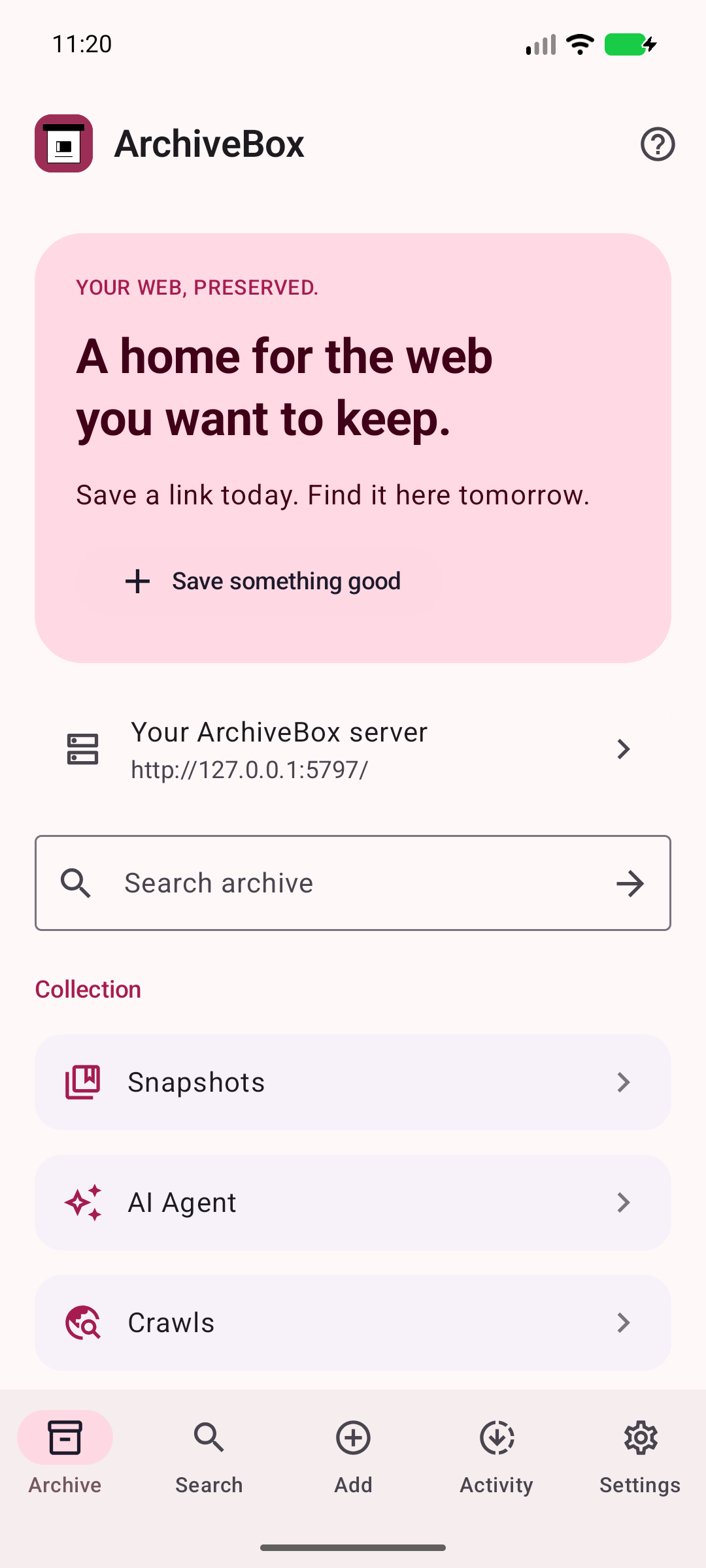
YOUR ARCHIVE, AROUND EVERY CORNER.
From your first connection to your next saved page. Explore sharing, search, your home-screen widget, and the tools that keep your collection organized.
App 1.13.15 · Google sdk_gphone16k_x86_64 · Android 17 (API 37) · 9e4c4c32262f · · Capture run ↗ · Capture manifest
Backend: ee80665df21054102cd6d6fa9f524f7924c1abef
Navigate collection, server tools, and helpful resources.
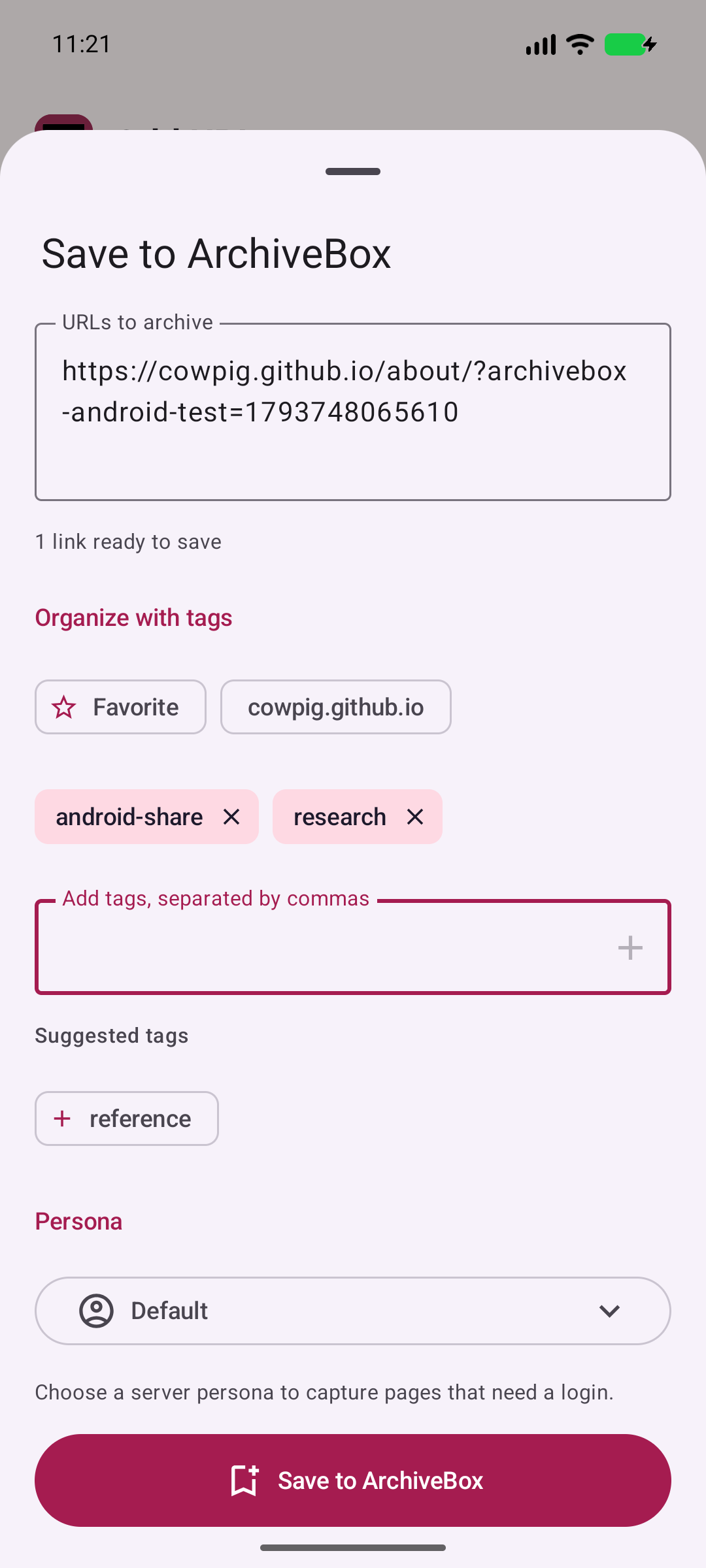
Receive a real Android share intent and review the URL before saving.
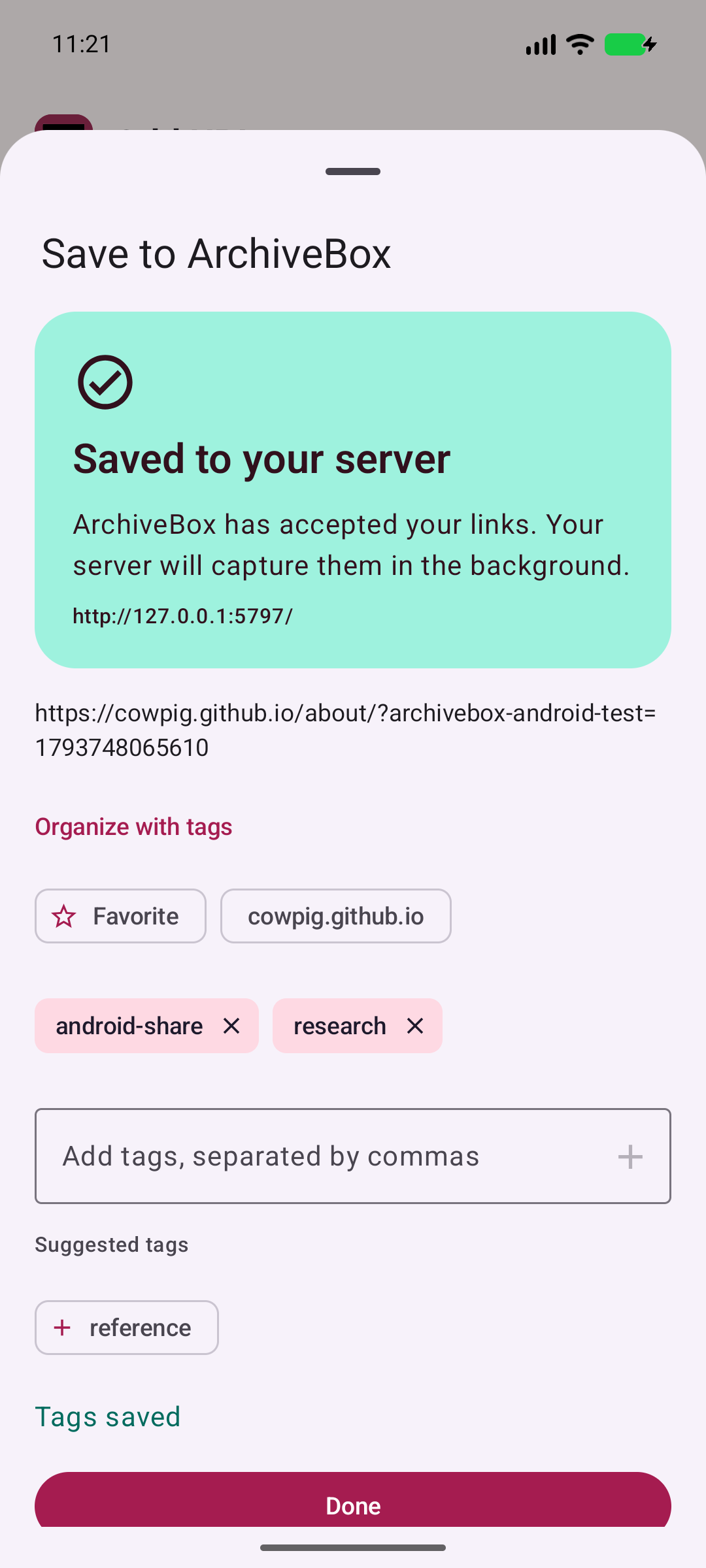
Confirm the server accepted your link and its tags.
Search saved pages by title, URL, or tags.
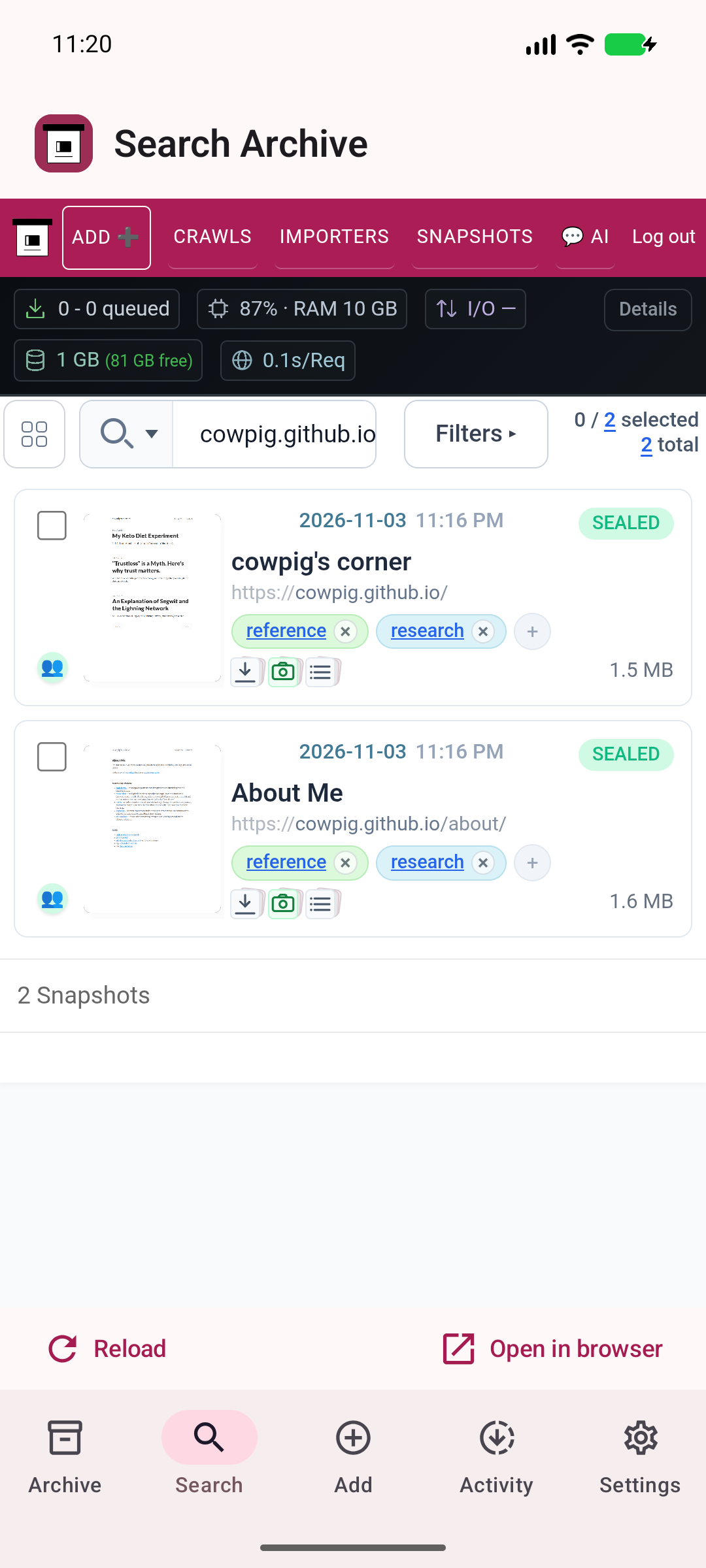
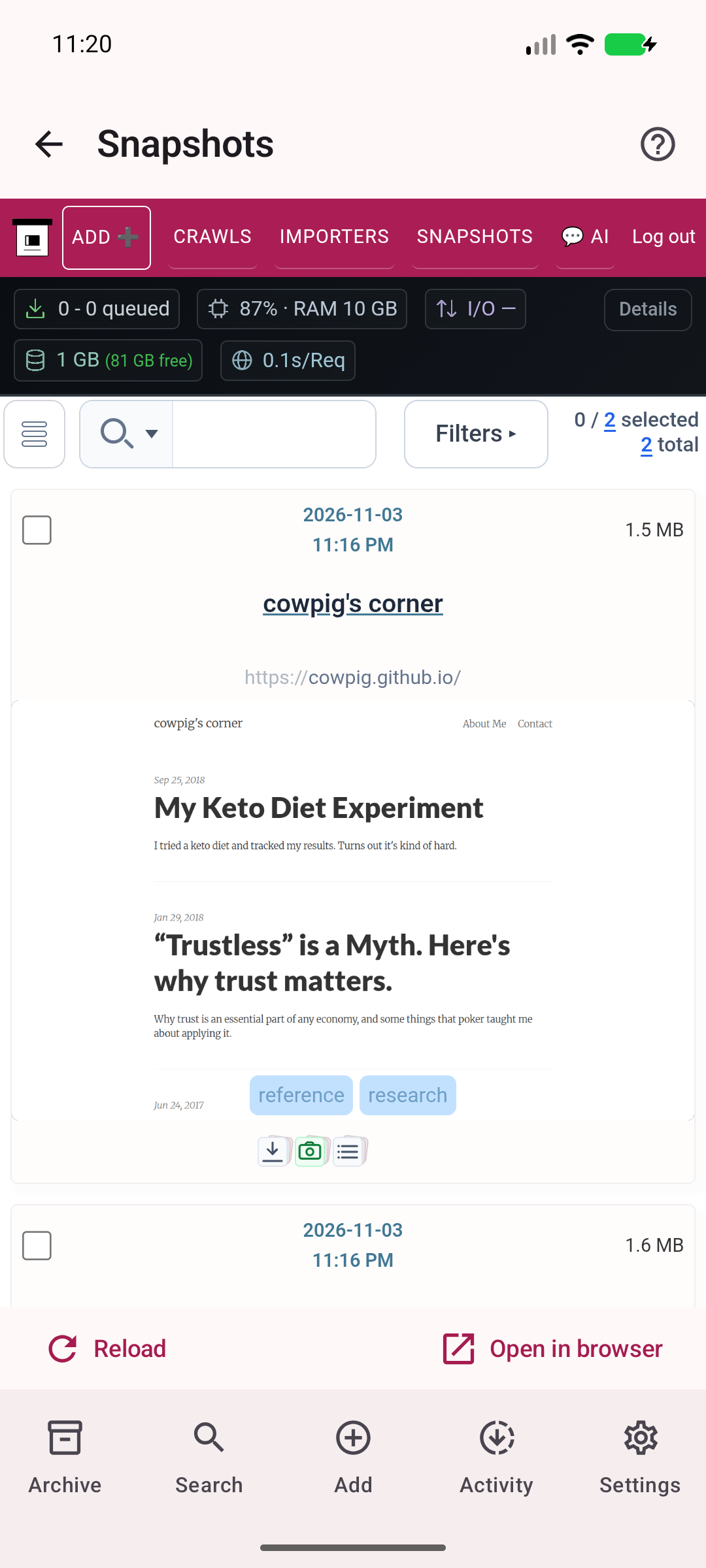
Browse the real ArchiveBox collection and archived pages.
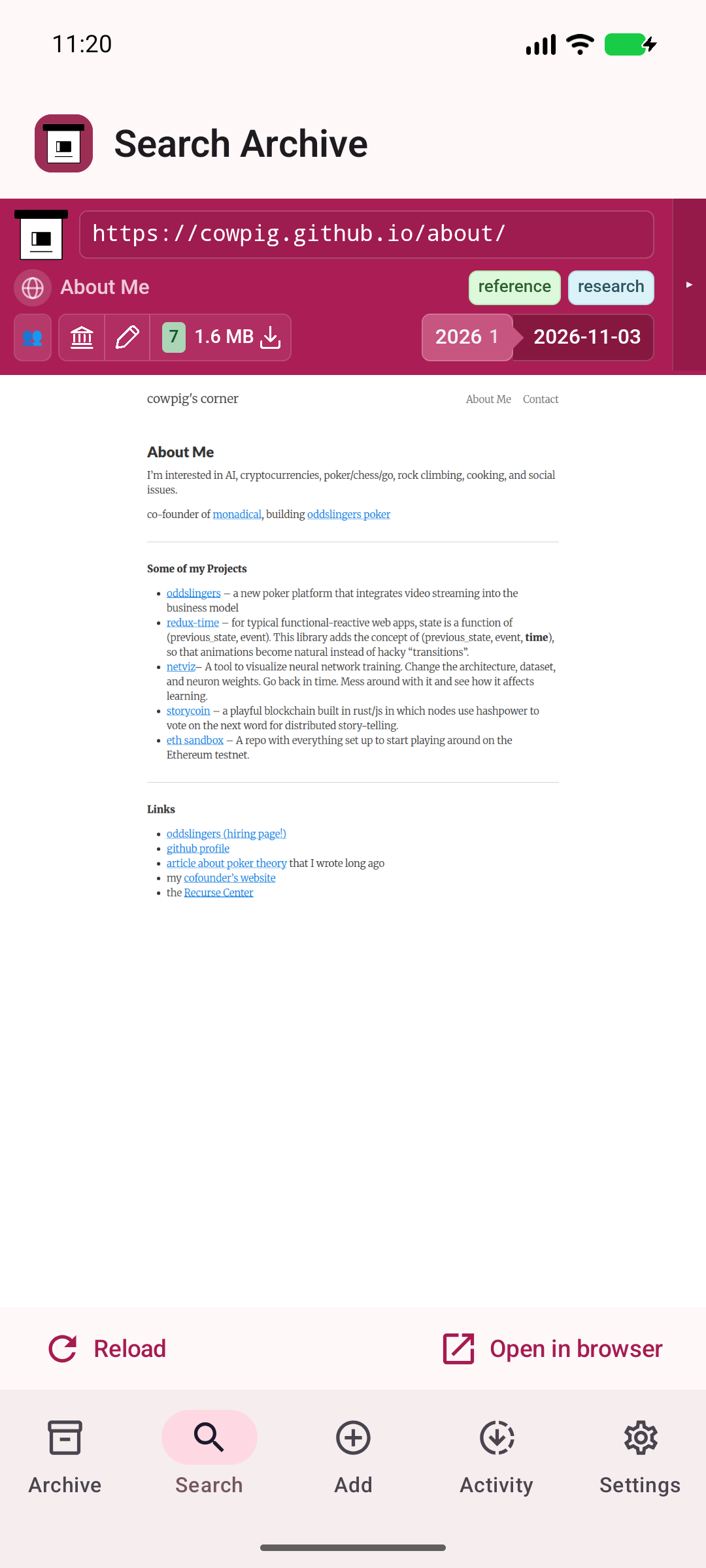
Read the preserved copy hosted on your ArchiveBox server.
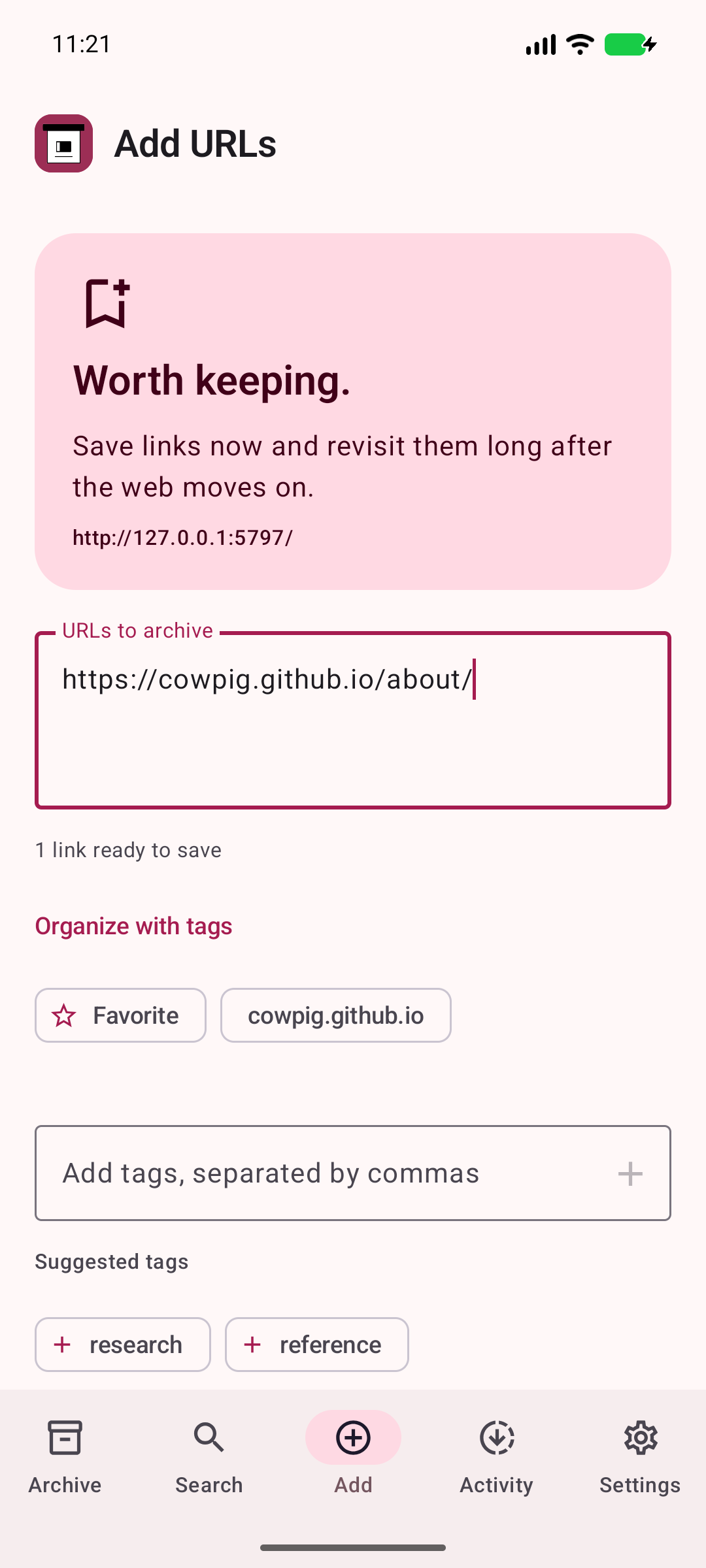
Send URLs and capture preferences to your server.
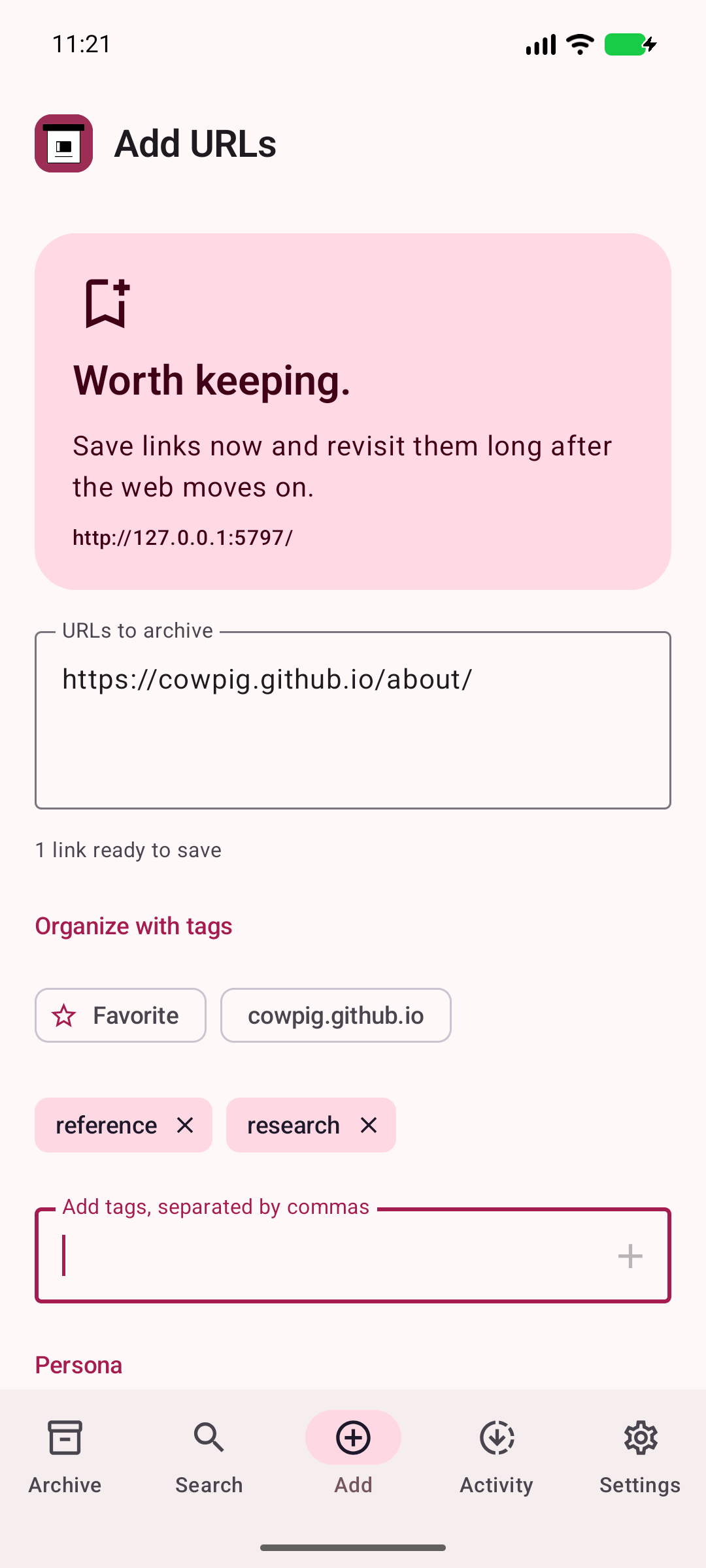
Choose existing tags or add your own.
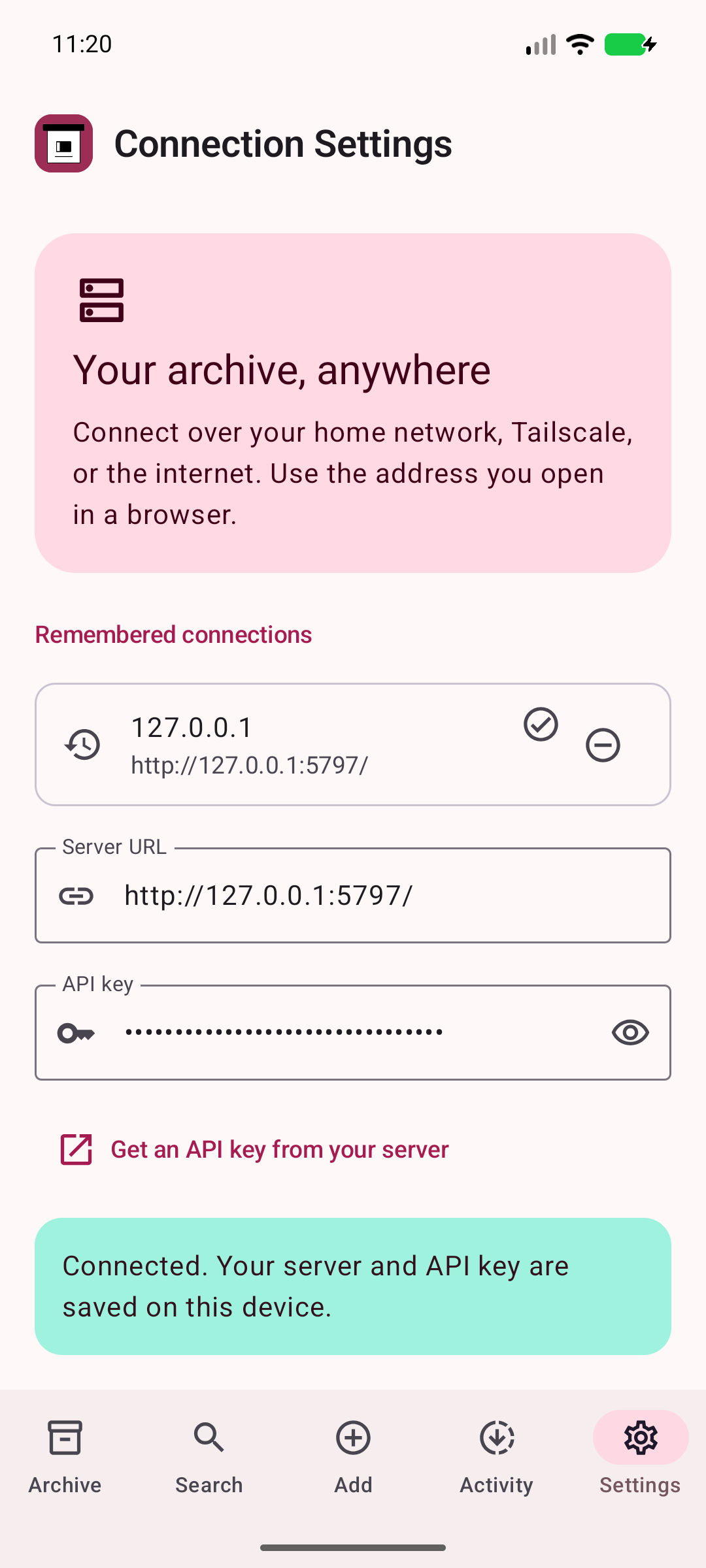
Connect with your server address and securely stored API key.
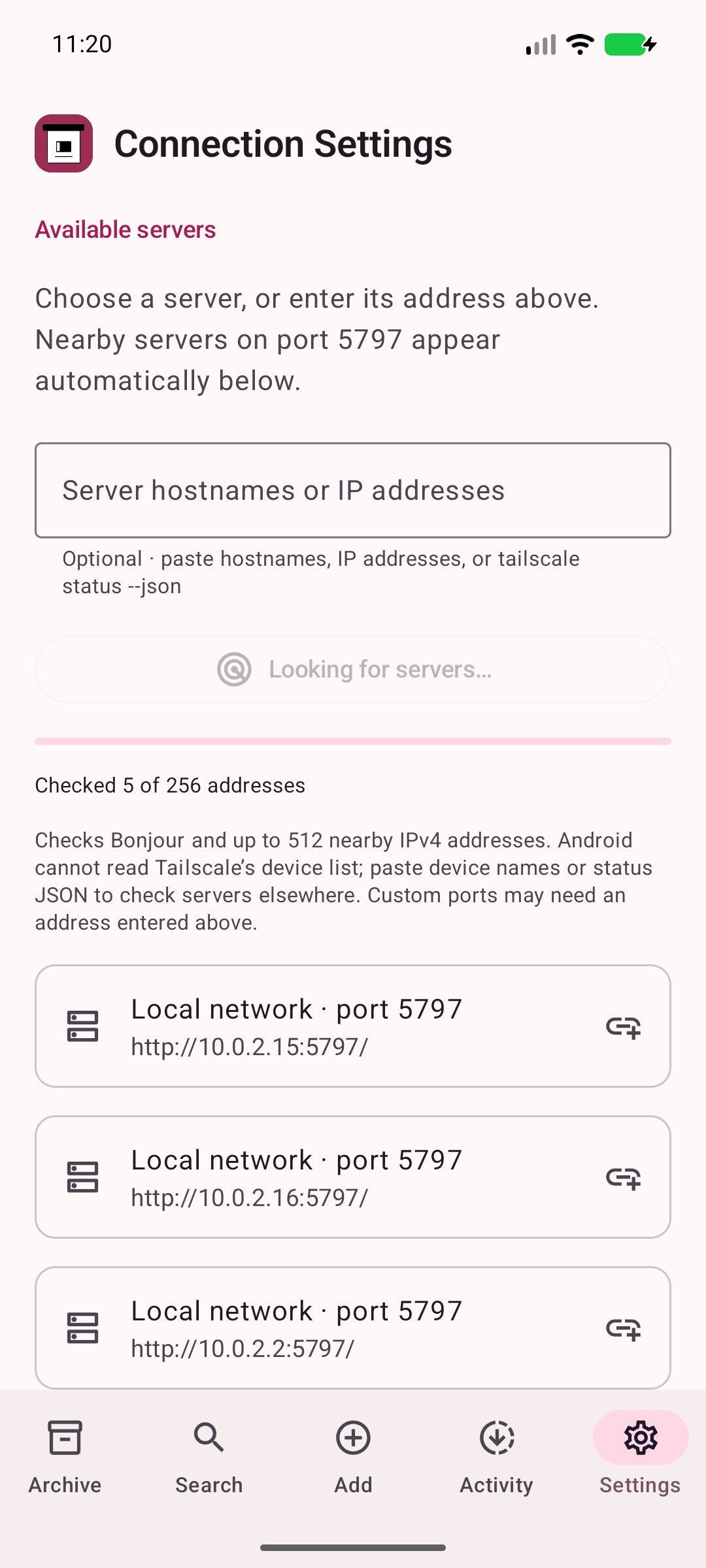
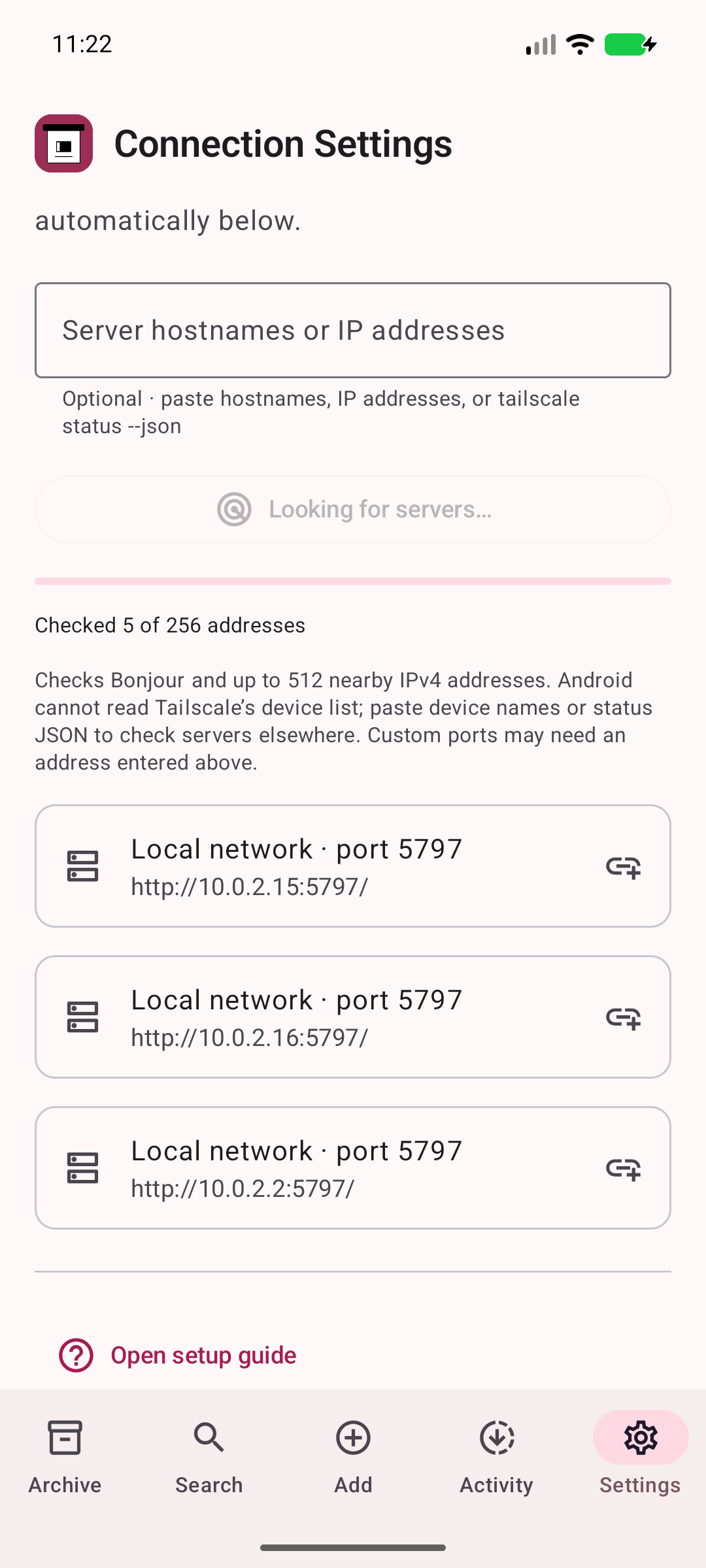
Look for ArchiveBox servers on port 5797 on your local network and configured tailnet.
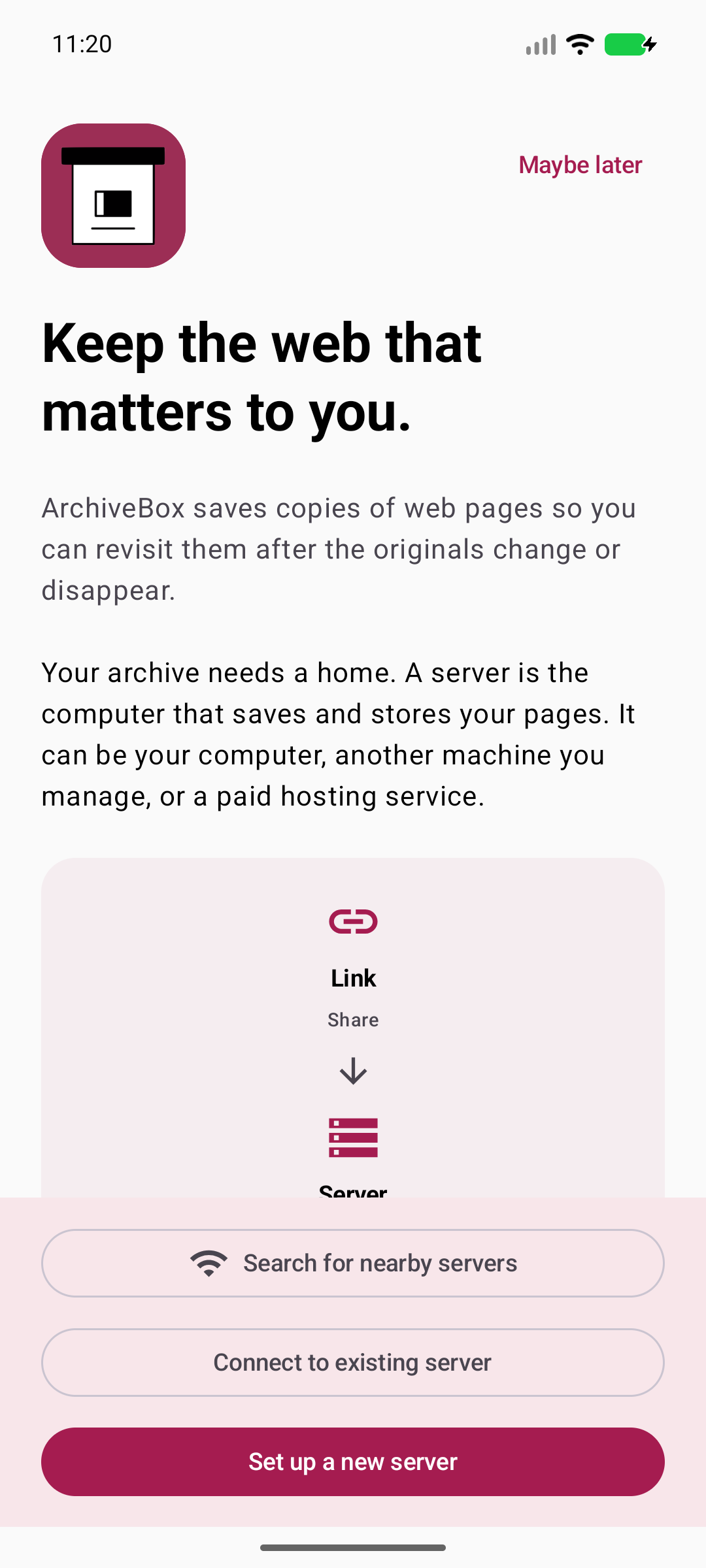
Choose an existing server or follow the setup guide.
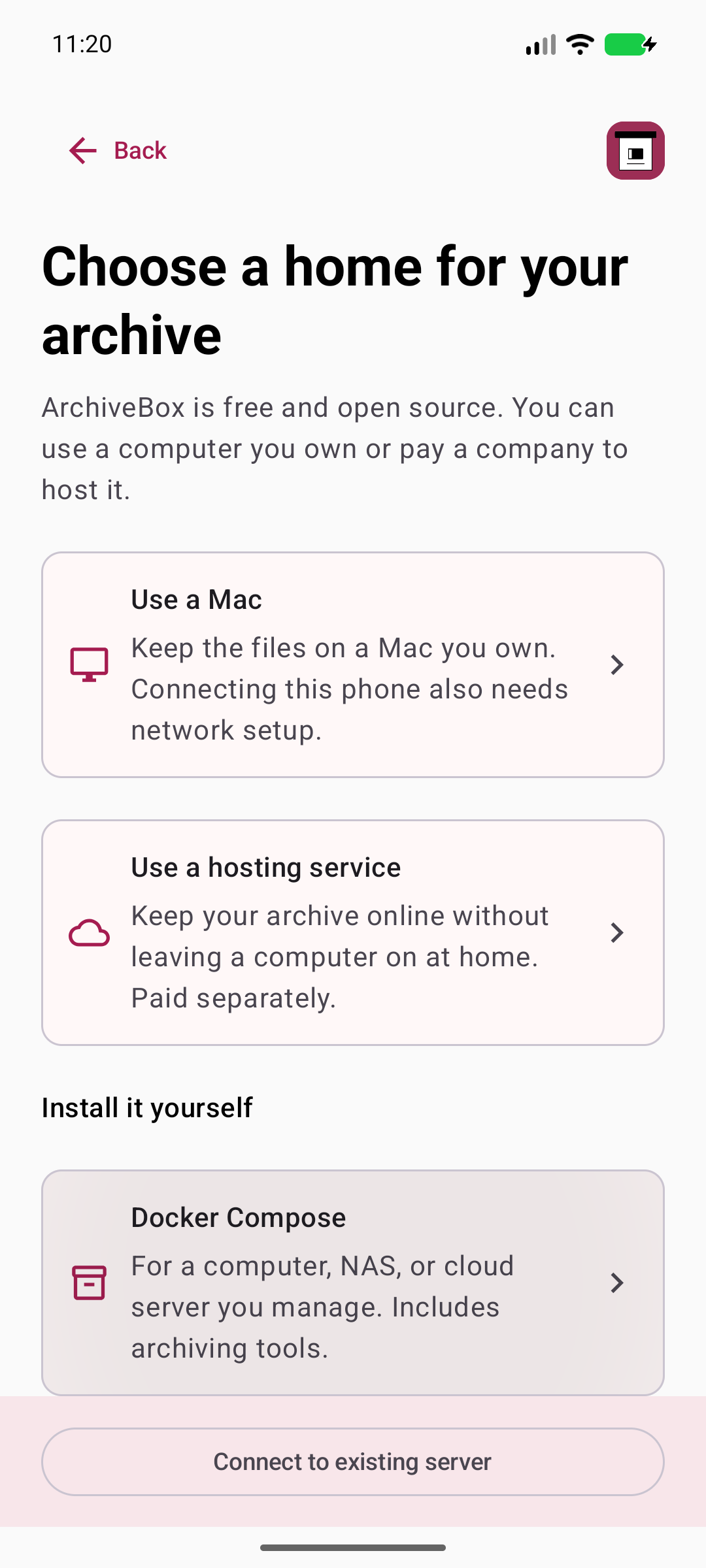
Follow the native Docker setup guide with the ready-to-copy command.
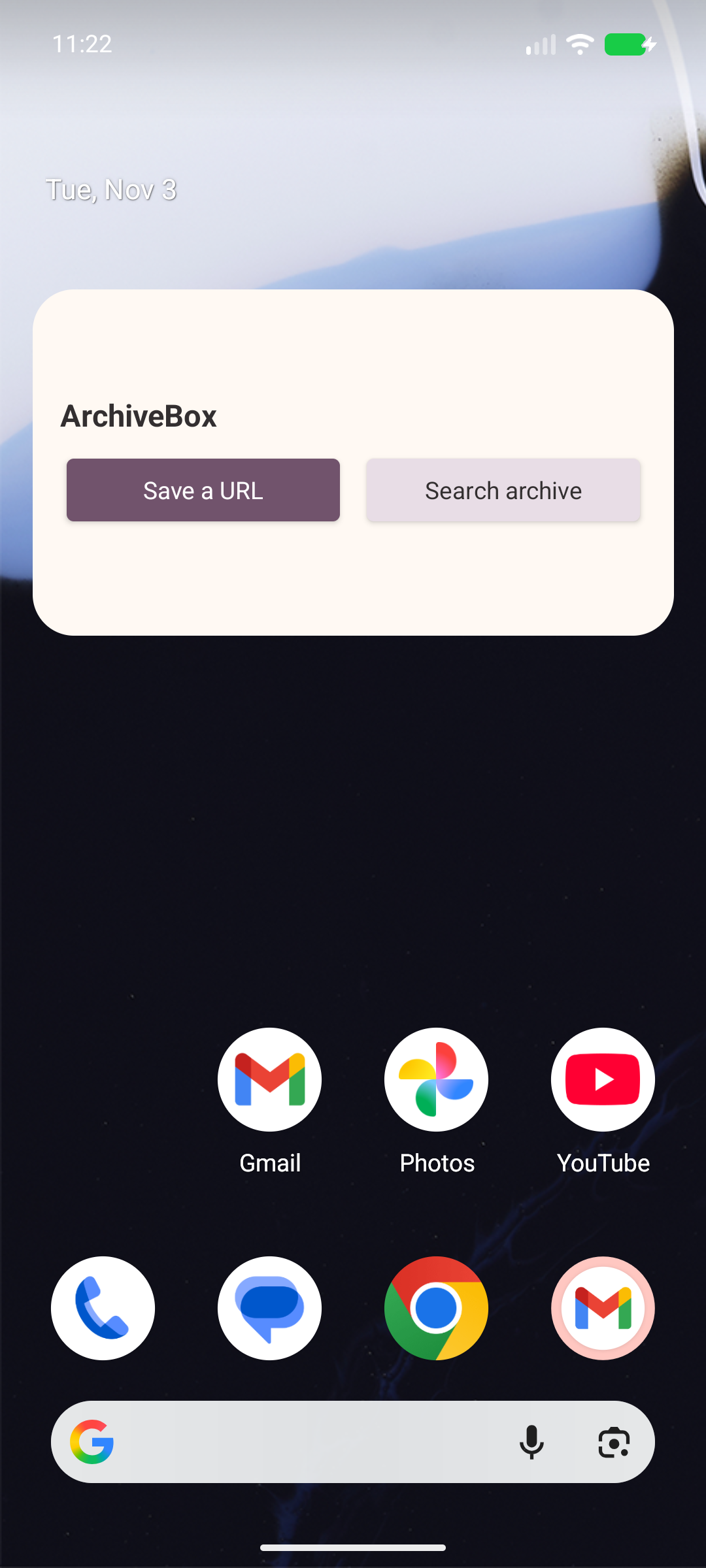
Save or search from a real installed Android home screen widget.
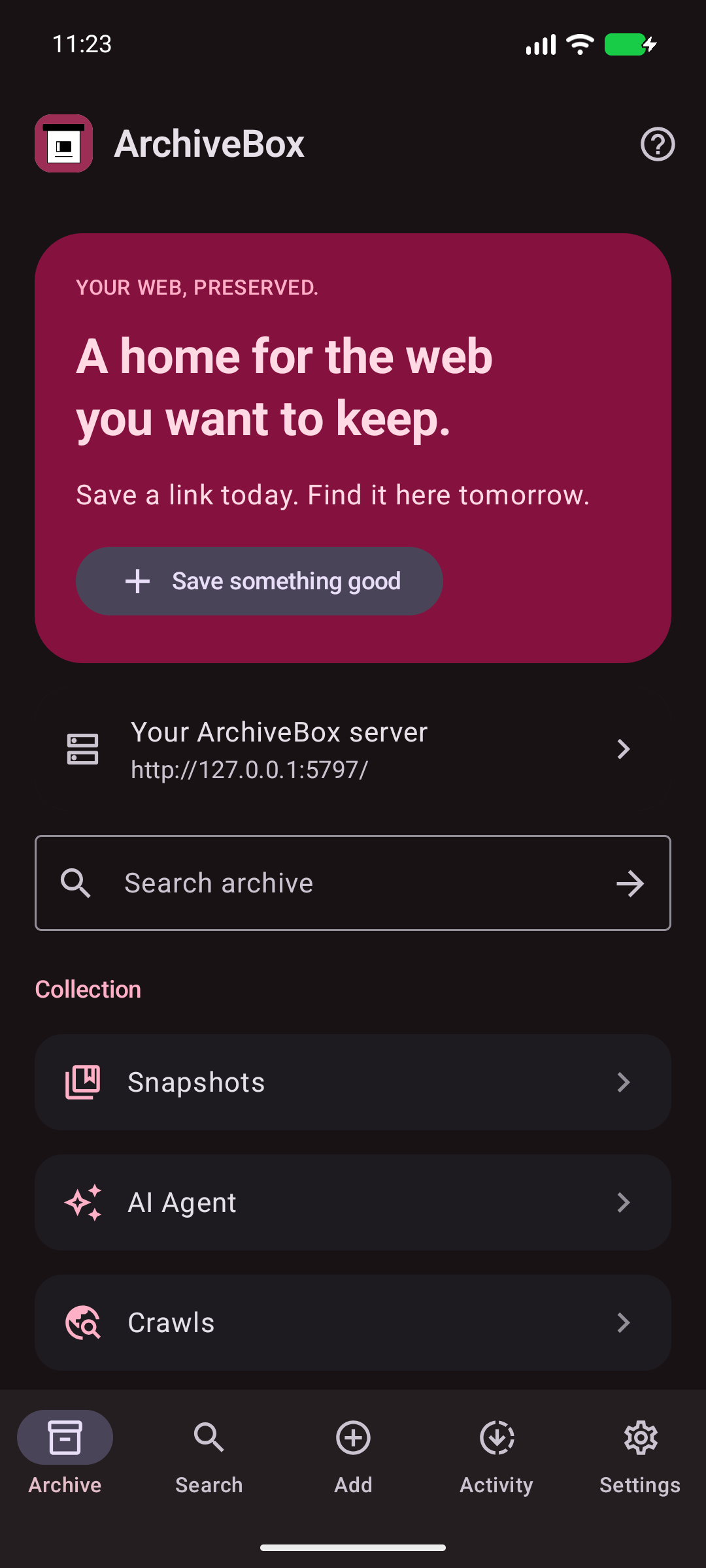
Use the real Android dark appearance across the native app.
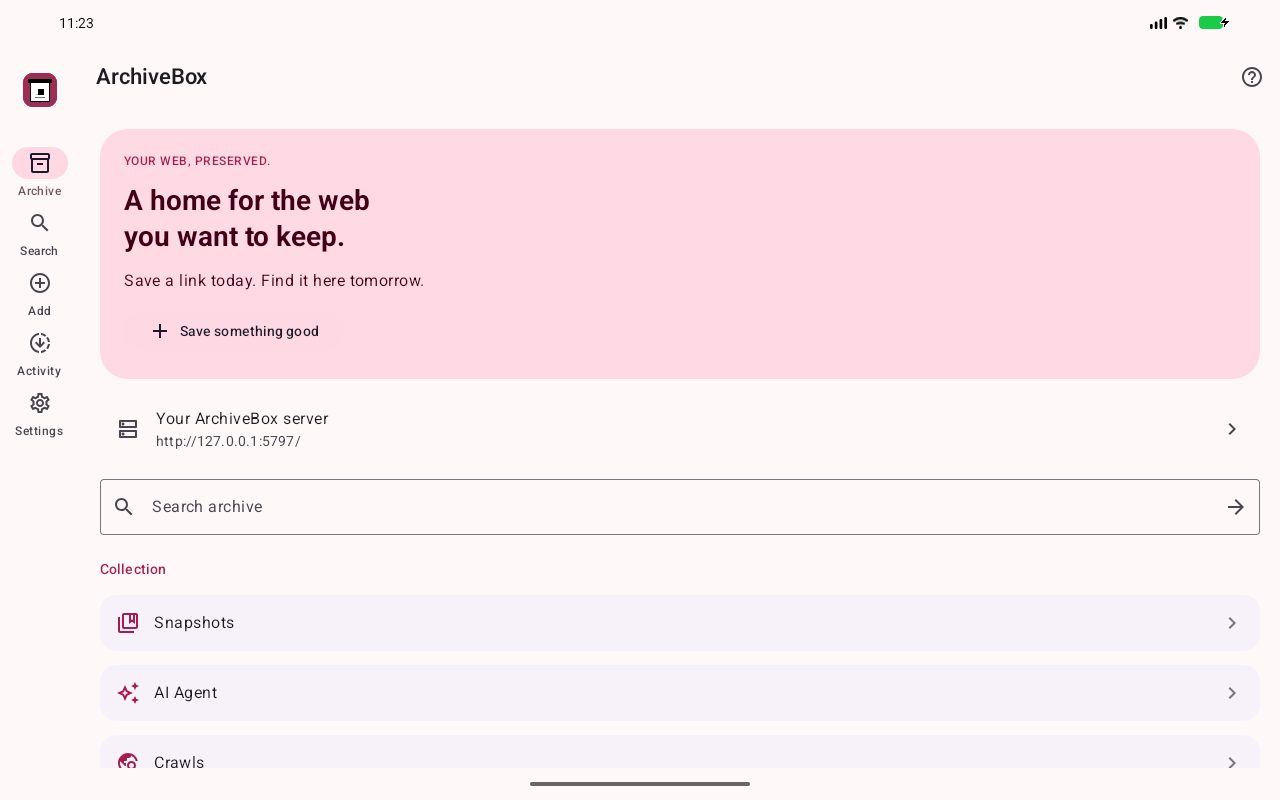
Use adaptive navigation on an actual tablet-size Android display.
See server activity and archiving progress.
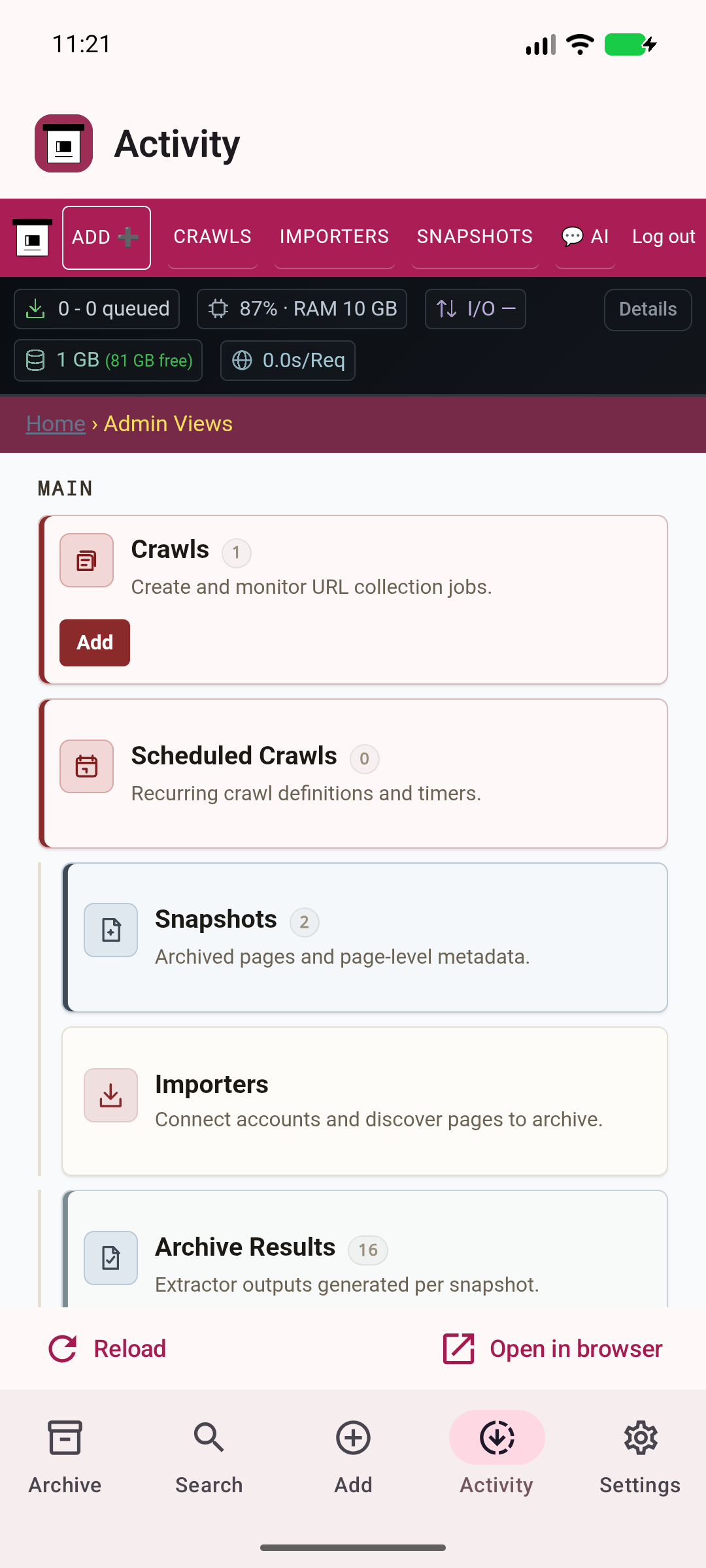
Use authenticated ArchiveBox administration inside the app.
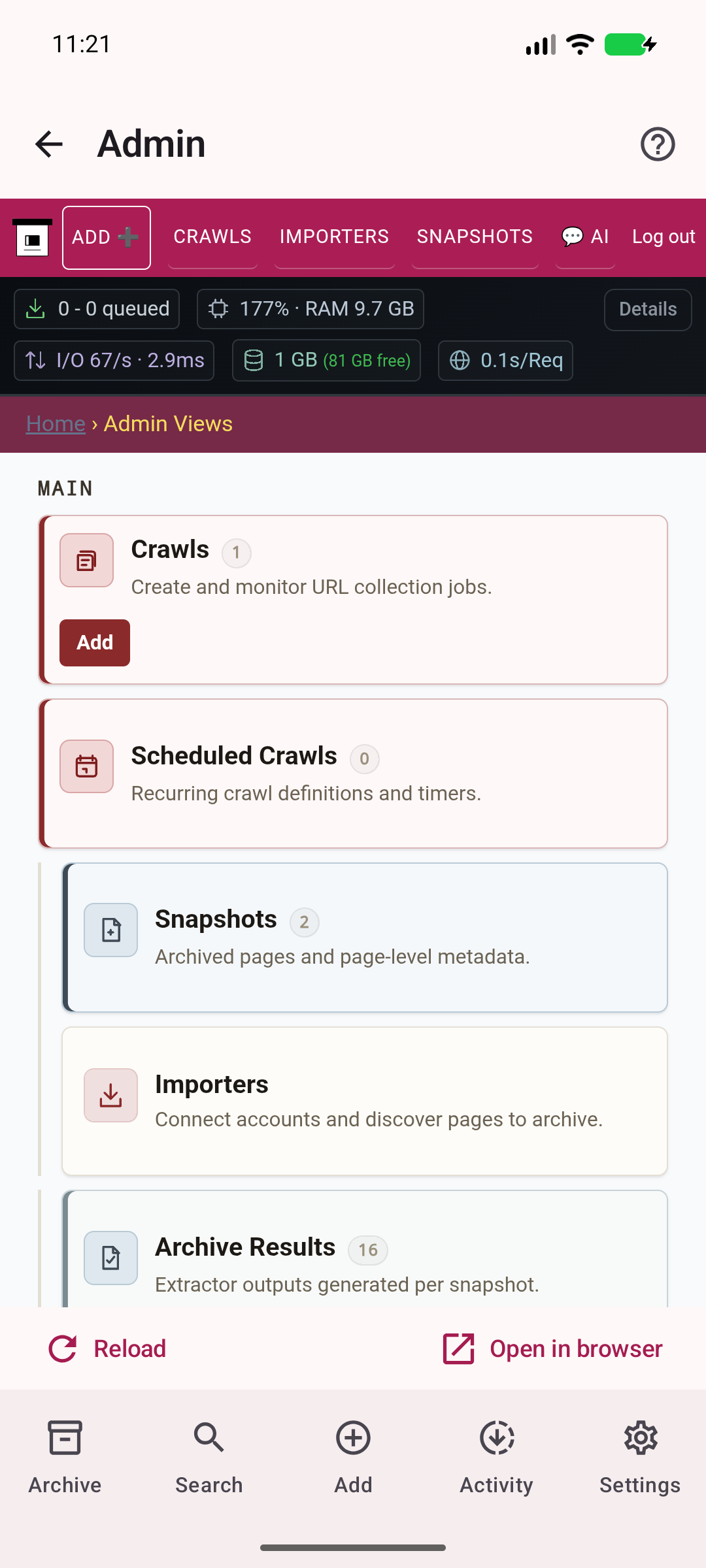
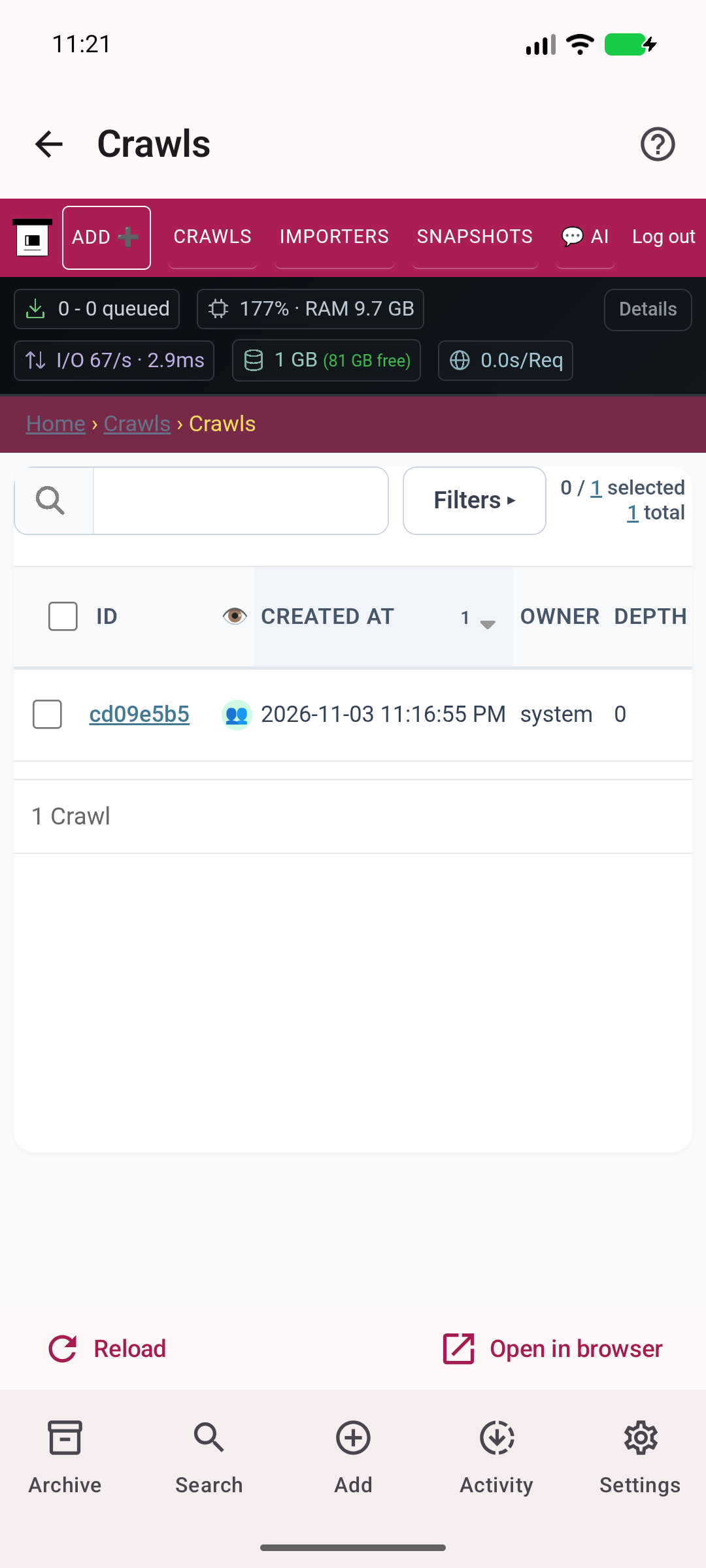
Inspect actual crawl history on your server.
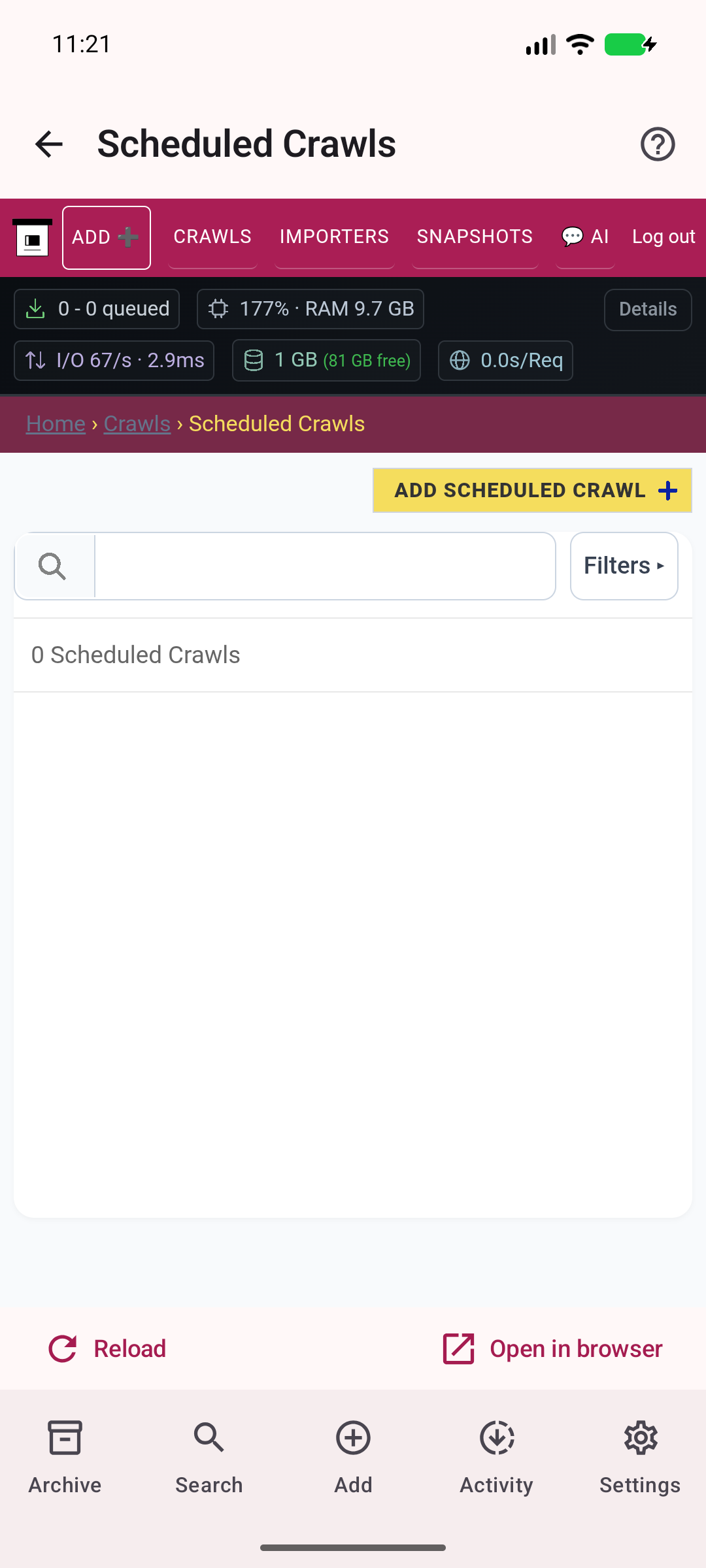
Manage recurring captures on the server.
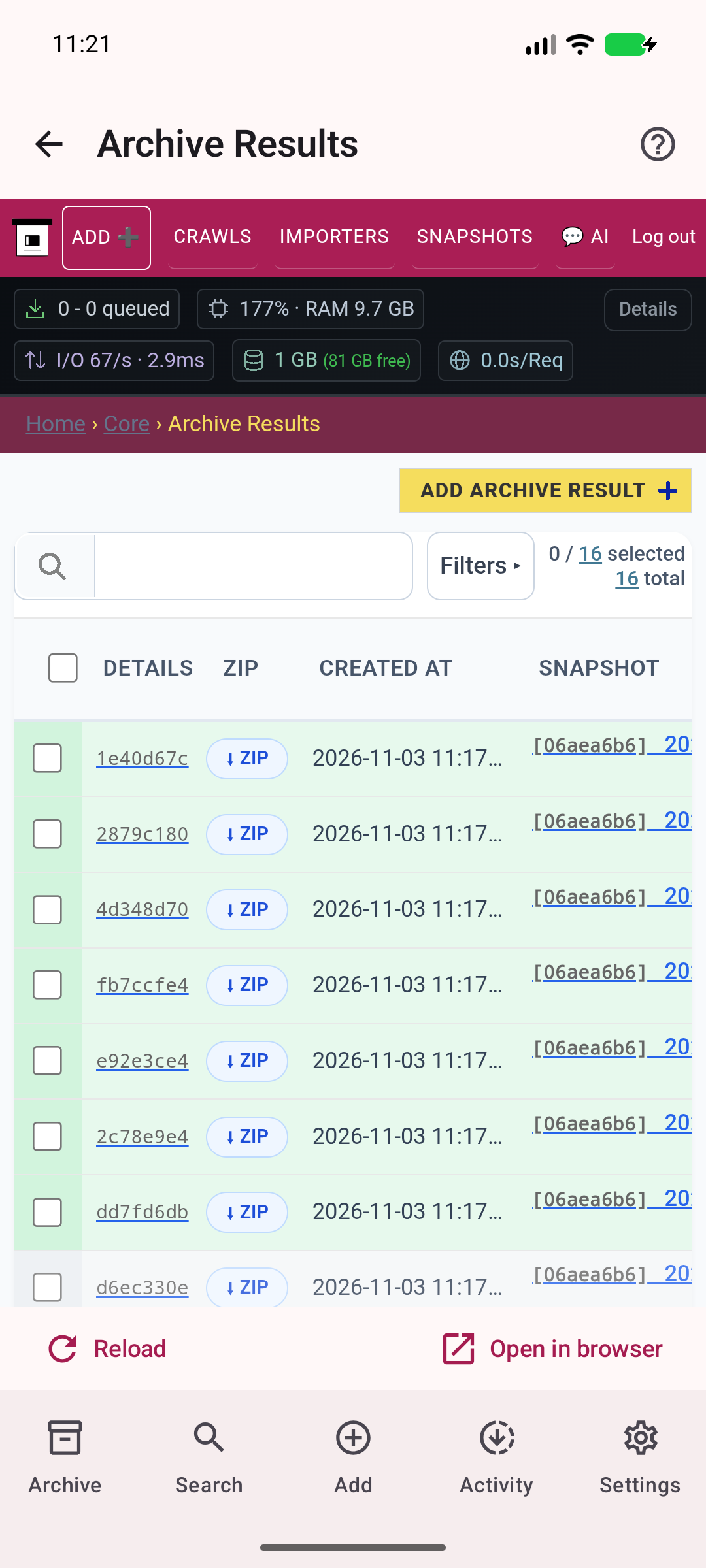
Inspect real archive results and saved output files.
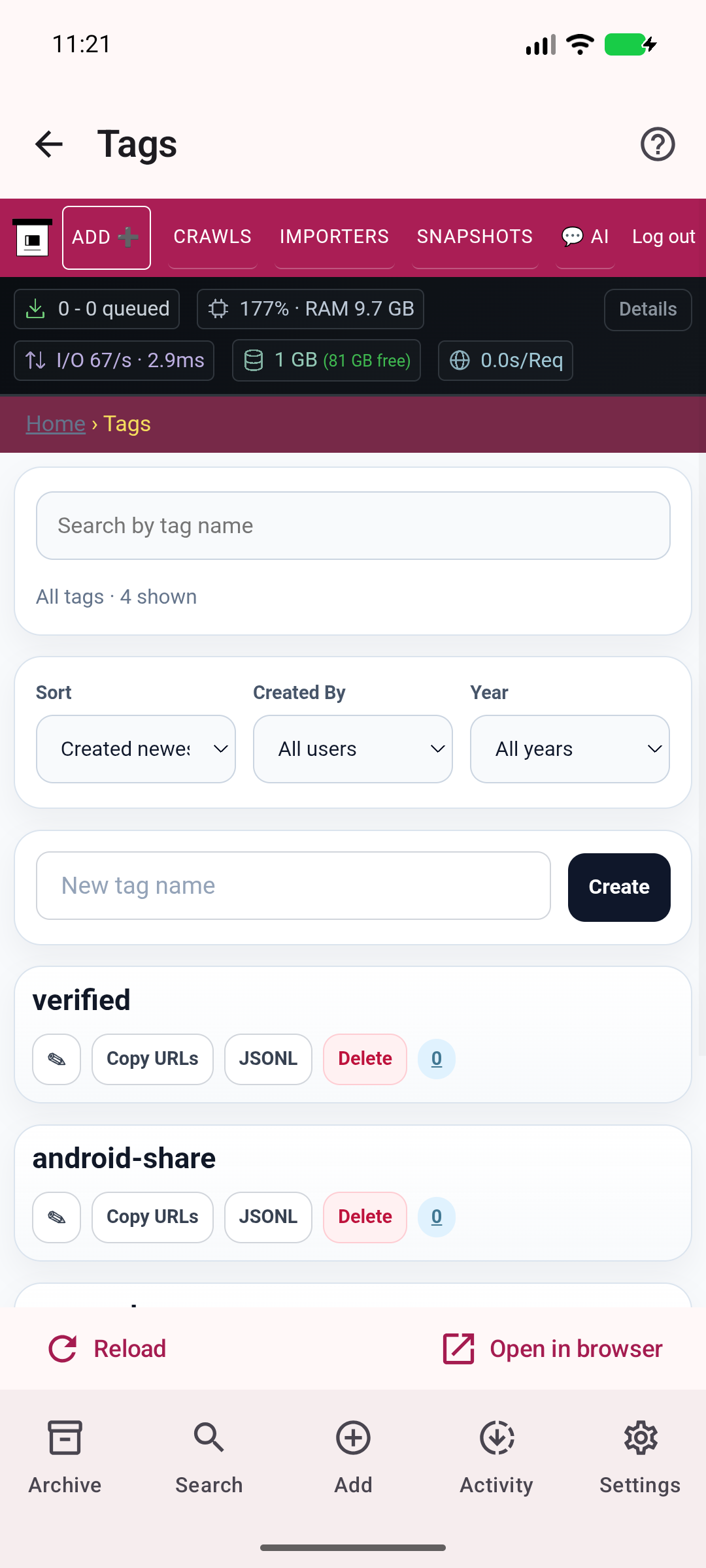
Manage the server collection tags.
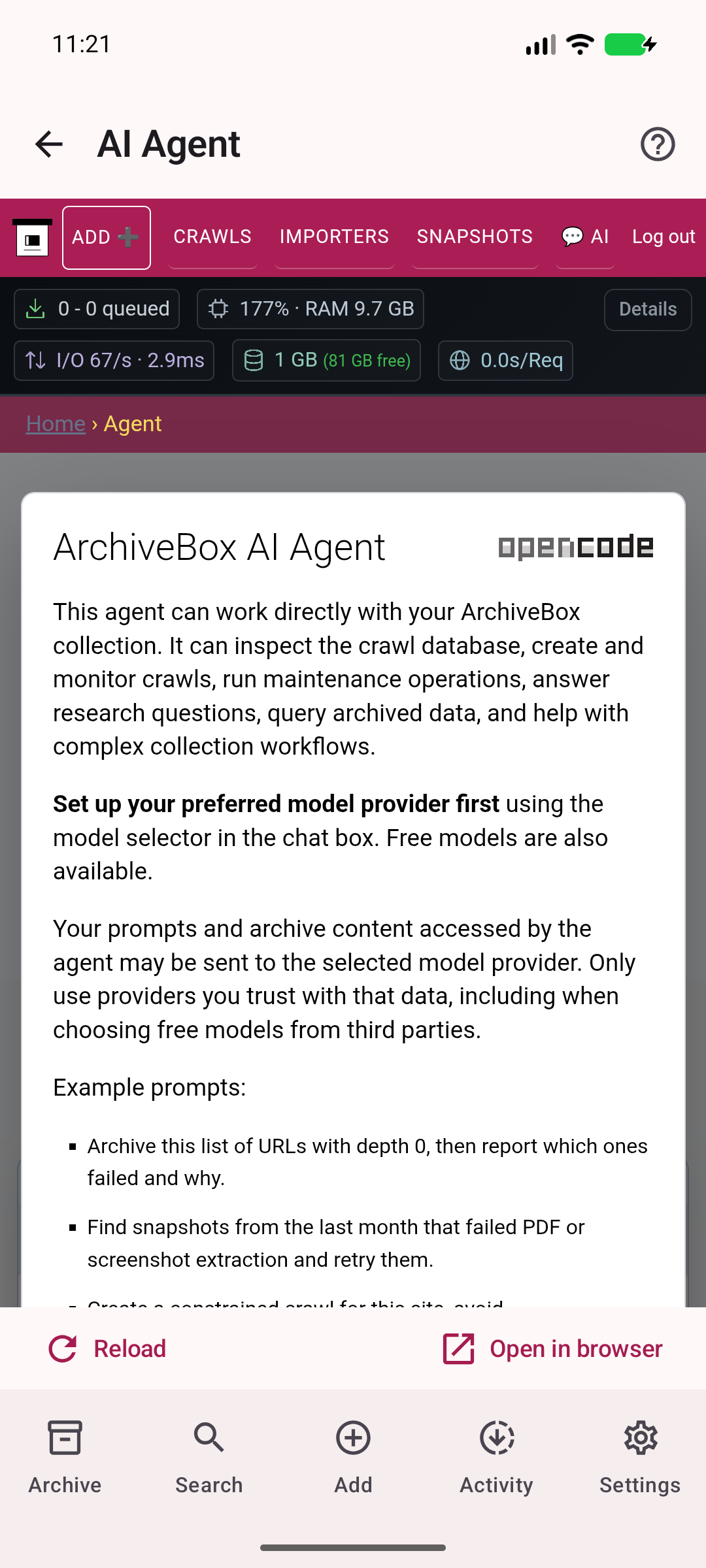
Access the server AI interface and its current availability.
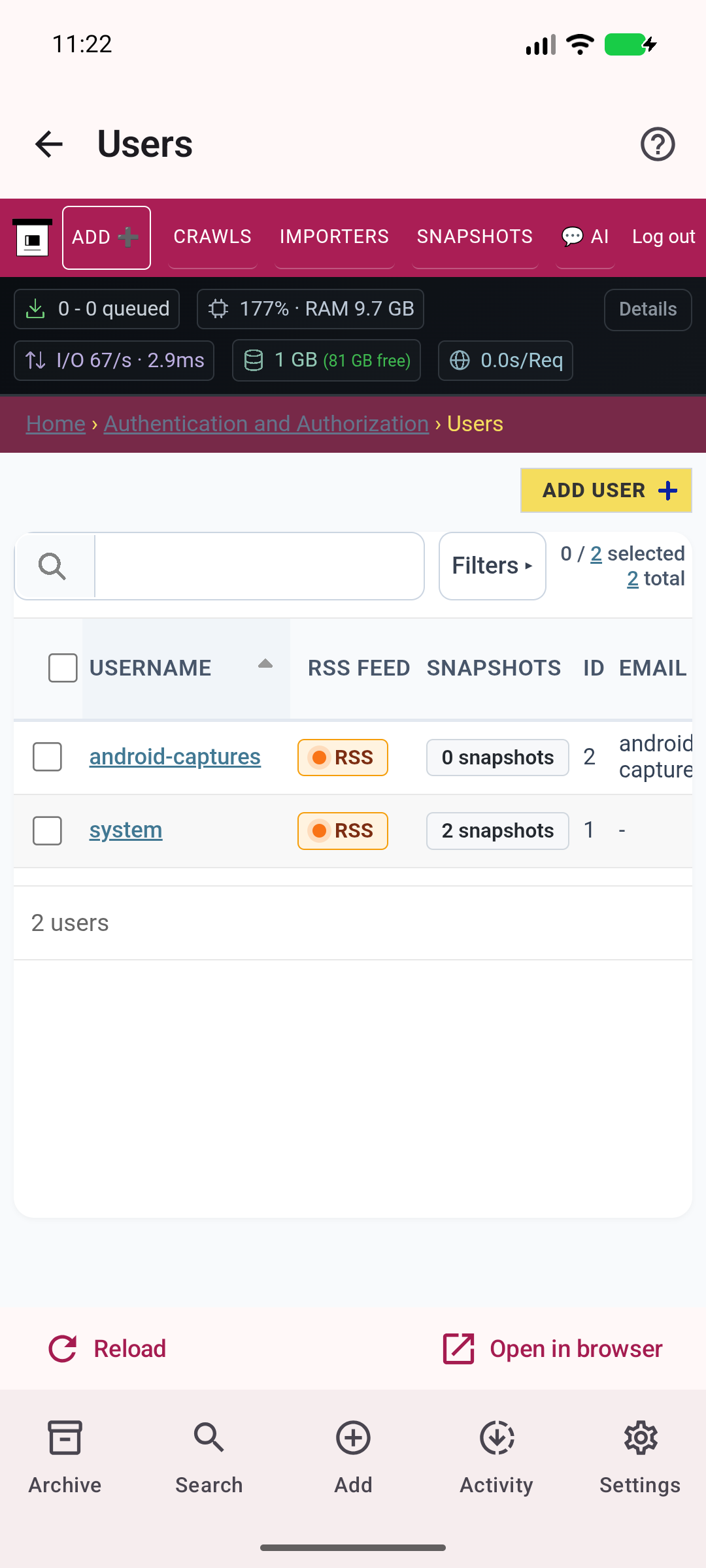
Manage accounts on your own server.
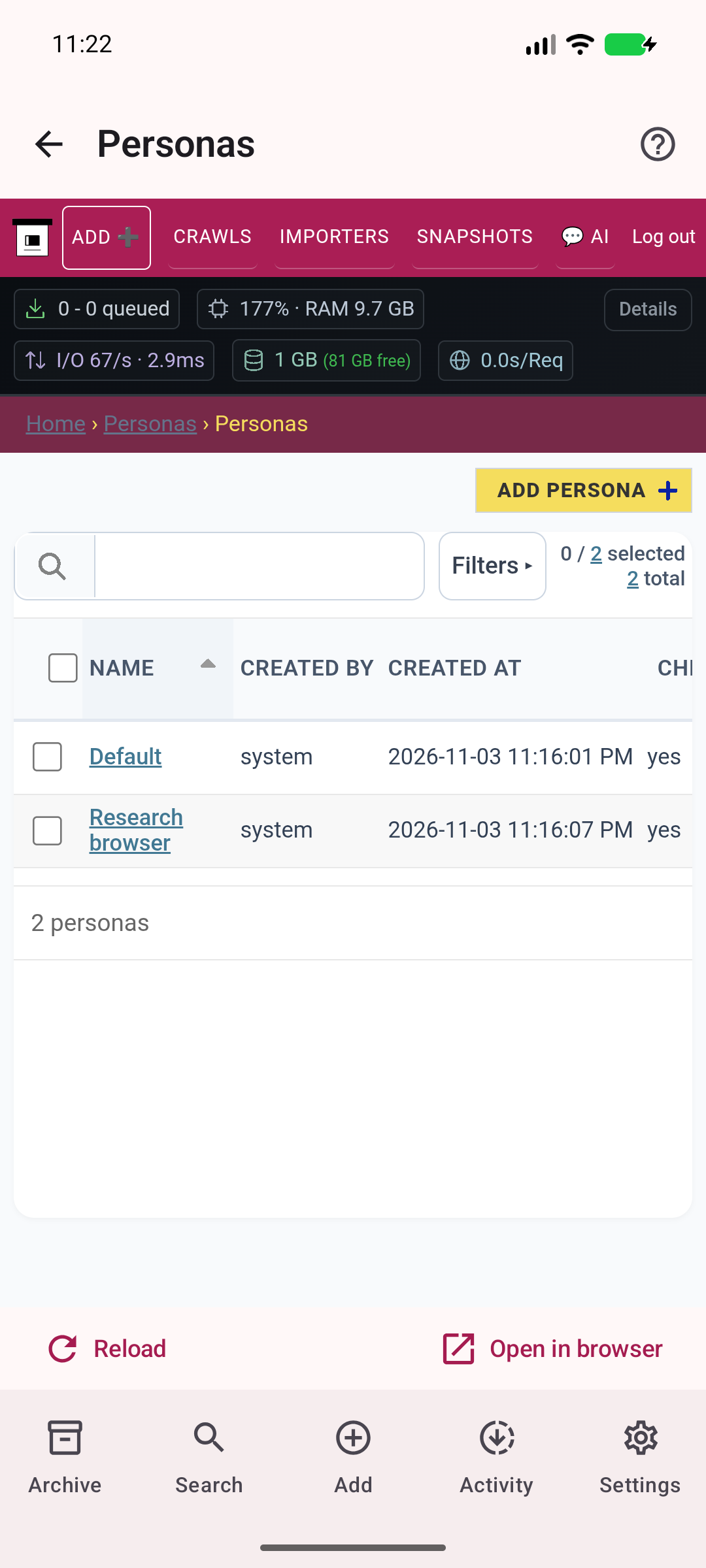
Manage server capture identities for logged-in websites.
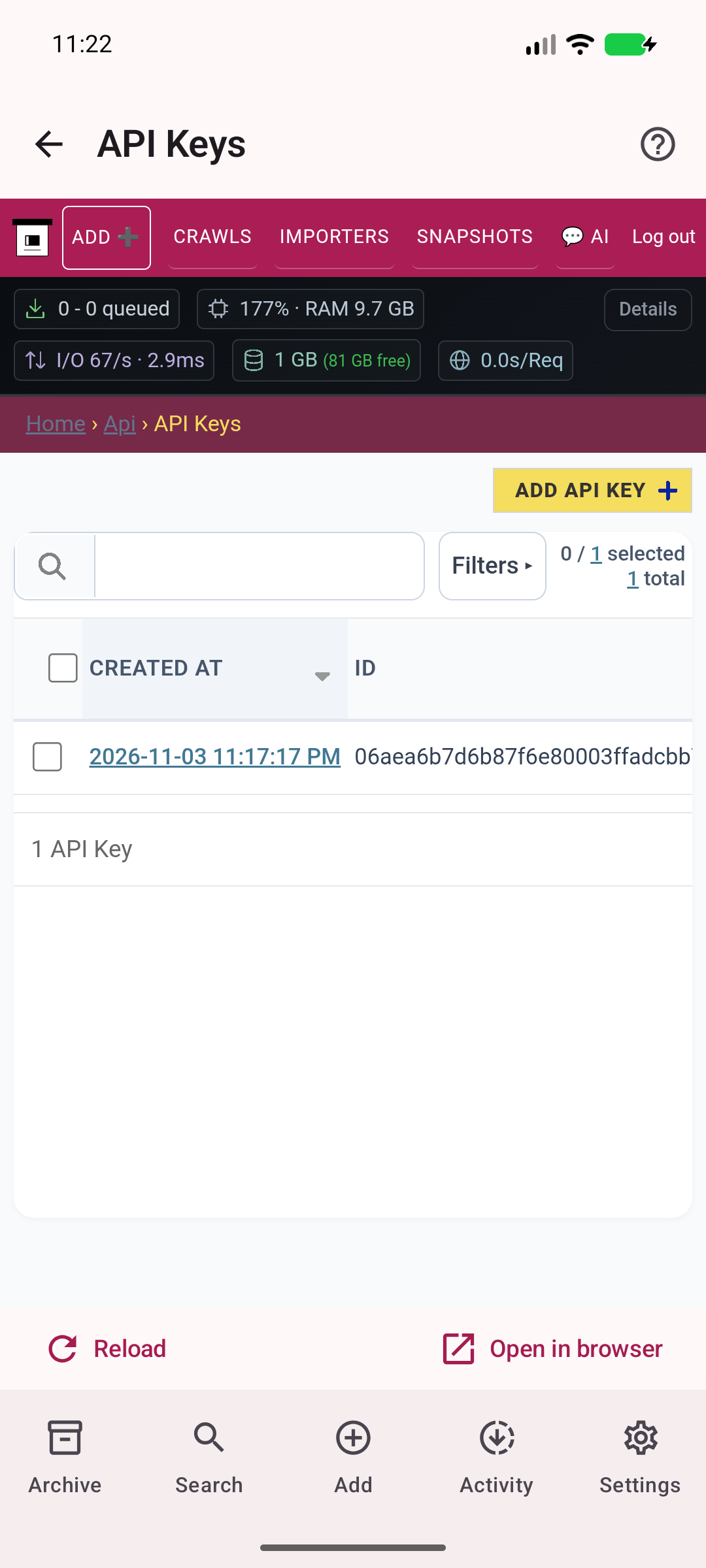
Review access keys in authenticated administration.
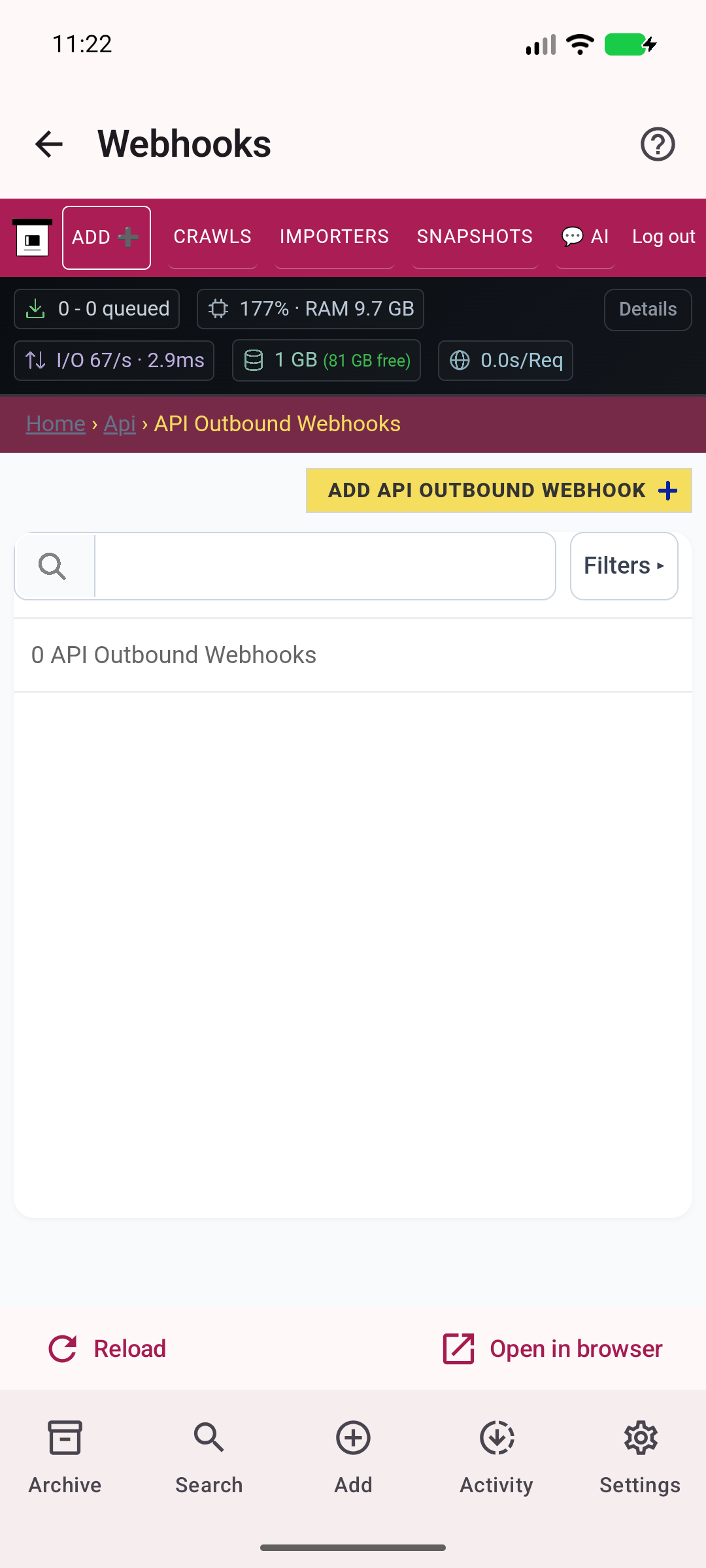
Configure outbound server notifications.
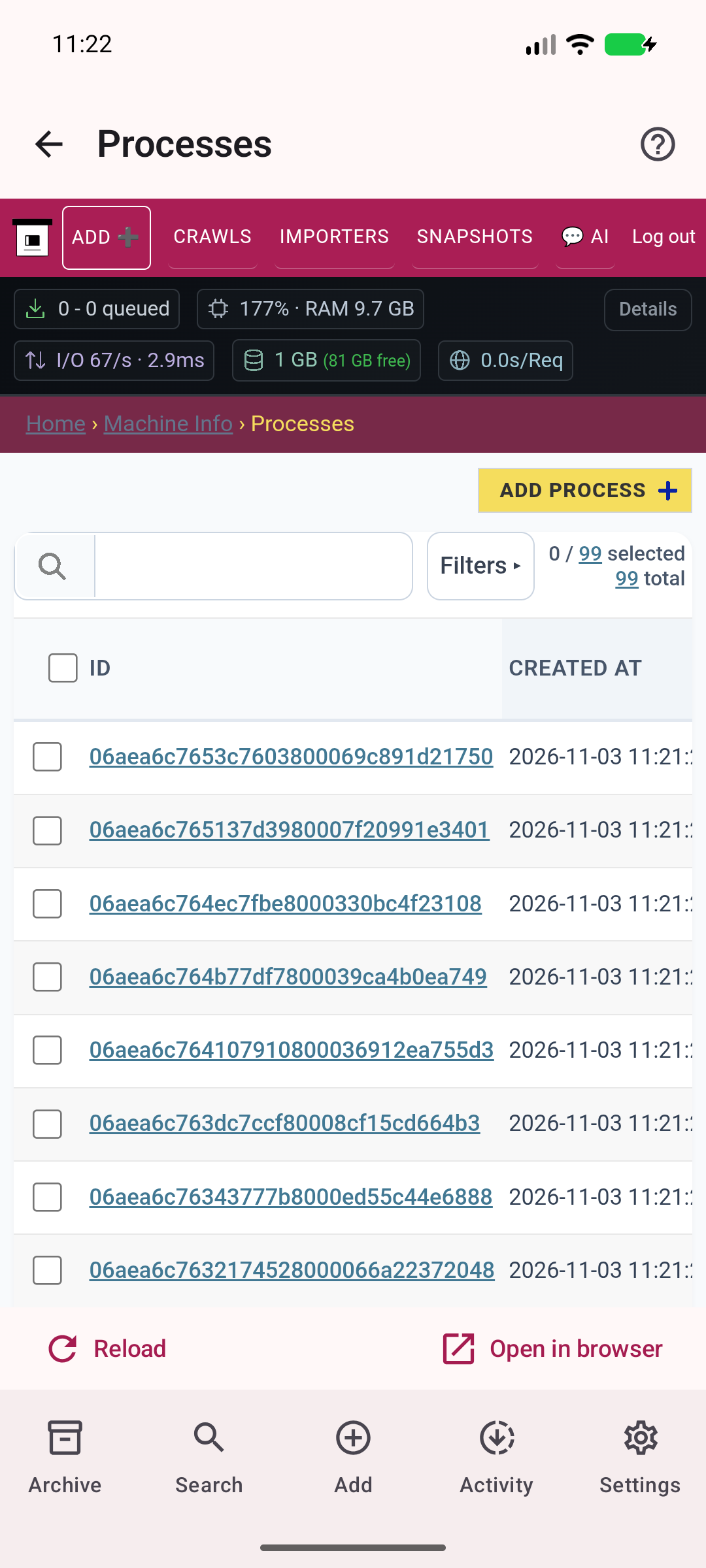
Inspect real server processes and their status.
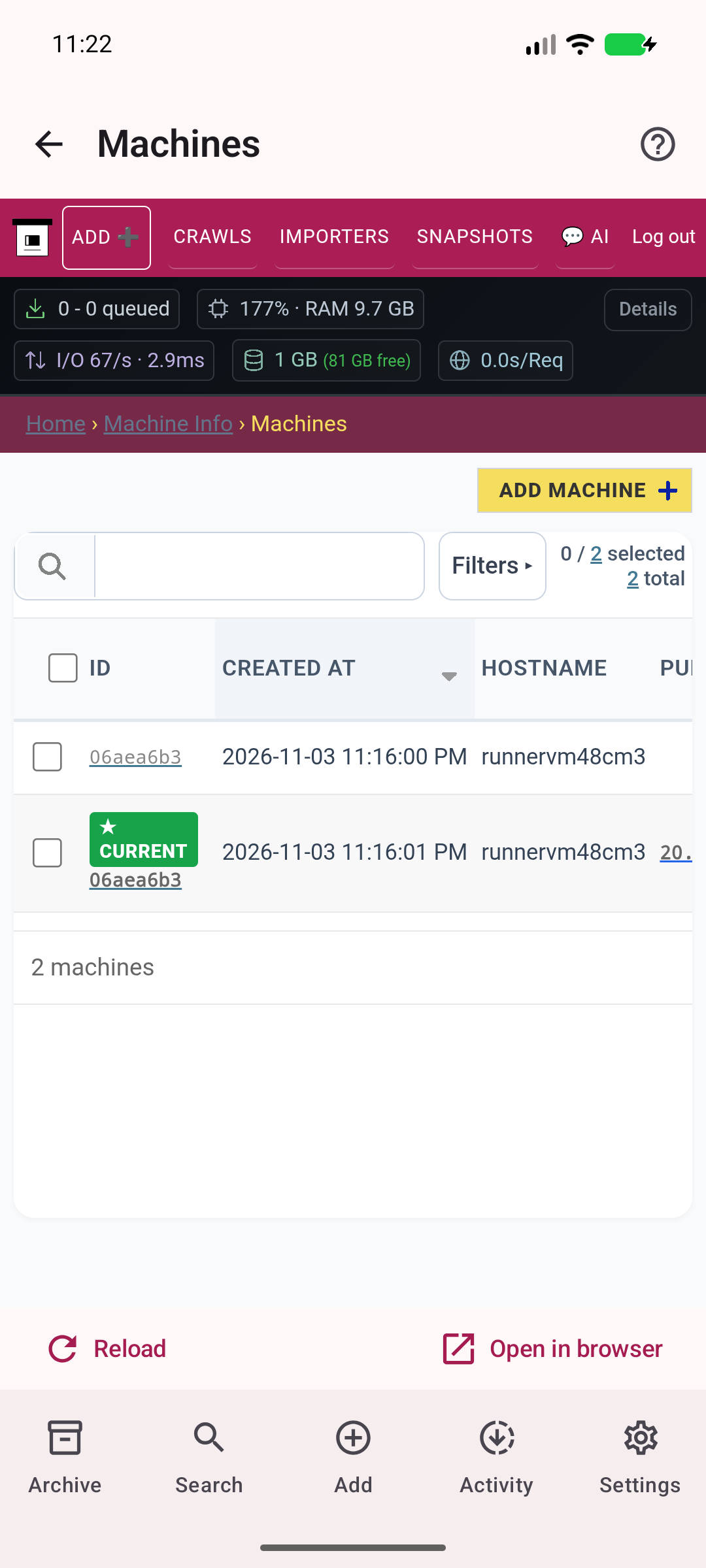
See machines registered with your ArchiveBox server.
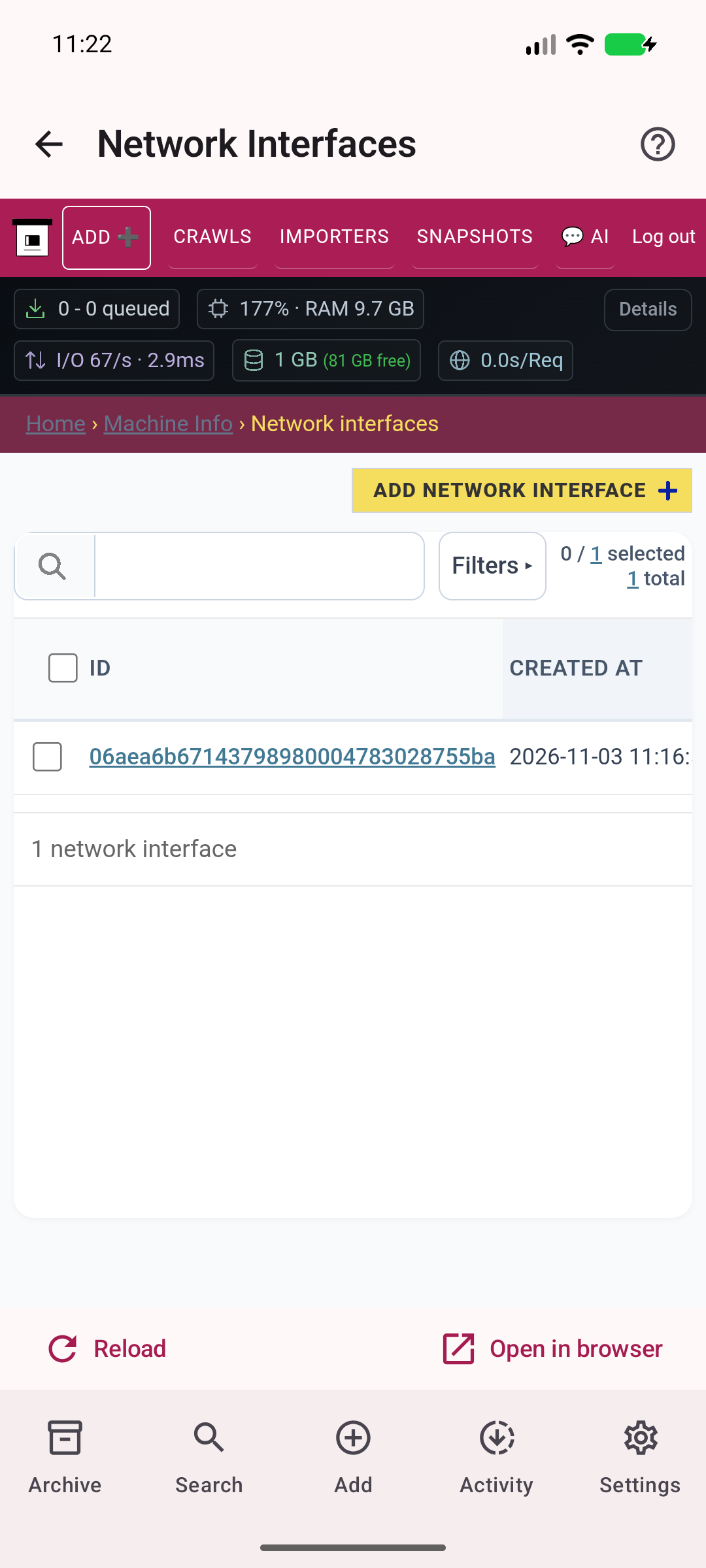
Inspect server networking.
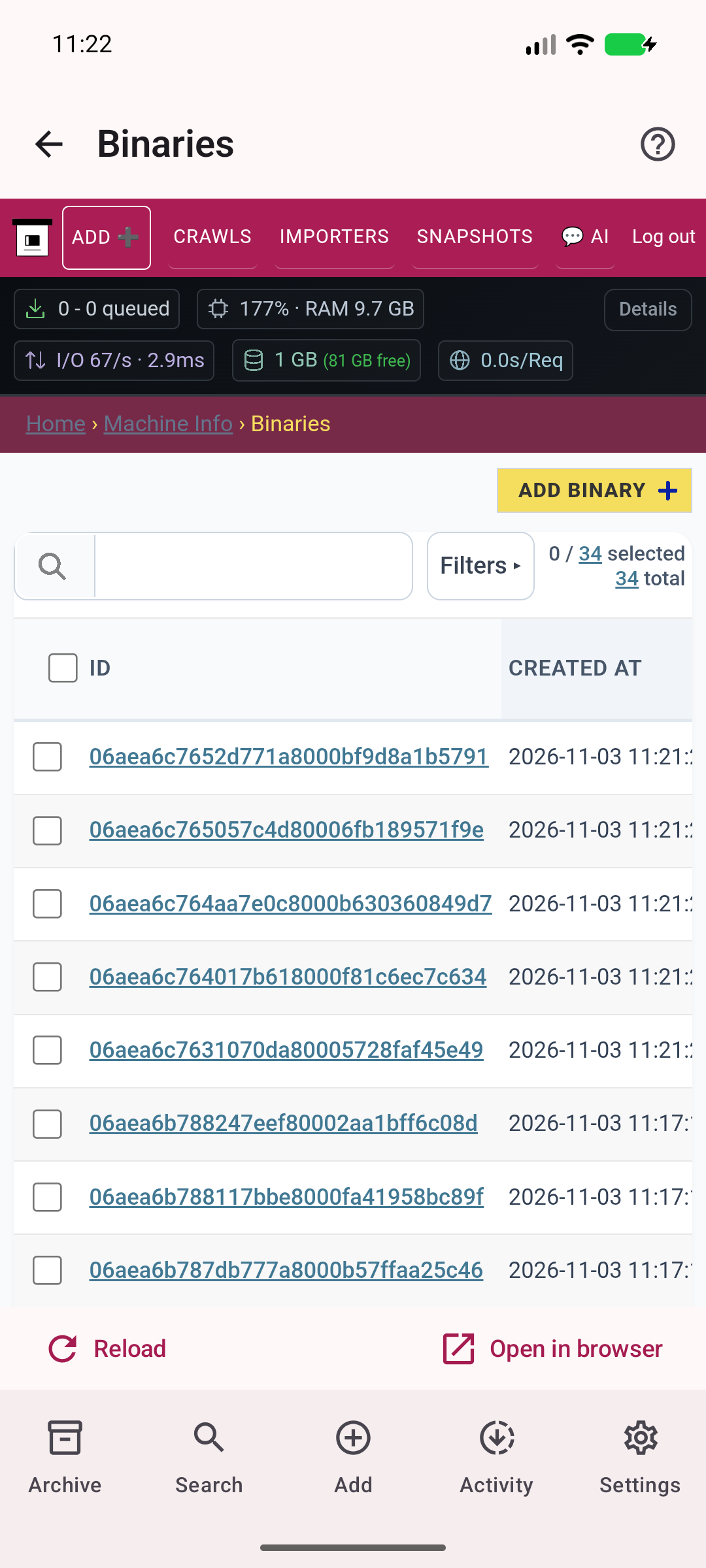
See real capture executables available to the server.
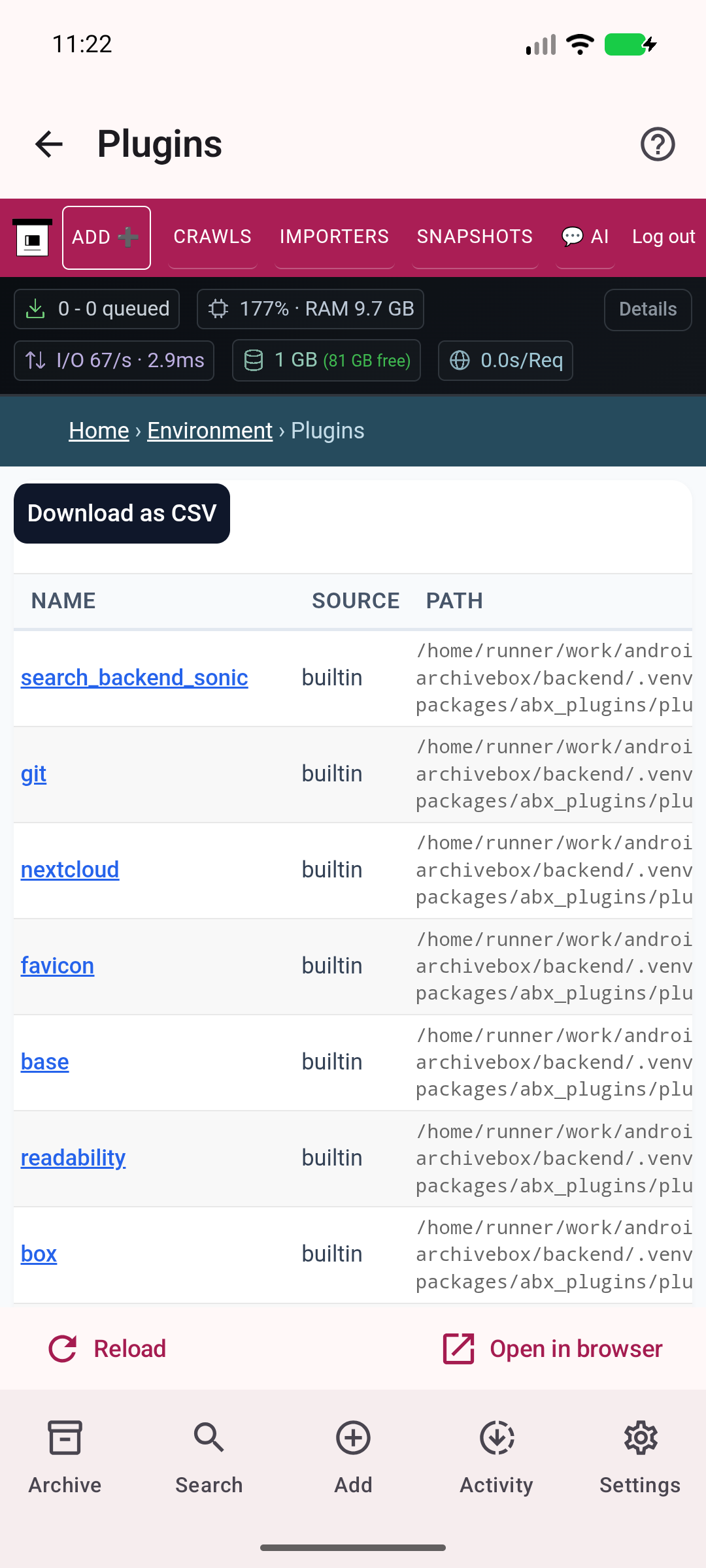
Inspect available archiving plugins.
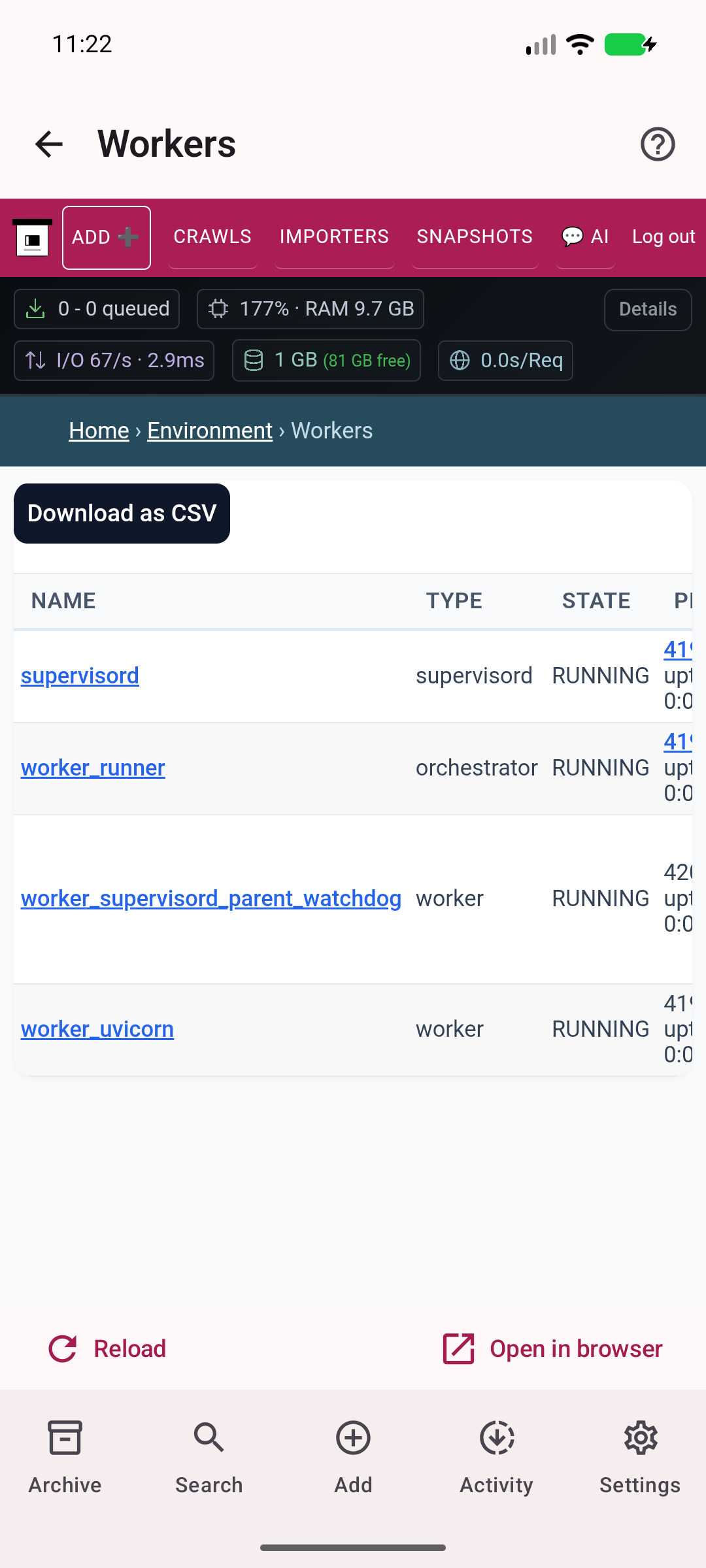
View current server workers.
Inspect actual server activity and diagnostics.
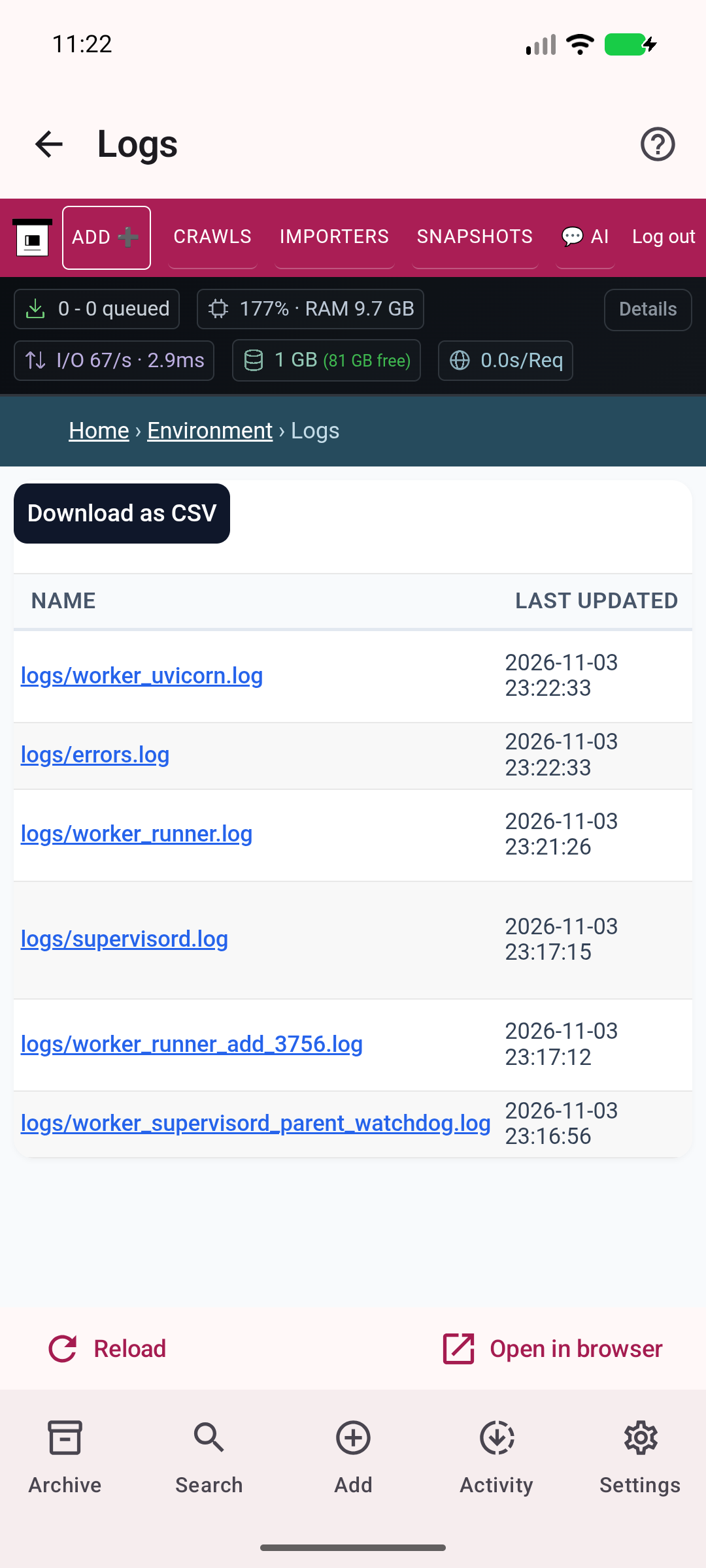
Manage your server and reopen the setup guide.
The gallery updates with each release, covering setup, saving, search, your home-screen widget, and every collection and administration page. See the capture manifest above for the app version and device shown.